


Standard Computer Desk Dimensions for IT, STEM, and Lab Classrooms
In today’s IT, STEM, and laboratory classrooms, equipping modern computers and technology is only a necessary condition. To help students learn effectively, safely, and maintain proper posture during long study sessions, standard computer desk dimensions play a critical role. A well-designed desk not only optimizes ergonomics, reduces back and neck strain, but also supports schools in organizing classrooms in a scientific, neat, and professional manner.
Why Computer Desk Dimensions Directly Affect Learning Quality
Computer desk dimensions are not only about placing equipment; they directly impact sitting posture, concentration levels, and students’ long-term health. When desks are designed to standard dimensions, learning spaces become more comfortable, organized, and supportive of knowledge acquisition. Conversely, poorly sized desks can cause fatigue, distraction, and negatively affect learning outcomes.
Sitting Posture Determines Long-Term Health
When computer desks are not properly sized, students often have to lean forward, reach awkwardly, or sit with uneven shoulders while using the keyboard and mouse. Over time, these habits can lead to neck pain, spinal curvature, and eye strain, directly affecting physical health and long-term learning ability.
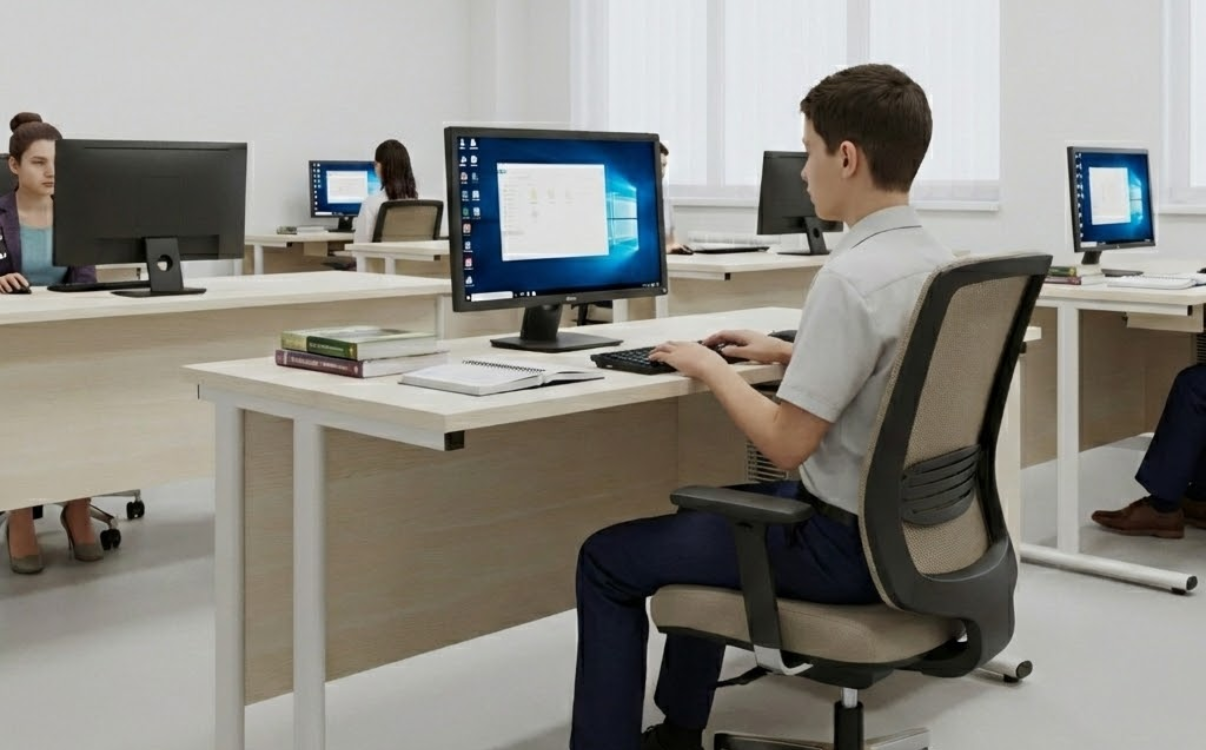
In contrast, desks with appropriate height and depth allow students to keep their backs straight, arms relaxed, and eyes at a safe distance from the screen. Proper posture not only reduces fatigue but also protects the spine and eyesight throughout extended IT study sessions.
Learning Space and Concentration
A desk surface that is too small, messy cables, or unstable desks that shake while typing can easily distract students. When the learning environment is unstable and cluttered, it becomes difficult for students to focus on lessons and computer tasks.
With standard desk dimensions, the learning space becomes tidy, stable, and less distracting. As a result, students can concentrate better, absorb knowledge more effectively, and develop technological skills efficiently.
Ergonomic Standards for Computer Desk Dimensions
Desk Height Suitable for Users
According to ergonomic principles, computer desk height should align with the user’s elbow level when sitting upright. For lower secondary, upper secondary students, and university students, a common height range of 700–750 mm is suitable to reduce shoulder and neck strain.
Desk Depth Ensuring Safe Viewing Distance
The desk surface should be sufficiently deep (approximately 600–700 mm) to maintain a viewing distance of 50–70 cm between the eyes and the screen. This is the ideal range to reduce eye fatigue and minimize the risk of long-term vision problems.
Desk Length for Each Study Position
In addition to height and depth, desk length significantly affects comfort and equipment arrangement. According to ergonomic standards, desk length should be wide enough to accommodate a monitor, keyboard, mouse, and still leave space for books or study materials.
For a single-student computer desk, the common length should range from 700–900 mm, providing each student with an independent workspace and minimizing interference during use.
For a two-student computer desk, the length typically ranges from 1200–1400 mm, ensuring each student has a clearly defined seating area and a reasonable distance between the two positions.
Choosing the appropriate desk length not only helps students sit and study comfortably but also supports teachers in efficiently arranging ICT rooms, STEM classrooms, and science labs—maintaining clear walkways and ensuring safety during movement.
Standard Computer Desk Dimensions by Education Level
Each education level has different physical characteristics and computer usage needs, so desk dimensions should be adjusted accordingly. Choosing the right size helps students sit comfortably, maintain proper posture, and learn IT effectively at each developmental stage.
Computer Desks for Lower Secondary Students
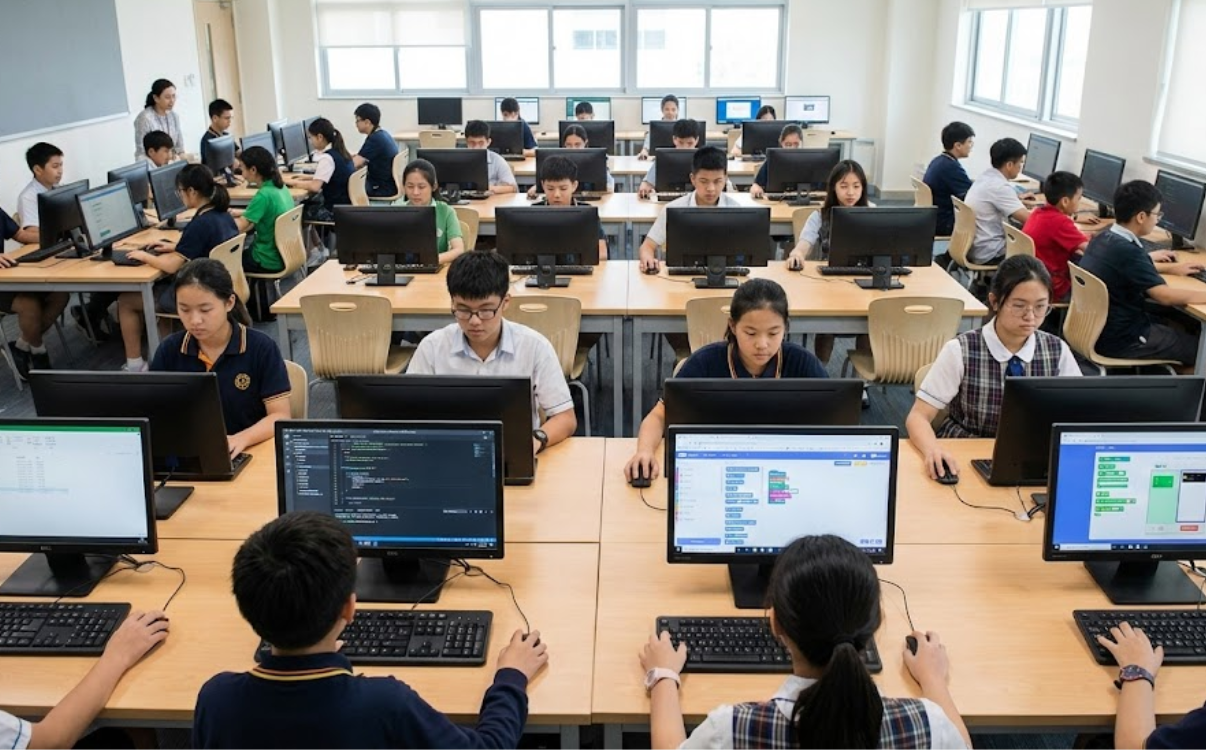
At the lower secondary level, students begin using computers frequently for IT classes, online learning, and group activities. Desks should be moderately sized to match students’ developing physiques, helping maintain proper posture and reduce back and neck strain.
Recommended dimensions for THCS desks:
- Height: 700–720 mm
- Depth: 600–650 mm
- Length: Single desk: 700–900 mm; Double desk (2 students): 1200–1400 mm
The Java computer lab desk supplied by RPB Education & Public is a suitable solution for this level, featuring stable design, standard dimensions, and efficient classroom layout.
View product details: Java Computer Lab Desk
Computer Desks for Upper Secondary Students
At the upper secondary level, students use computers intensively for research, presentations, and project-based learning. Therefore, desks should be spacious, sturdy, and suitable for long-term use. Domain school desks are an ideal solution for High School environments due to their durable design and standard dimensions.
With Domain desks, students have ample space for monitors, books, and learning devices while maintaining comfortable posture. Wide surfaces and stable structures help reduce back and neck fatigue and support better concentration during IT and technology-based lessons.
Recommended dimensions for High School desks:
- Height: 720–750 mm
- Depth: 650–700 mm
- Length: Single desk: 800–1000 mm; Double desk: 1400–1600 mm
These dimensions ensure a safe viewing distance and sufficient space for equipment and study materials without feeling cramped.
View product details: Domain School Desk

Computer Desks for University Students
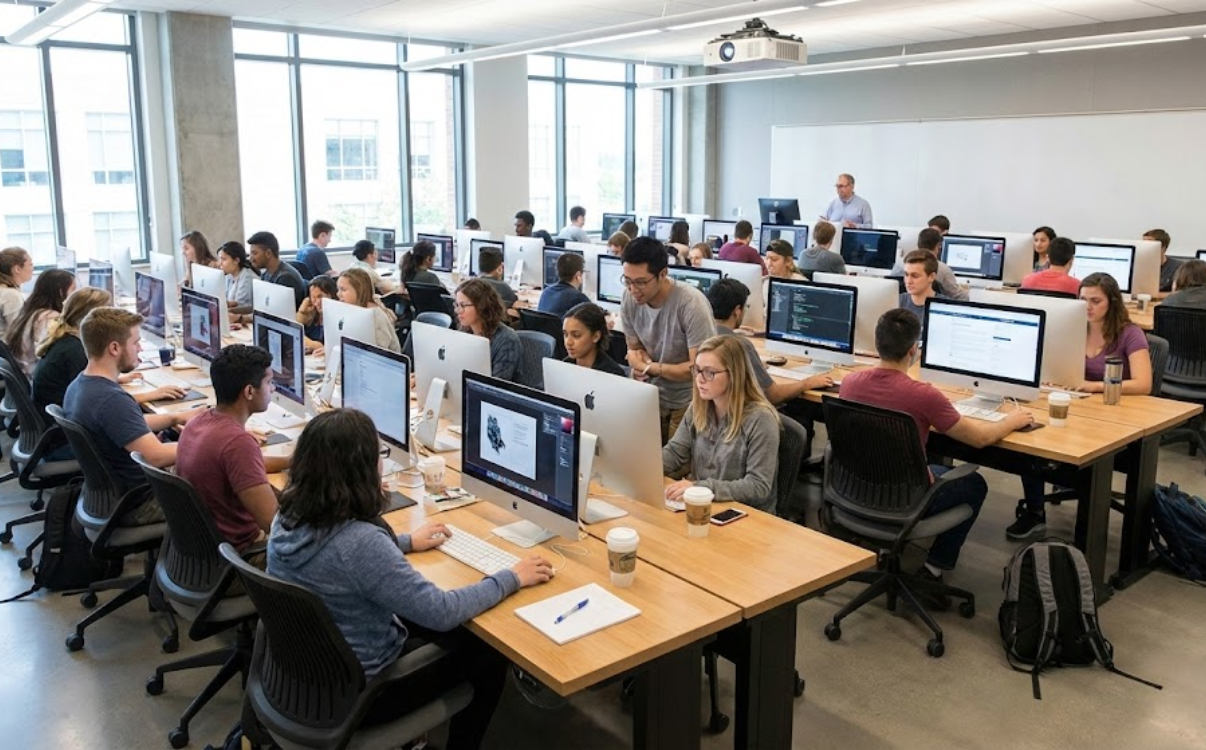
University students use computers for various purposes such as group work, research, programming, and graphic design. Therefore, desks must be spacious, stable, and suitable for extended use. Domain school desks (New Version) by RPB Education & Public are designed to meet advanced academic needs in universities and colleges.
With wide surfaces, standard height, and stable construction, Domain desks allow students to organize monitors, keyboards, documents, and learning tools neatly. This spacious setup supports proper posture, reduces fatigue, and helps maintain concentration during long study or work sessions.
Recommended dimensions for university desks:
- Height: 730–750 mm
- Depth: 700–750 mm
- Length: Single desk: 1000–1200 mm; Double desk (2 students): 1600–1800 mm
These dimensions provide sufficient space for large monitors, laptops, books, and accessories while ensuring ergonomic posture and safe viewing distance.
Desk Arrangement and Walkways in Classrooms
Distance Between Desk Rows
The spacing between rows of computer desks is crucial for safety and comfort. Walkways of 800–1000 mm help prevent collisions with desks, cables, and equipment, especially during class transitions. Spacious layouts also allow teachers to move easily and assist students with technical support. Well-organized classrooms appear more professional and reduce feelings of congestion and stress.
Optimizing Teacher Visibility
When desks are arranged scientifically, teachers can easily observe the entire classroom without obstructed views. Clear visibility of student screens helps teachers detect errors, technical issues, or lack of focus early, supporting effective classroom management and maintaining discipline.
Computer Desk Dimensions and Electrical Safety
In IT classrooms, electrical safety is critical due to frequent interaction with computers, power cords, and electronic devices. Proper desk dimensions help organize equipment, cables, and CPUs more effectively, reducing the risk of accidents.
Space for CPU and Power Outlets
Computer desks should include dedicated space or holders for CPUs to avoid placing them on the floor, where they are exposed to moisture, dust, and impacts. Proper CPU placement allows cables to be organized neatly, reducing clutter and minimizing electrical hazards.
Reducing Accident Risks
Cable management systems integrated into desk frames or technical channels minimize tripping hazards and accidental equipment damage. Clear walkways without exposed cables create a safer learning environment for both students and teachers.
Computer Desk Dimensions for STEM and Lab Rooms
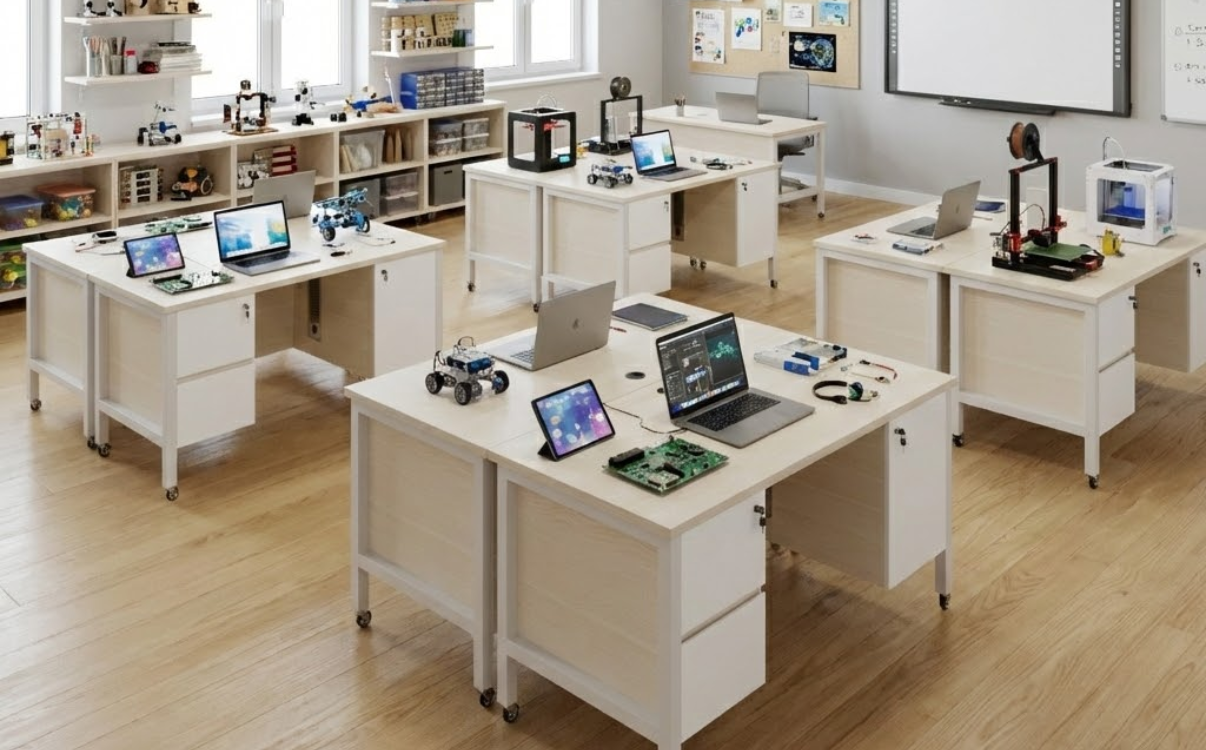
STEM classrooms and laboratories are specialized learning spaces where students not only use computers but also work with a wide range of equipment, components, and experimental tools. Therefore, computer desks in these rooms need to be designed with larger dimensions than those in standard ICT classrooms to ensure sufficient working space, equipment safety, and convenience for project-based learning.
Meeting diverse equipment requirements
STEM classrooms often require additional setups such as large monitors, microcontrollers, electronic components, and other hands-on practice devices. As a result, computer desks should feature wider and deeper desktops than standard sizes, providing students with enough space to place equipment without feeling cramped. When all items are neatly arranged on a sufficiently large tabletop, students can work more comfortably, reduce the risk of equipment collisions, and improve the effectiveness of practical learning—while also ensuring safety during movement within the classroom.
Supporting teamwork
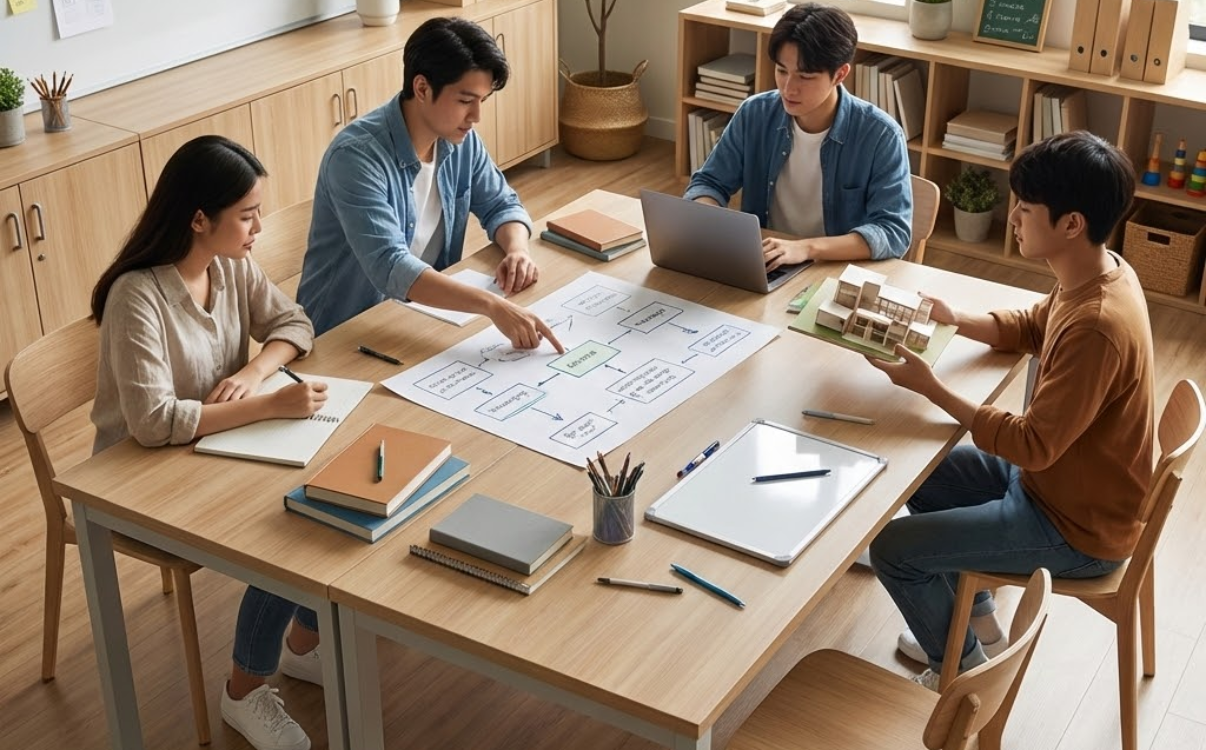
Activities in STEM classrooms and laboratories are often conducted in groups, requiring students to communicate, discuss, and collaborate on projects. Larger computer desks allow multiple students to sit around a shared workspace, making it easier to share screens, documents, and equipment. A more spacious working area facilitates effective collaboration, encourages creative thinking, and helps develop teamwork skills in a modern learning environment.
Comparing Traditional and Modern Computer Desks
As education and technology continue to evolve, computer desks have also been gradually improved to better meet the demands of modern learning. While traditional desk models mainly served the basic function of holding equipment, modern computer desks are optimized in terms of size, ergonomics, and safety. This difference has a direct impact on learning experience, comfort, and overall usability in ICT classrooms.
Limitations of traditional computer desks
Older computer desks often lack dedicated space for CPUs, forcing equipment to be placed on the floor or in unsafe positions. Electrical cables are easily tangled and exposed, reducing aesthetics and posing potential risks such as tripping or electrical short circuits. In addition, these desks are typically not designed according to ergonomic standards, causing students to adopt incorrect sitting postures, which can quickly lead to back and neck fatigue during prolonged computer use.
Advantages of modern computer desks
Modern computer desks are designed with optimized dimensions that suit students’ physical characteristics and the practical use of technological equipment. Many models integrate cable management holes, CPU holders, and sturdy structures, helping classrooms remain neat, organized, and safer. As a result, students can learn more comfortably, teachers can manage classrooms more effectively, and ICT learning spaces become more professional and modern.
Common mistakes when choosing computer desk dimensions
Selecting incorrect computer desk dimensions is a common issue in many ICT classrooms today. When desks do not match students’ physical needs or equipment requirements, students may experience problems related to posture, comfort, and learning efficiency. Although these mistakes may seem minor, they can have long-term effects on students’ health and overall learning experience.
Choosing desks that are too high or too low
When the height of a computer desk is inappropriate, students are forced to hunch over or raise their shoulders while using the keyboard and mouse. Prolonged poor posture can lead to back pain, neck strain, and spinal issues. Constantly adjusting sitting positions also distracts students during ICT lessons, reducing their ability to concentrate and absorb knowledge effectively.
Choosing desks that are too small
A desktop that is too narrow does not provide enough space for monitors, keyboards, mice, and learning materials, making the workspace cramped and uncomfortable. Students struggle to operate within a limited area, increasing the risk of dropping items or damaging equipment. Insufficient desk size can negatively affect both comfort and learning quality throughout the lesson.
Investing in the right computer desk dimensions from the beginning
Choosing the correct computer desk dimensions at the initial stage of designing an ICT classroom not only helps optimize costs but also delivers long-term benefits for schools. Properly sized desks that suit students’ physical needs and equipment usage significantly reduce the risk of damage, repairs, and replacements. This allows schools to save on operational budgets and maintain a stable learning environment for many years.
Beyond cost efficiency, appropriate computer desk dimensions also enhance students’ ICT learning experience. Comfortable seating posture, spacious work surfaces, and well-organized layouts help students stay focused, learn more safely, and absorb knowledge more effectively. A well-invested learning environment creates a solid foundation for developing technological skills in the digital age.
RPB Education & Public is proud to be a comprehensive furniture solution provider for schools and public spaces, including classrooms, computer rooms, STEM labs, libraries, auditoriums, and common areas. RPB Education & Public’s solutions emphasize consistency, durability, safety, and compliance with modern educational standards supporting schools in building professional and efficient learning environments. Contact RPB Education & Public via Hotline 1900 0324 for consultation on interior solutions tailored to your school or public project.
Related News
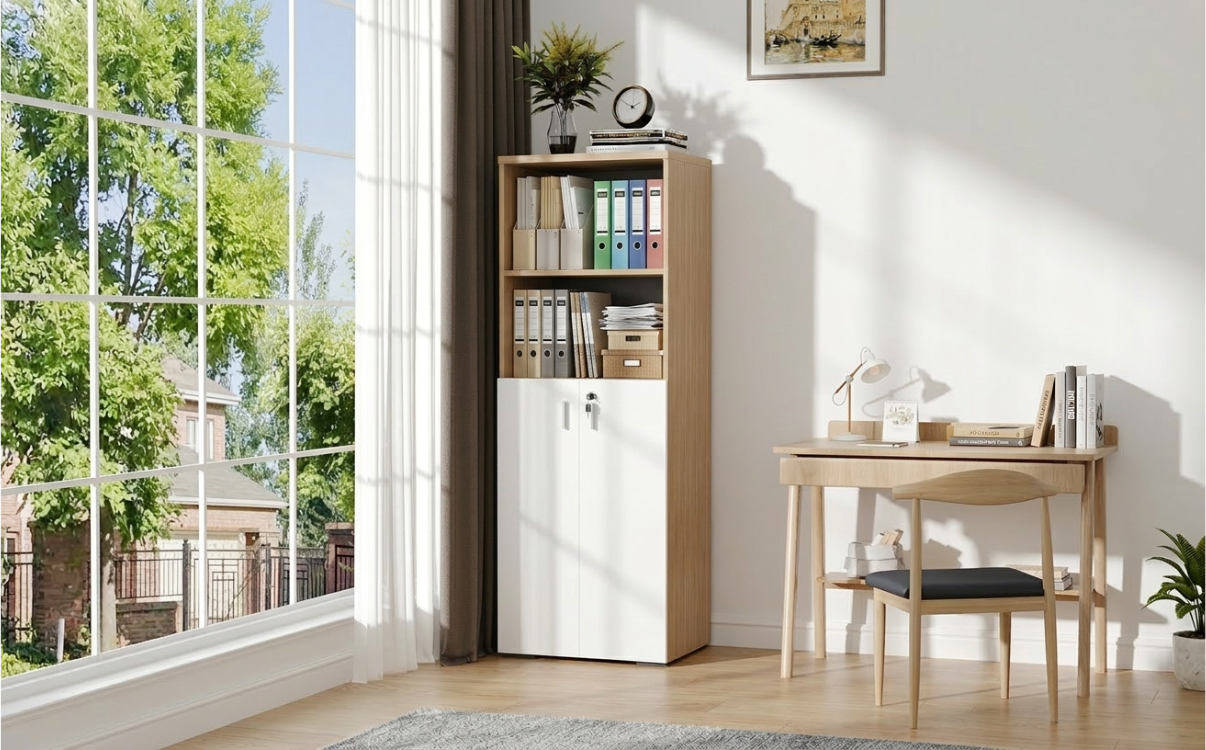
File Cabinet – Storage Solution for Offices and Schools
Explore popular types of file cabinets for offices and schools such as 2-door file cabinets, multi-compartment file cabinets, steel cabinets, wooden cabinets with safe and organized storage solutions.
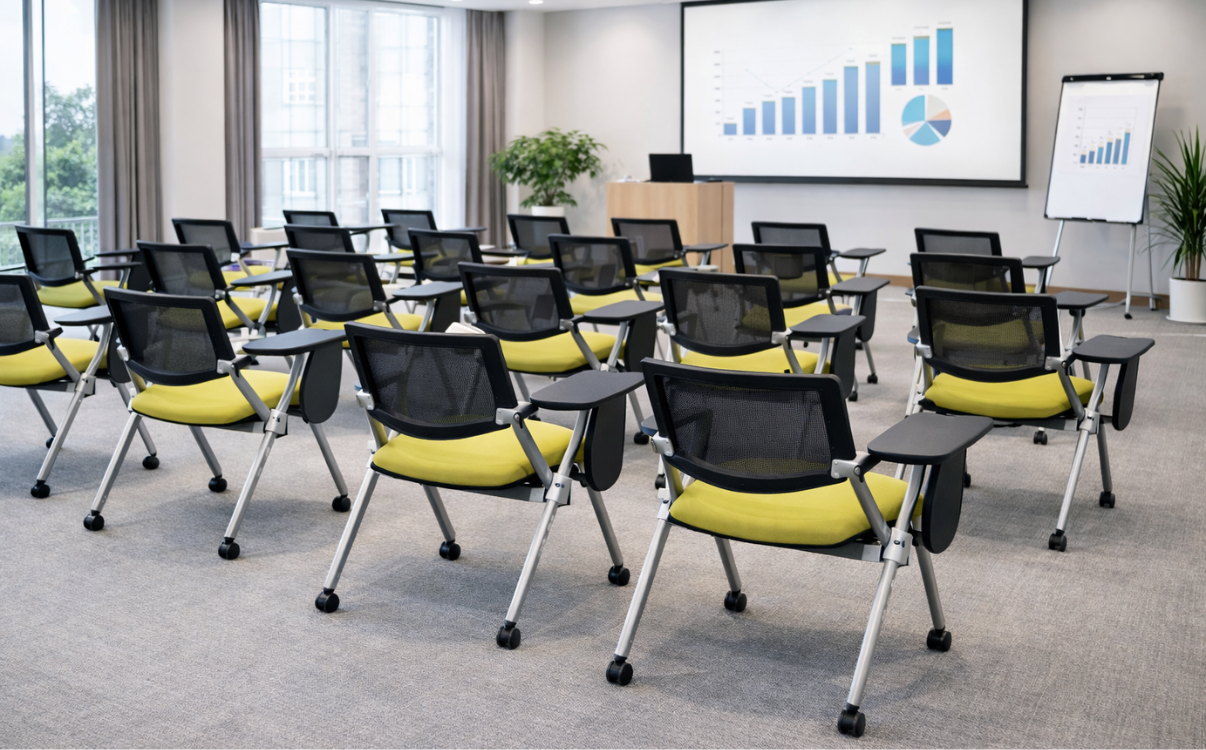
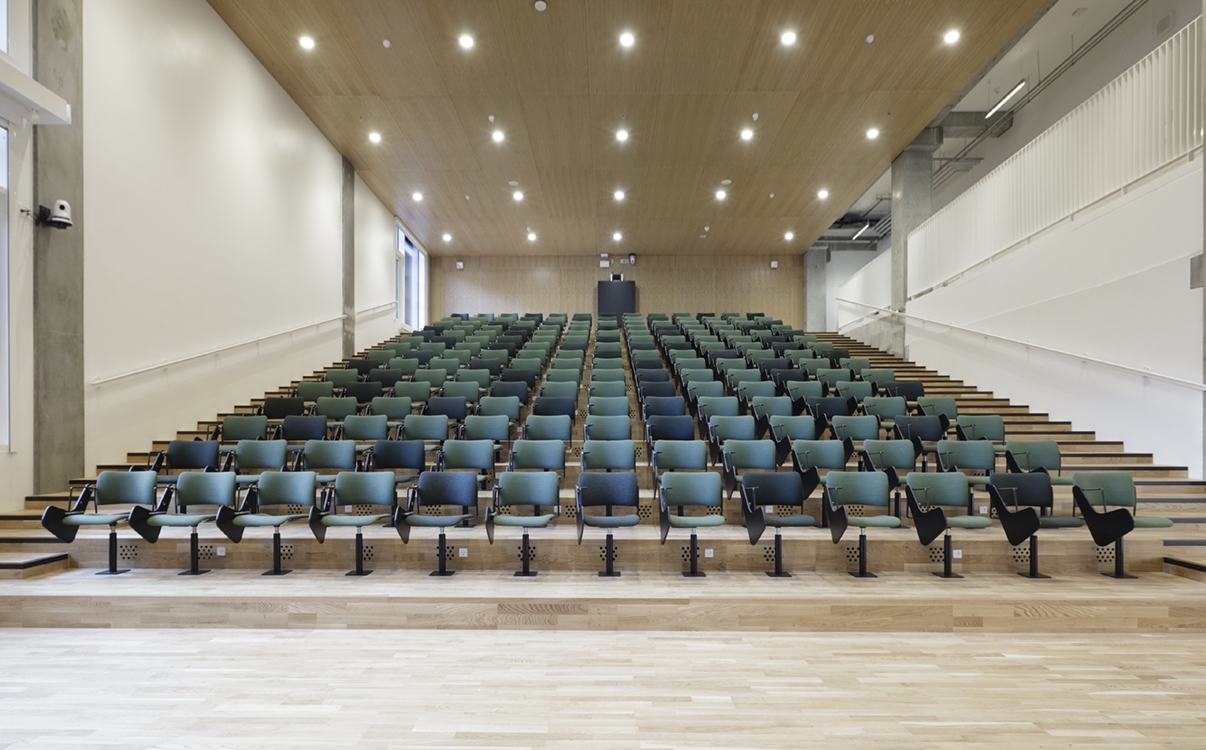
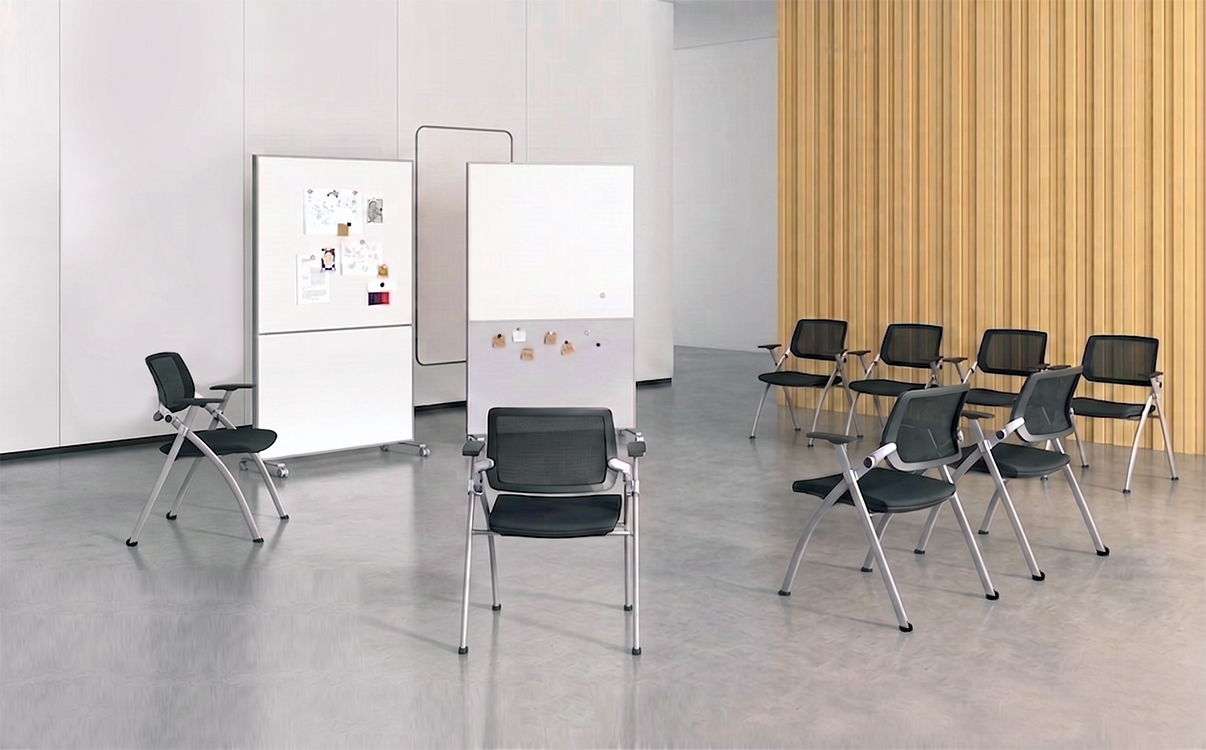
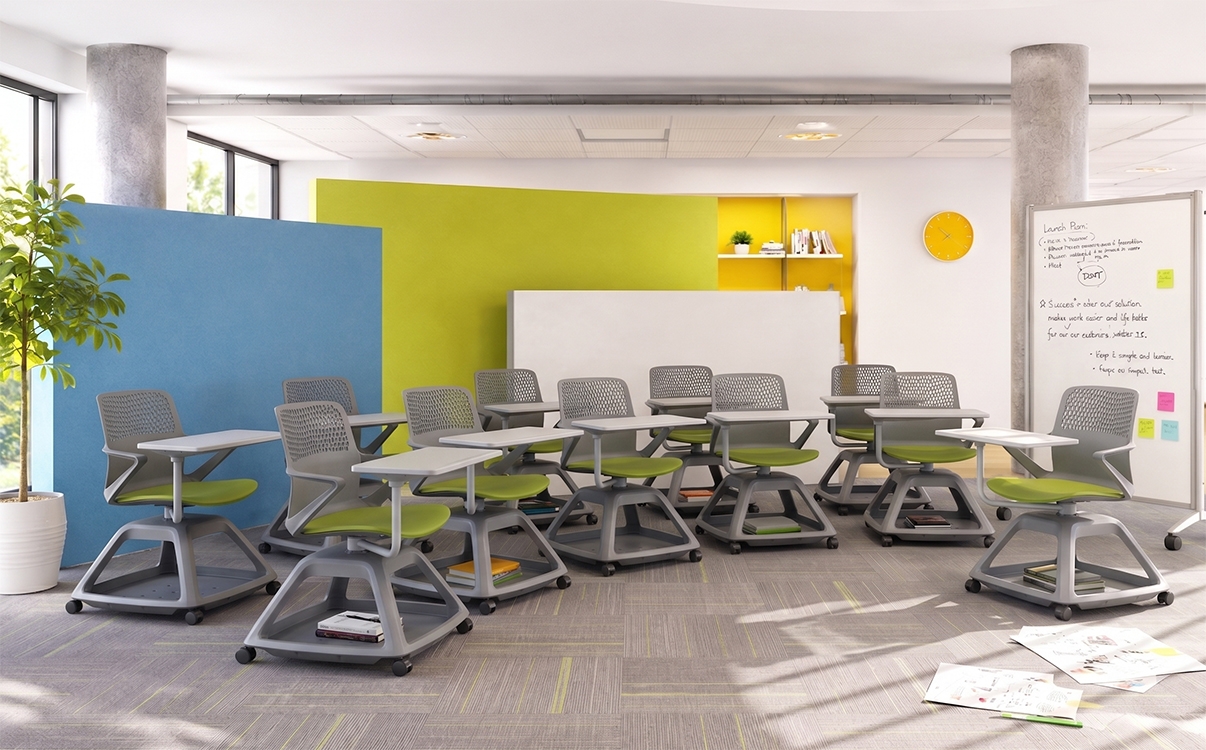
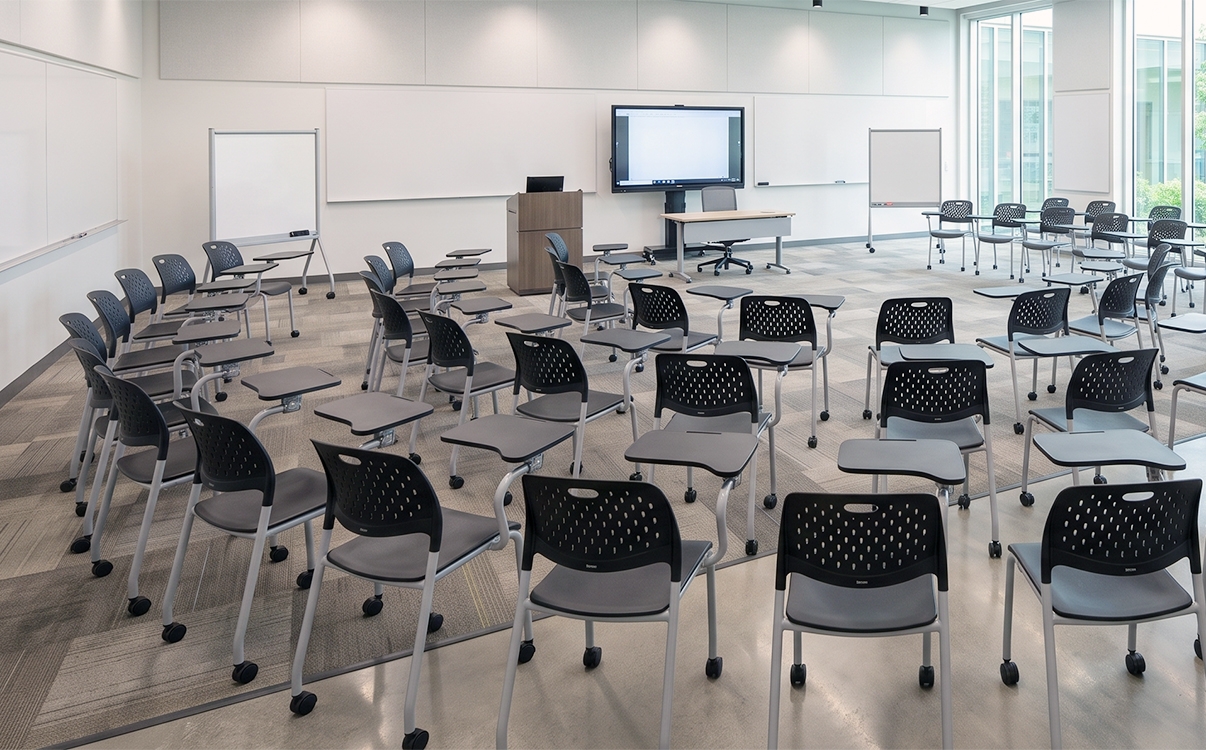
Training Chair – Suitable for Training Classes and Seminars
Training chairs with flexible design, suitable for training classes, seminar rooms and learning spaces. Optimal solution for modern learning environments.
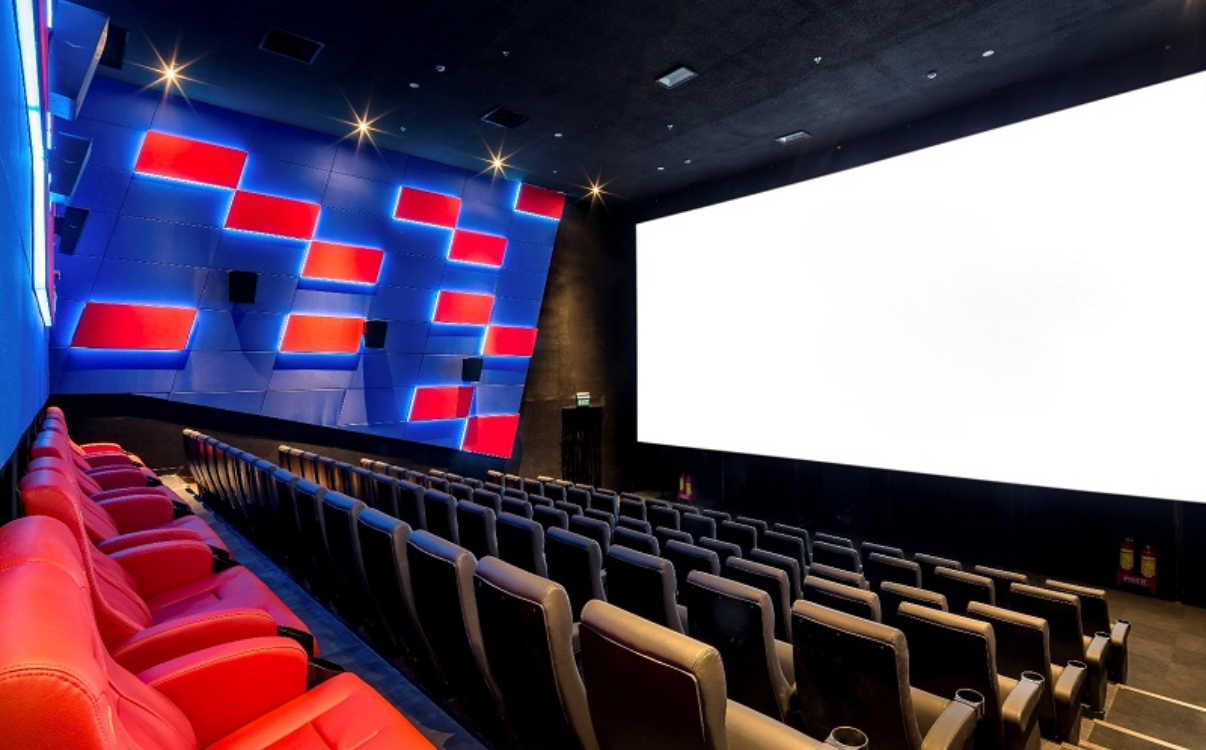
Sweetbox Seat - Premium Seating Solution for Cinemas
Sweetbox seats for cinemas, premium double seat design, enhances privacy experience, suitable for commercial cinemas and VIP screening rooms.

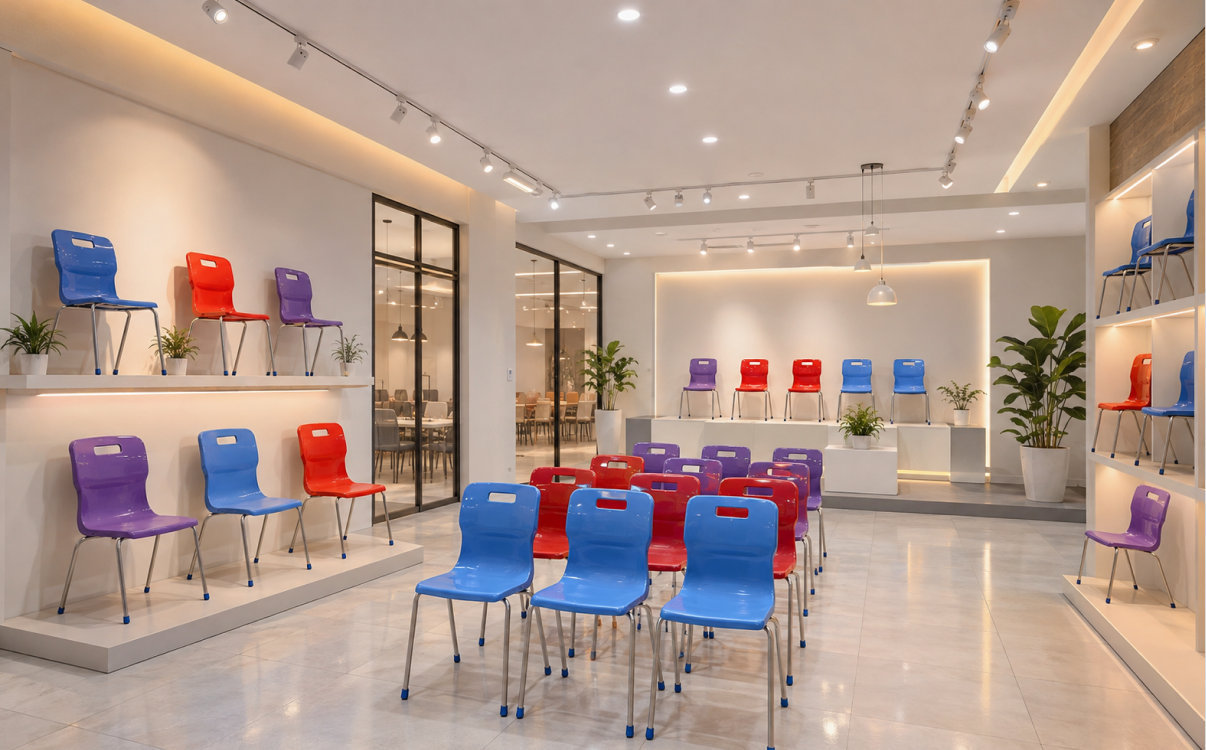
Grade 1 Student Chair – Safe and Suitable for Children Starting School
Grade 1 is an important transition from preschool to a formal learning environment. At this stage, children begin to adapt to scheduled learning, sitting for longer periods, and forming serious study habits.
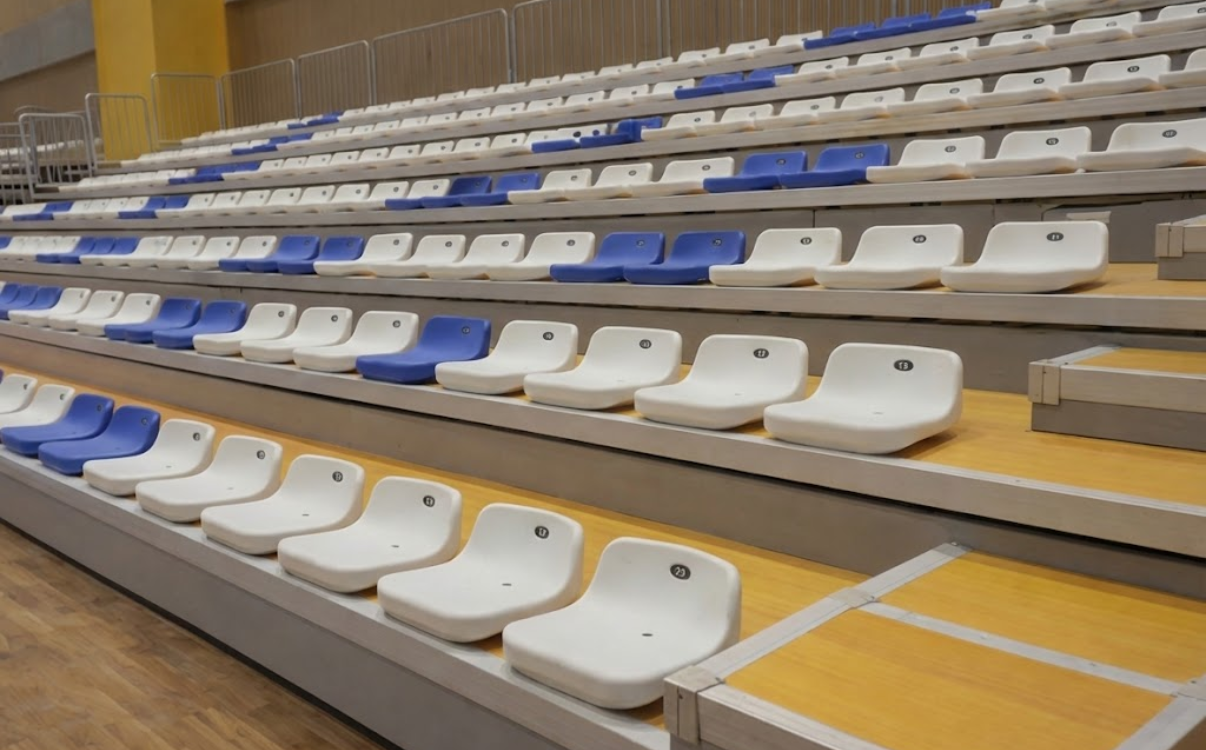
Stadium Seating – The Right Choice for Sports Arenas and Stadiums
In recent years, sports facilities such as arenas, stadiums, and multi-purpose sports centers have been increasingly developed with greater investment and professionalism. These venues are no longer used only for competitions but also host events, performances, sports festivals, and large-scale community activities. This evolution creates higher requirements for infrastructure, especially the stadium seating system designed for spectators.
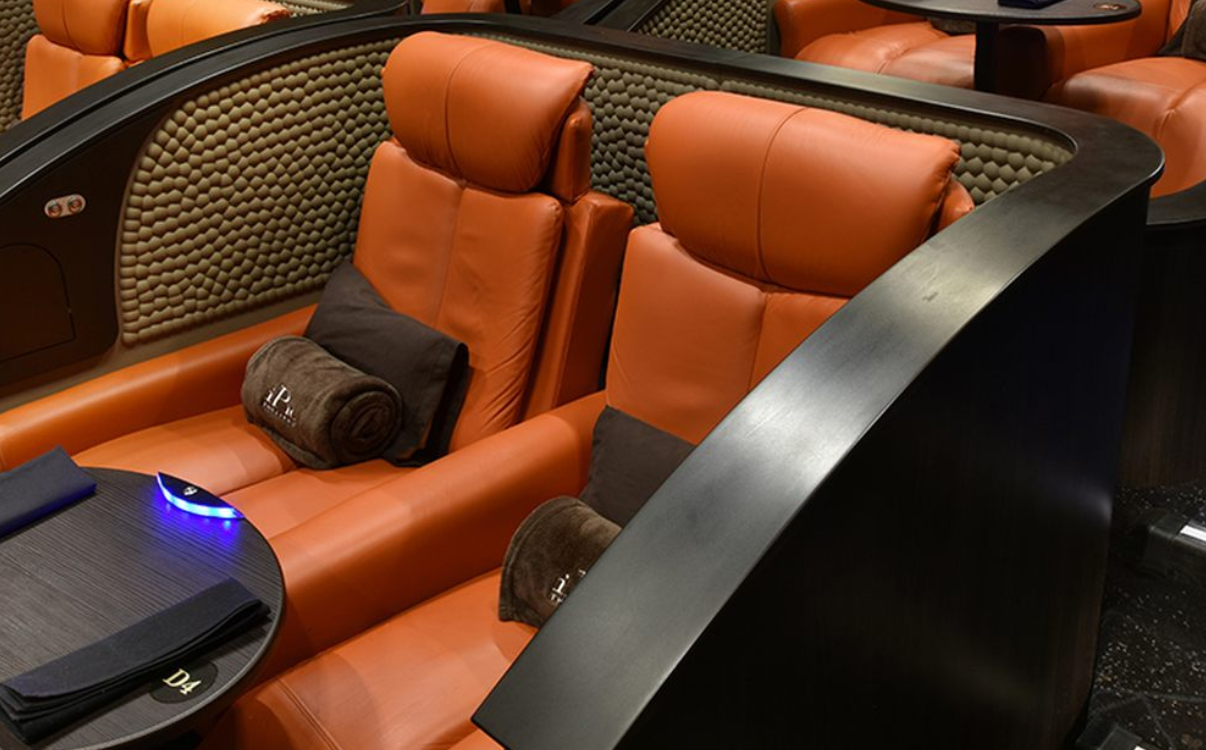
Couple Cinema Seats – A Private and Comfortable Seating Solution
In the rapidly evolving film industry, modern cinemas compete not only in image and sound quality but also increasingly focus on the overall audience experience. From interior space and lighting to seat layout, every element is designed to deliver comfort and a distinctive viewing atmosphere.
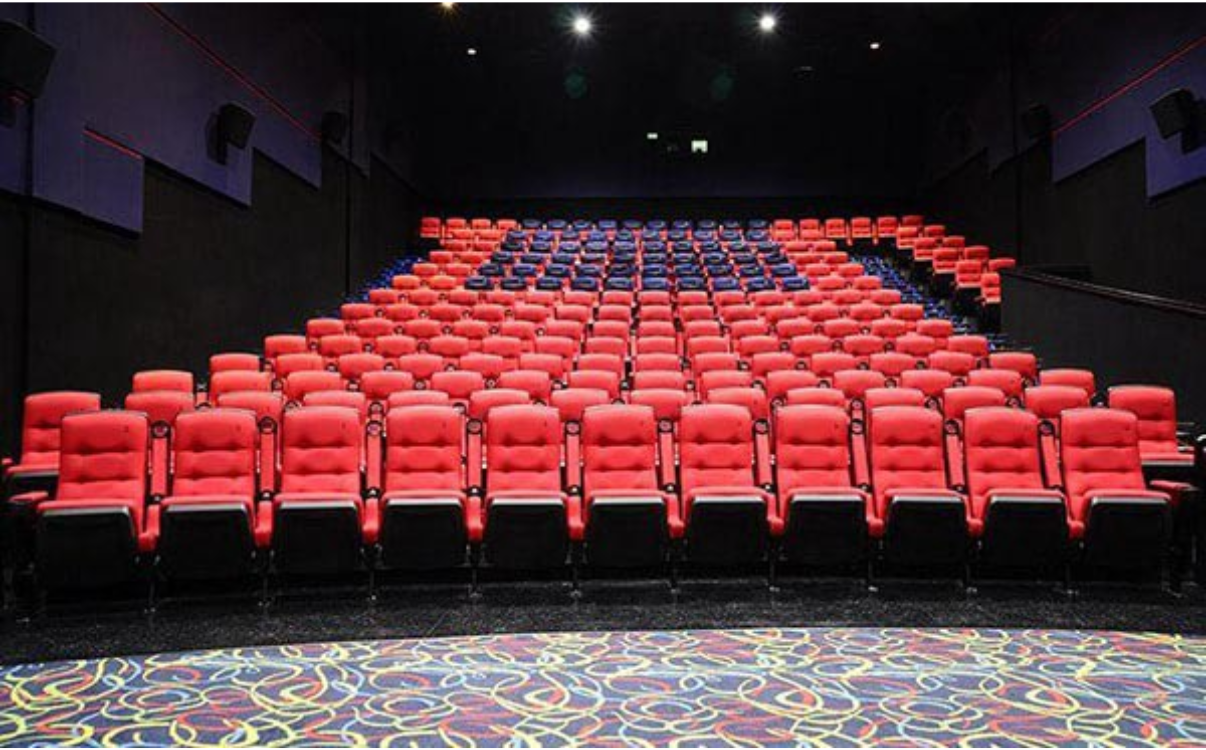
Cinema Seats – A Modern Solution to Enhance the Movie Experience
In cinema environments, auditorium seating is not just a basic furniture element but also plays an important role in shaping the audience’s viewing experience. A well-designed seating system contributes to a professional, cohesive atmosphere while enhancing the overall value of the cinema.

Standard Stadium Seating Dimensions
In the development trend of modern stadiums, arenas, and multi-purpose sports halls, investing in standardized facilities has become a growing priority for investors and facility managers. Besides the structure of the stands, walkways, and spatial organization solutions, stadium seating is a key element that directly affects the safety and comfort of spectators throughout the use of the facility.
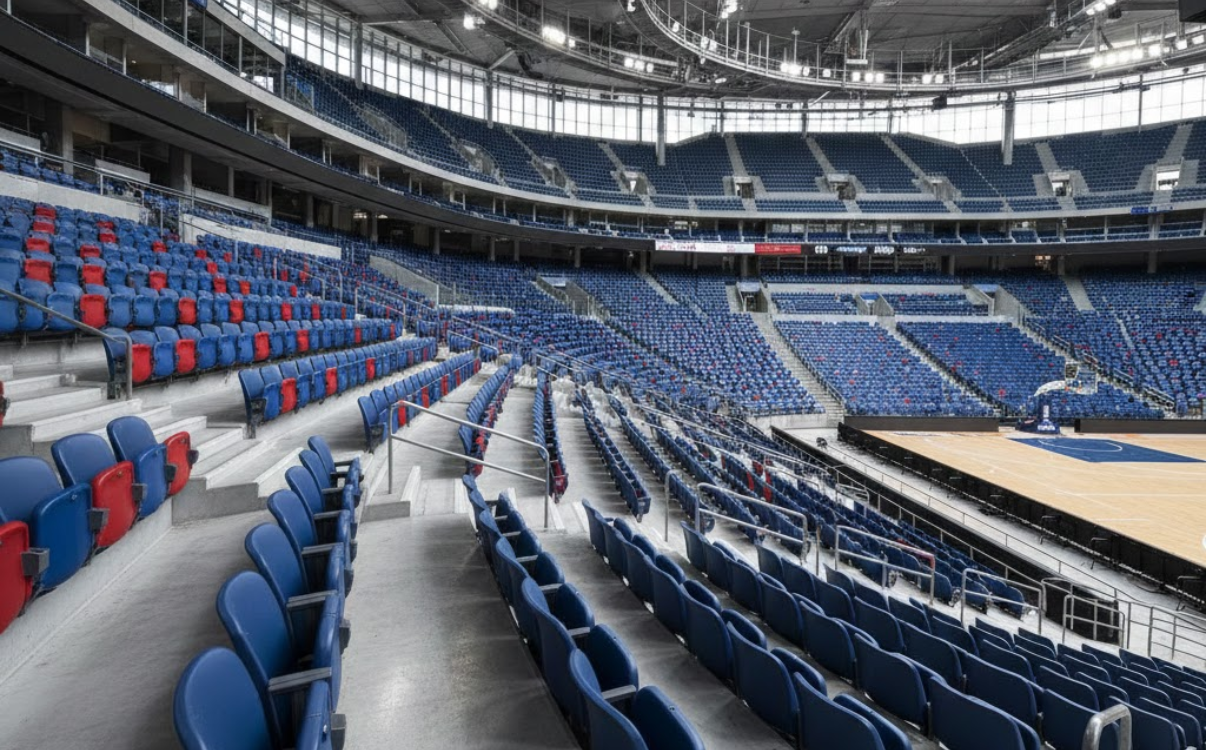
Indoor Stadium Bleacher Seating – Durable and Safe for Large-Scale Sports Facilities
In modern sports facilities, indoor stadiums are not only venues for competitions but also event spaces that attract large numbers of participants and spectators. Along with the playing surface and sound–lighting systems, indoor stadium bleacher seating plays a key role in delivering a complete and comfortable audience experience.
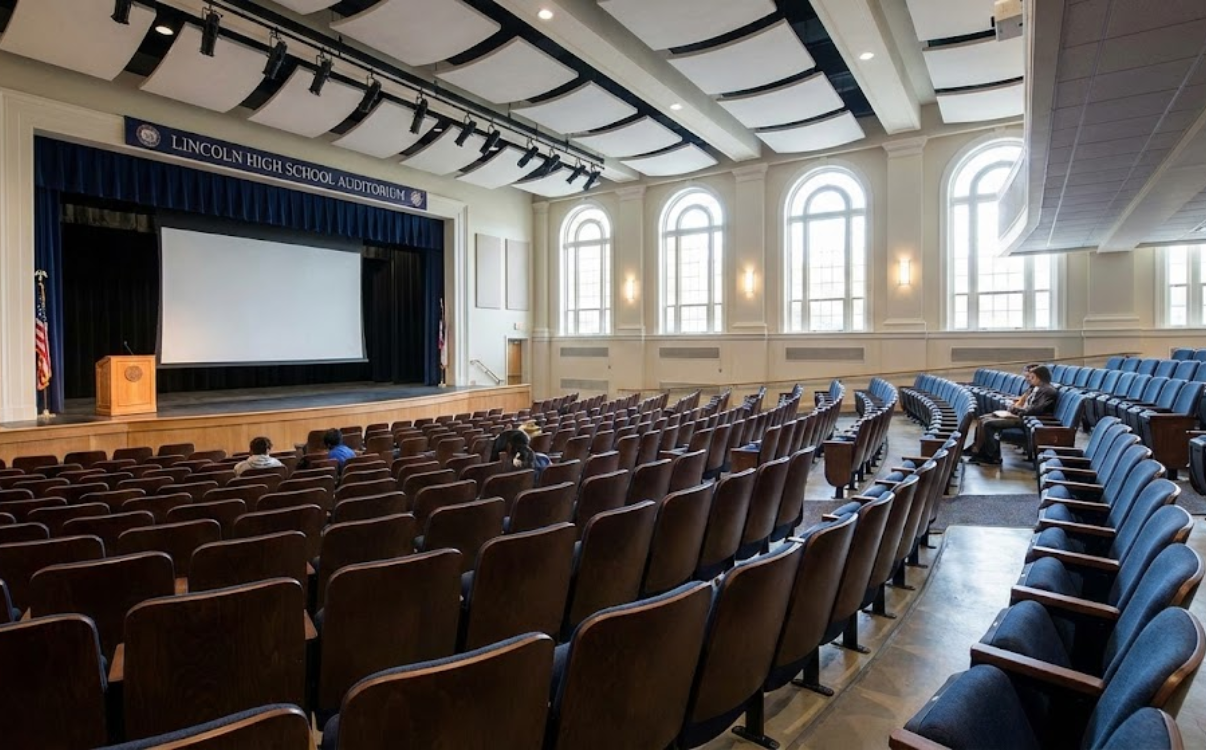
Auditorium Seating – Seating Solutions for Halls and Conference Spaces
Auditorium seating is a specialized seating solution designed for halls, lecture theaters, and conference centers. It is arranged in rows to optimize visibility, comfort, and overall spatial aesthetics. With a sturdy structure, modern design, and carefully calculated dimensions, auditorium seating effectively meets long-term, high-frequency usage demands in educational facilities and professional event spaces.
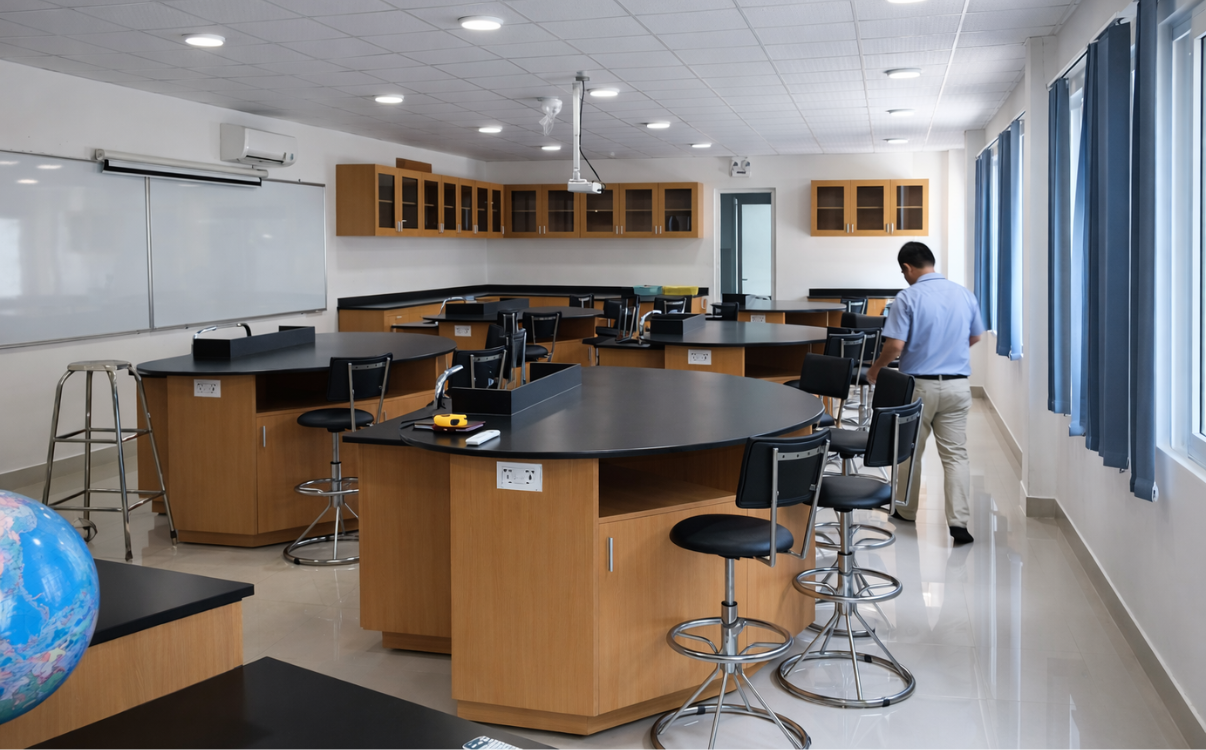
Laboratory Chairs – A Safe Choice for Practical Learning Spaces
In modern education, laboratories play a vital role in improving teaching and learning quality through hands-on activities. In addition to lab benches, equipment, and specialized tools, laboratory chairs are indispensable elements that directly affect the safety, health, and learning efficiency of students.

Student Chairs – Seating Solutions for Lecture Halls and Libraries
In the context of higher education and vocational training increasingly focusing on learning experience, investing in high-quality classroom chairs is no longer a secondary factor but has become an essential part of the strategy for building modern learning environments. A suitable student chair not only allows learners to sit comfortably for long periods but also contributes to posture improvement, enhanced concentration, and a professional image for lecture halls, libraries, or group study areas.
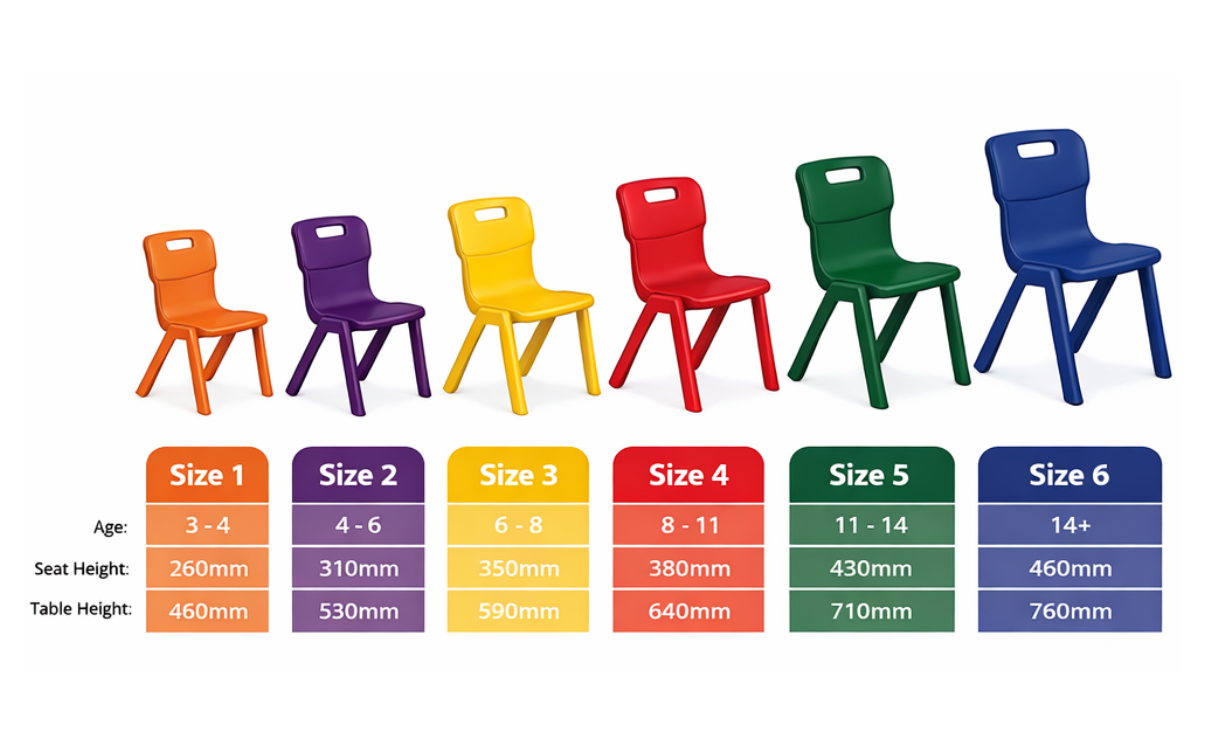
Standard Student Chair Dimensions by Education Level
In the educational environment, chairs are not merely seating furniture but directly affect posture, concentration, and students’ long-term health. Choosing classroom chairs with dimensions suitable for each age group helps students maintain proper sitting posture, limit spinal curvature, and reduce back and neck strain during long study periods.

Preschool Student Chairs – Bright Colors, Safe for Children
During the preschool stage, children begin to get familiar with a collective learning environment and form their first habits regarding sitting posture, daily activities, and movement. Therefore, choosing suitable classroom chairs for preschoolers is not only a matter of aesthetics but also directly related to children’s safety and physical development.

Student Swivel Chairs – Flexibility for Modern Classrooms
In the context of strong educational innovation, classroom spaces are no longer places where students simply sit still and listen to one-way lectures. Modern learning models such as group learning, open discussion, STEM classrooms, or creative classrooms require high flexibility in interior arrangement. Therefore, traditional furniture products are gradually being replaced by new solutions, in which student swivel chairs are becoming a prominent trend.
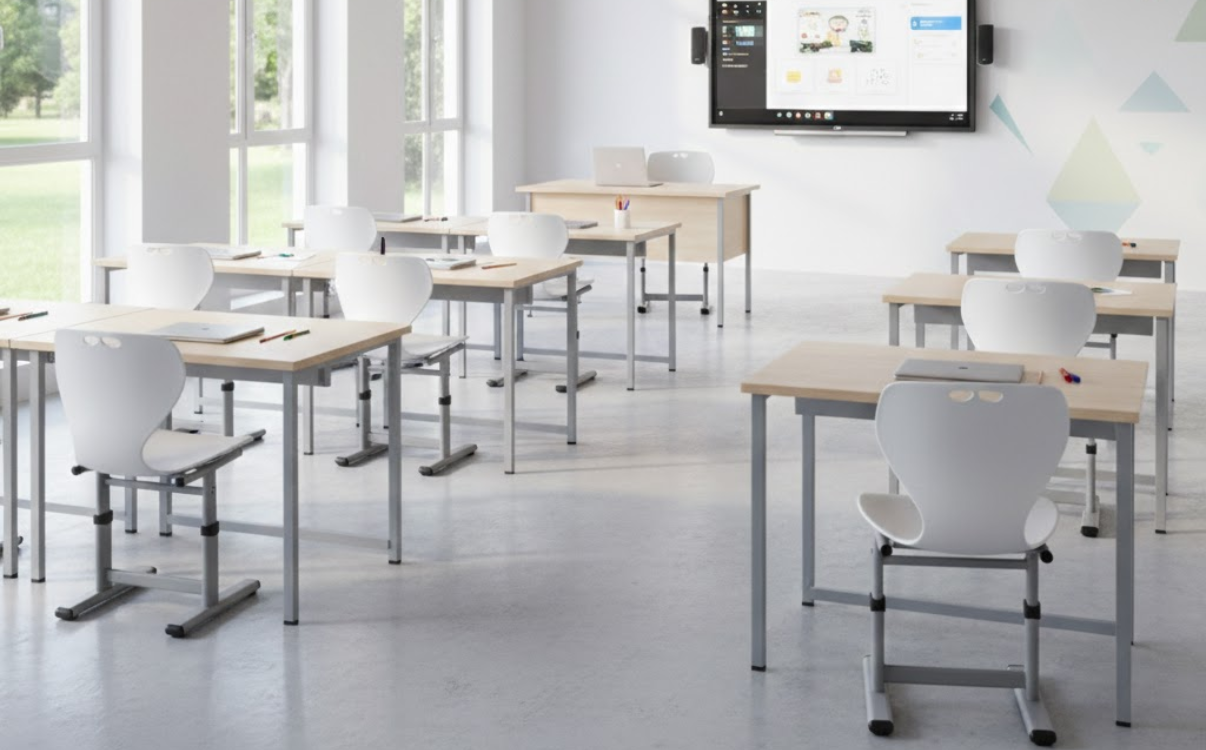
Adjustable Student Chairs – Flexible Height Adjustment
In modern educational environments, investing in classroom furniture is no longer just about providing enough seating. It must also meet requirements related to school health and students’ physical development. In reality, students’ height and body proportions change continuously with age, while traditional fixed chairs struggle to accommodate these differences.
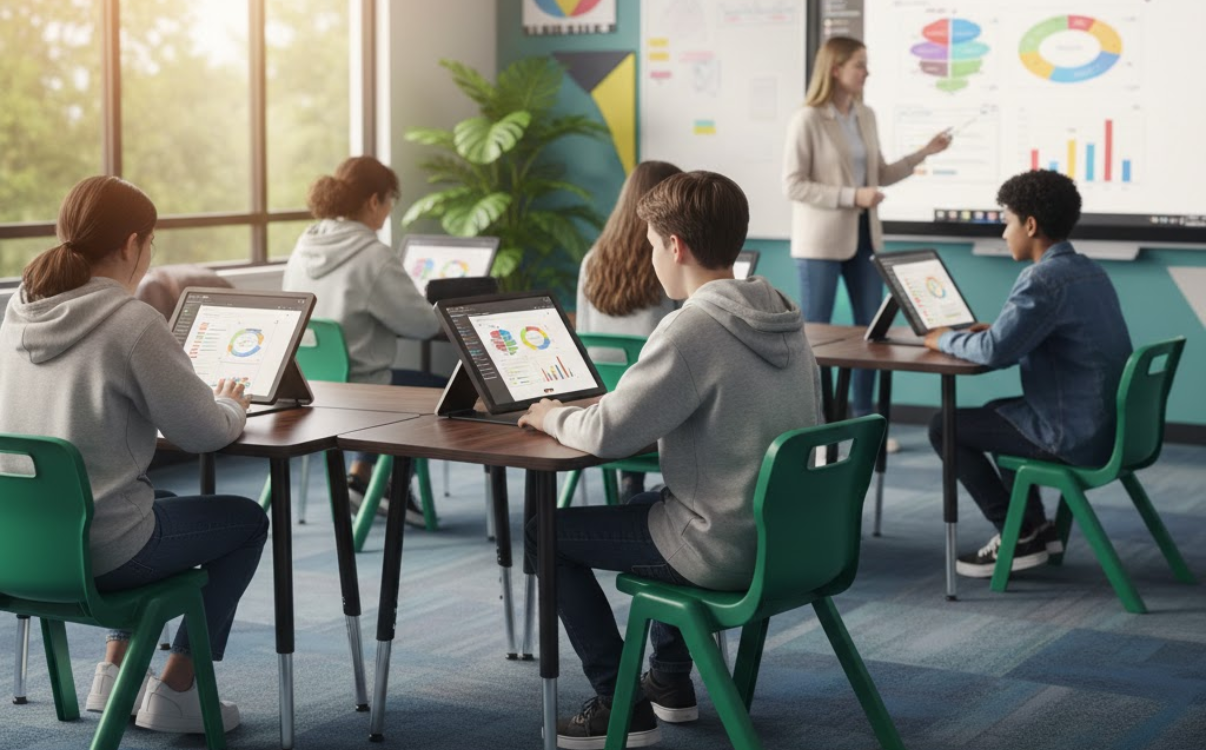
High School Student Chairs – Modern Design for Upper Secondary Students
In the context of modern education, classrooms are not only places for knowledge transfer but also environments that directly affect students’ health, posture, and concentration. At the upper secondary level, when students enter a stage of strong physical development and high academic intensity, selecting standard classroom chairs becomes an important factor in a school’s infrastructure investment strategy. Today’s high school student chairs not only meet durability requirements but also feature modern designs, ergonomic support, and compatibility with new classroom models.
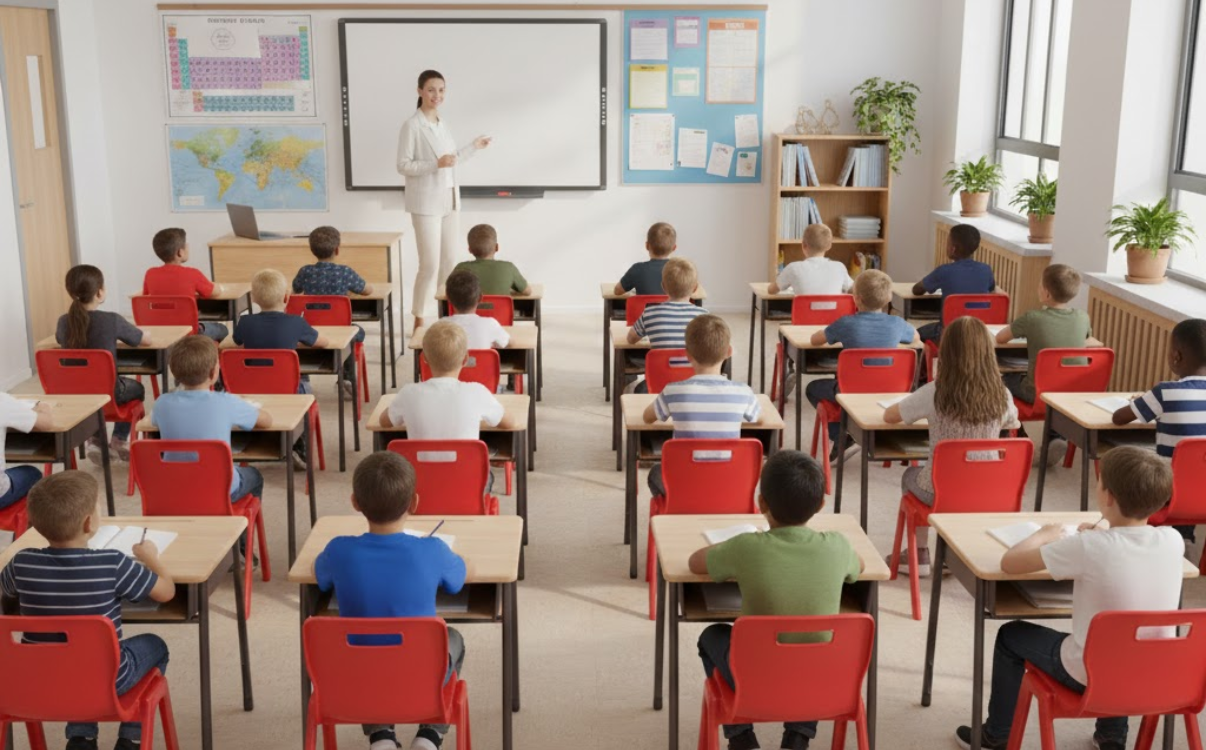
Secondary School Student Chairs – Durable and Comfortable for Middle School Students
At the lower secondary level (middle school), students enter a stage of rapid physical and intellectual development. Study time becomes longer, academic workload increases, and concentration demands are higher compared to primary school. Therefore, choosing suitable classroom chairs for middle school students is not merely about providing furniture but is a factor that directly affects health, posture, and long-term learning performance.
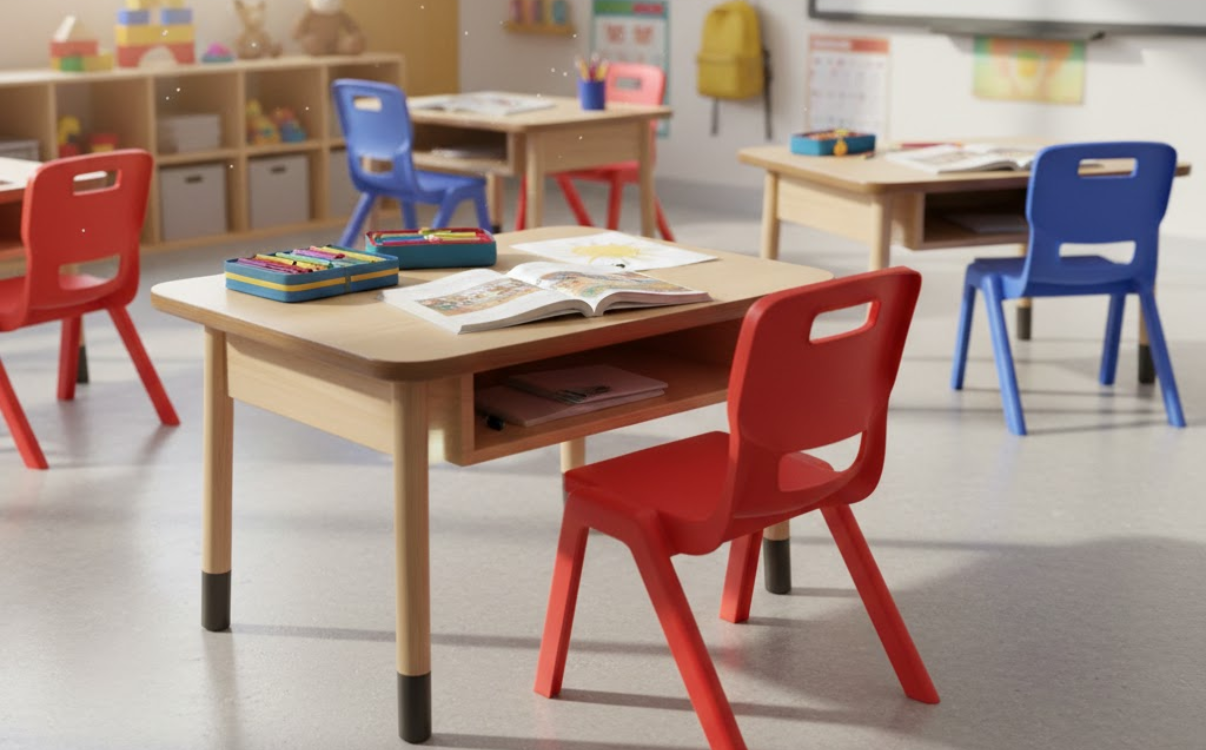
Primary School Student Chairs – Standard Design for Elementary Age
In recent years, investing in classroom seating has gone beyond simply providing enough chairs for students. It has become an important part of strategies to improve educational quality. At the primary level where students are in a critical stage of physical development and forming early learning habits primary school student chairs play a key role in protecting health, ensuring comfort, and supporting proper sitting posture. A suitable chair not only helps students focus better on learning but also helps prevent issues such as spinal curvature, neck and shoulder fatigue, and school-related myopia.
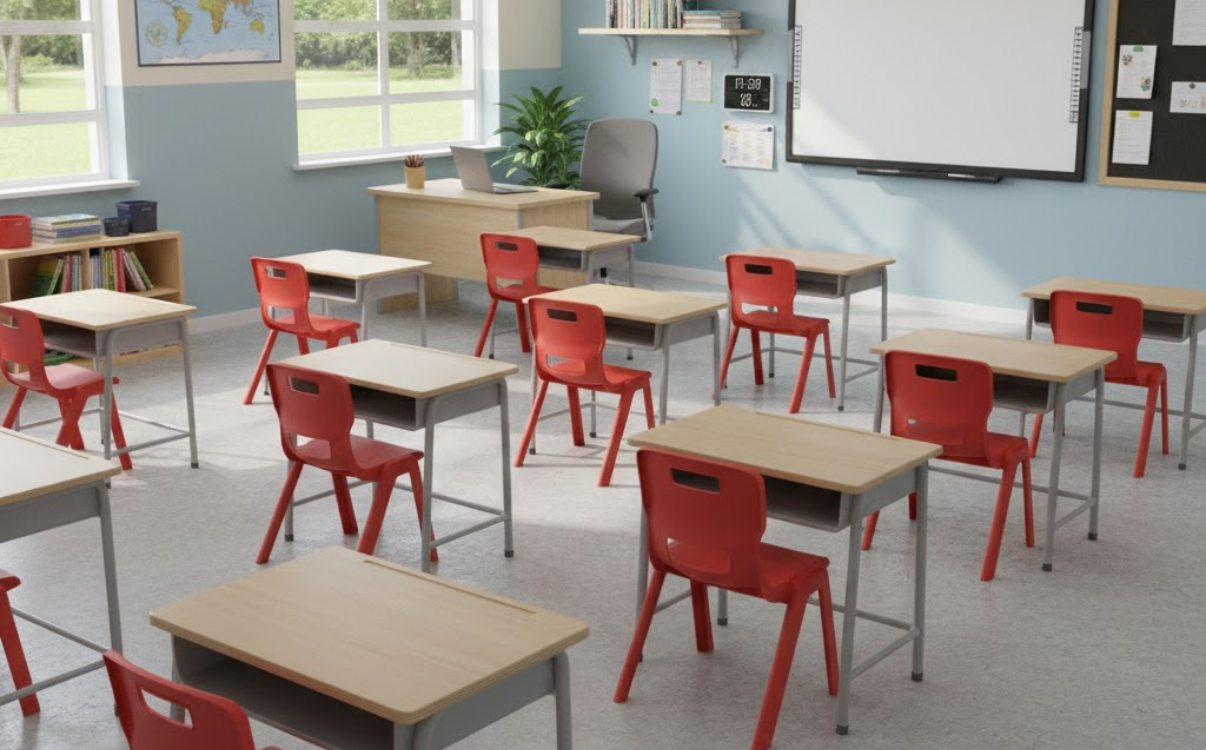
A Complete Guide to Student Chair Models for Modern Schools
Explore student chair models suitable for modern schools that meet key criteria such as durability, safety, ergonomics, and long-term usability. This article helps schools, investors, and facility managers easily choose student chairs for different spaces, from standard classrooms and functional rooms to libraries, auditoriums, and lecture halls. By analyzing real operational needs and current investment trends, this content provides a comprehensive perspective for selecting student chairs effectively, ensuring consistency and alignment with sustainable development goals for educational institutions.
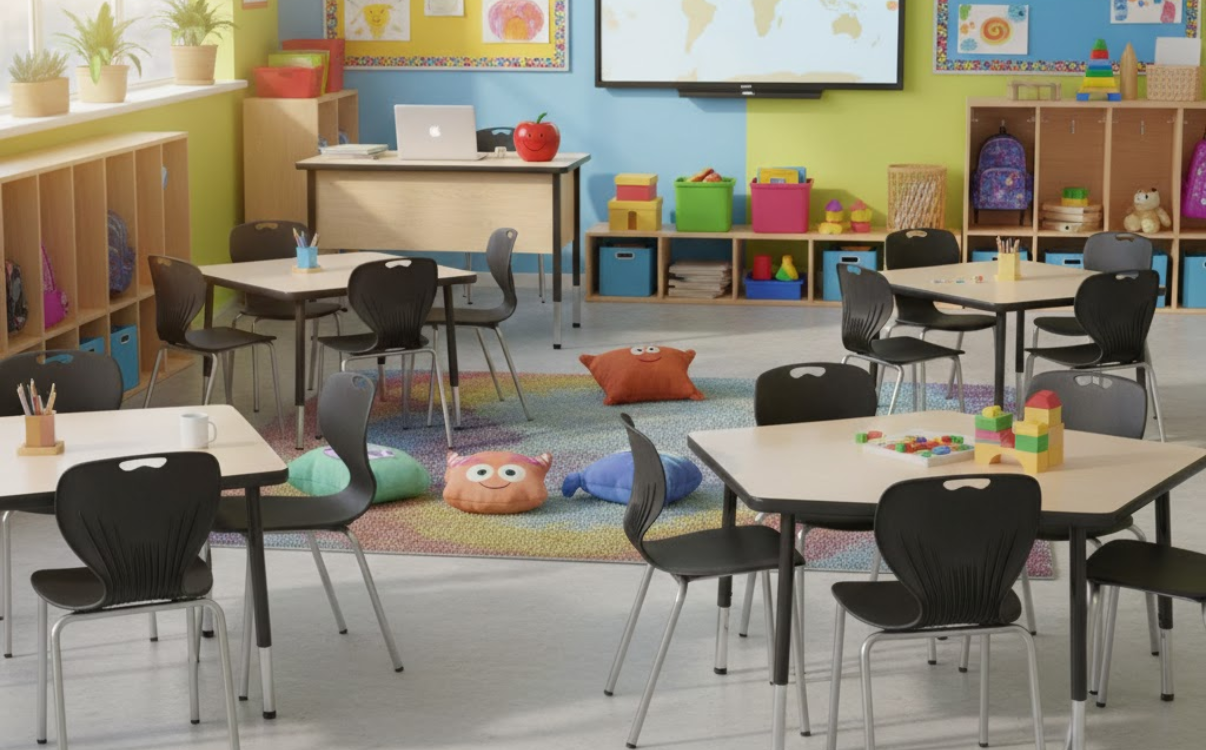
Classroom Chairs – Durable Seating Solutions for Schools
In the educational furniture system, classroom chairs are one of the items that directly affect students’ learning experience and the operational efficiency of schools. A suitable chair must not only be sturdy and safe but also provide comfort for continuous use over many hours each day.
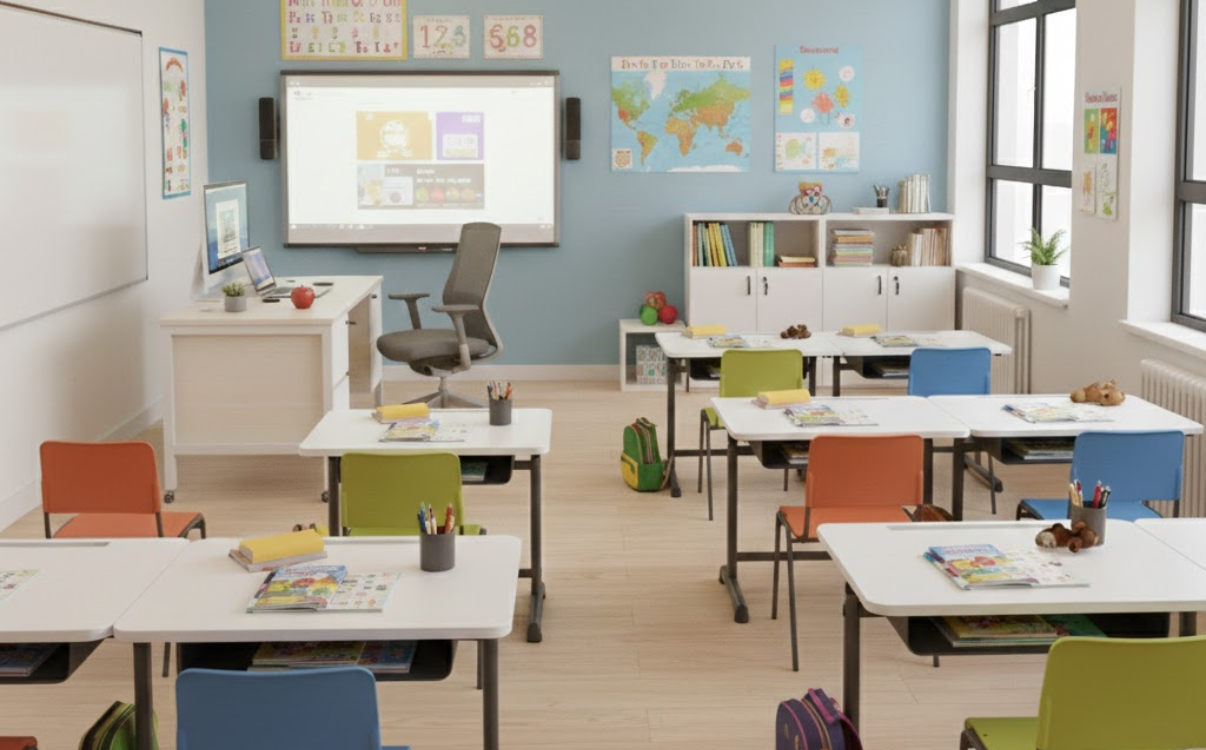
Steel-Frame Teacher Desk – Durable and Sturdy Solution for Schools
In school interior systems, the teacher desk is one of the important items that is often underestimated. More than just a place to put lesson plans, computers, or teaching materials, the teacher desk directly affects working posture, teaching effectiveness, and the professional image of the classroom. As schools increasingly focus on long-term investment, operational cost optimization, and durability under high-frequency use, steel-frame teacher desks are becoming a preferred choice thanks to their solid structure, long lifespan, and adaptability to various classroom layouts.
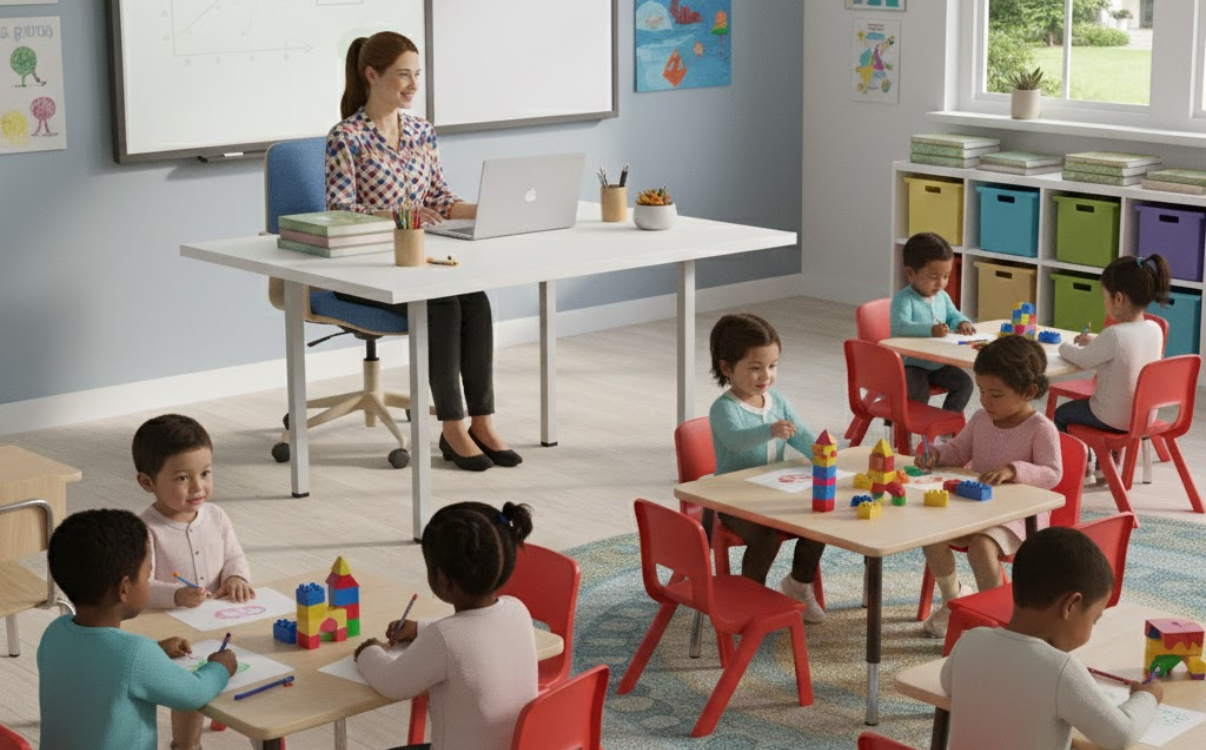
Preschool Teacher Desk – A Safe and Convenient Solution for Small Classrooms
In the preschool education environment, every element of space, furniture, and equipment needs to be designed to suit the characteristics of young children. Among them, the preschool teacher desk plays an important role not only in teaching activities but also in creating a safe and friendly learning environment for children.
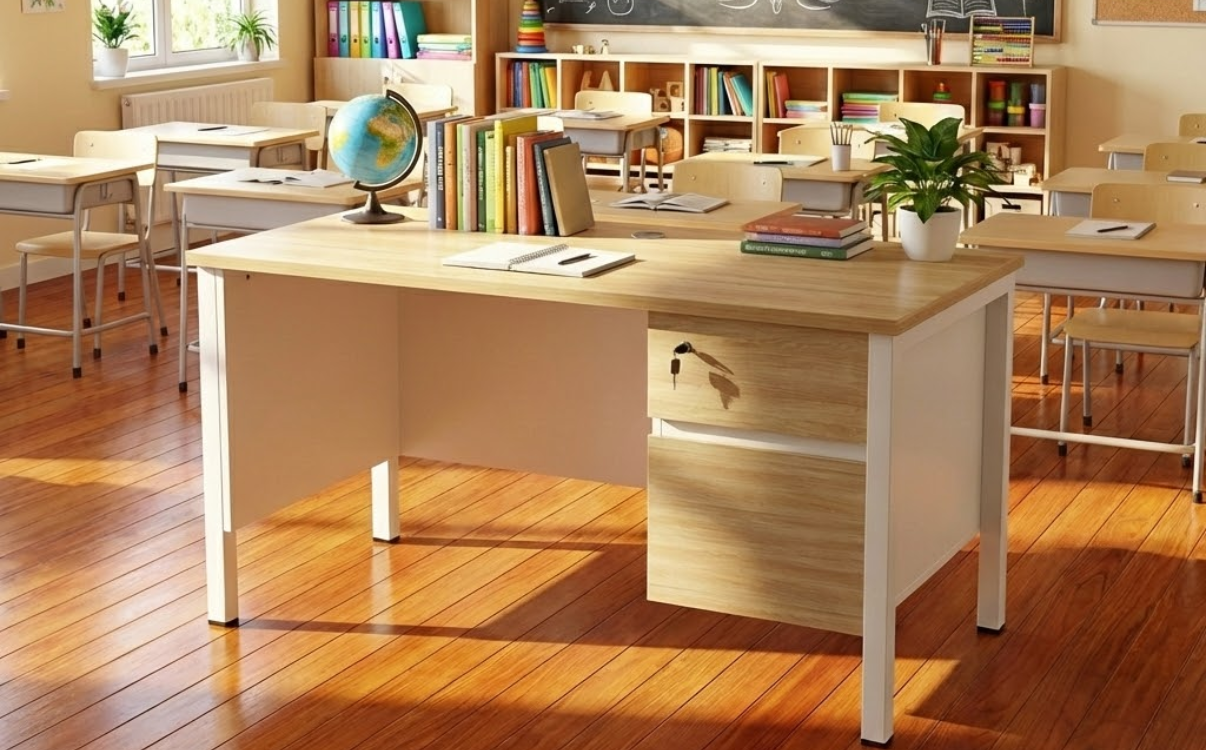
Wooden Teacher Desks – A Durable and Aesthetic Solution for Schools
In modern educational environments, a teacher’s desk is not only a workspace for teachers but also an important element of the overall classroom setting. Among various materials, wooden teacher desks continue to be preferred thanks to their durability, high aesthetic value, and the professional atmosphere they bring. With appropriate design, wooden teacher desks not only support teaching activities effectively but also contribute to building a neat, modern, and friendly classroom image.
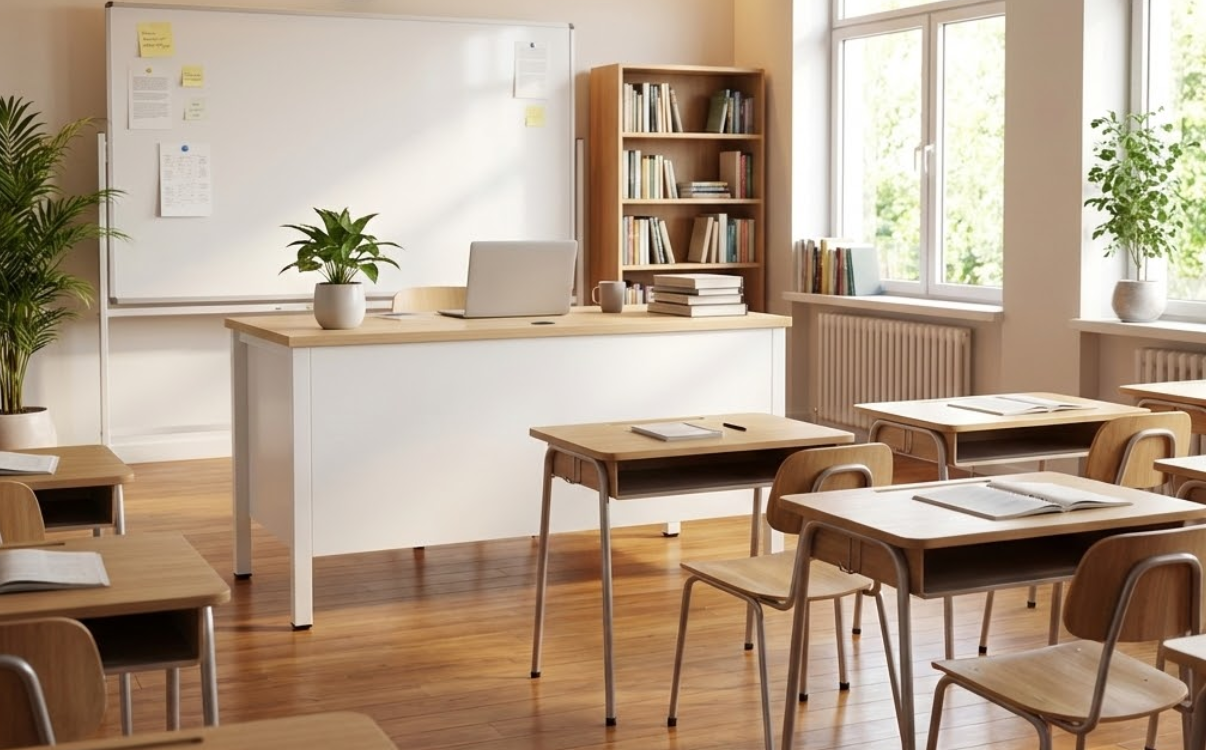
Standard Teacher Desk Dimensions for Modern Classrooms
In modern educational settings, a teacher’s desk is not only a place to hold lesson plans or a computer but also the central hub that coordinates all teaching activities in the classroom. A desk with appropriate dimensions allows teachers to work comfortably, organize lessons systematically, and create a professional educational environment.

Teacher Desk – How to Choose the Right One for Classrooms and Offices
In modern educational environments, a teacher desk is not only a place to hold lesson plans, computers, and teaching materials but also the central hub for classroom coordination. A properly designed teacher desk supports teachers in working more effectively, creates a professional image for educational spaces, and contributes to improving teaching quality. As a result, selecting the right teacher desk has become an increasingly important consideration for schools, training centers, and educational institutions.

Computer Desks – An Effective Learning and Training Solution
Along with the development of digital education, computers have become a familiar tool in many school lessons. Classroom spaces therefore need to be adapted to suit modern teaching methods. In this context, computer desks play an important role in creating a comfortable, safe, and effective learning environment.

Computer Desks for Computer Labs – An Optimal Solution for Modern Schools
In the era of strong digital transformation, computer labs are no longer auxiliary spaces but have become a core part of the modern education system. From primary schools to universities, students are accessing technology, IT skills, and digital platforms at an increasingly early age. This places higher demands on facilities, especially computer desks for computer labs, which directly affect sitting posture, concentration, safety, and students’ learning efficiency.

Modern Computer Desk Models for School Computer Labs
Over the past many years, computer labs have become an indispensable part of the education system. They are not only places where students learn basic computing, but also spaces to access technology, develop digital skills, and strengthen logical thinking. However, for a computer lab to operate effectively, beyond computer systems and software, choosing the right computer desk model plays an extremely important role.

How to Install Plywood School Desks Correctly for Schools
In today’s school projects, choosing plywood school desks is not only based on aesthetics and cost but also heavily depends on proper installation techniques. A desk made from good materials but installed incorrectly can quickly deteriorate, become unstable, or pose safety risks during long-term use. Therefore, understanding the correct way to install plywood school desks according to standards is essential to ensure durability, stability, and safety for students.

Anti-Hunchback Study Desk – An Ergonomic Solution for Students
In the context of modern education, students have to sit and study for long periods of time both at school and at home. Maintaining incorrect sitting posture can lead to issues such as hunchback, spinal curvature, neck–shoulder pain, and reduced concentration.

Single Student Desk – A Flexible Solution for Active Learning Classrooms
In today’s educational context, where learning experience and student interaction are increasingly emphasized, classrooms are no longer just places to “sit and listen” but have become active, flexible, and multifunctional learning environments. From STEM classrooms and project-based learning spaces to multi-purpose classrooms, the demand for classroom furniture is rising, especially desks. Among the available solutions, single student desks are being widely adopted by schools thanks to their adaptability to various teaching models, space optimization, and improved efficiency in classroom use.

Double Student Desk (2 Seats) – Optimizing Class Capacity for Secondary & High Schools
In today’s school projects, the challenge of “large class sizes but limited classroom space” is increasingly common, especially at the lower and upper secondary levels. Therefore, double student desks (2 seats) have become a popular choice thanks to their ability to optimize seating capacity, maintain clear walkways, and create a neat, well-organized classroom layout. Beyond space optimization, using standard double desk dimensions also supports proper sitting posture, reduces strain on shoulders, neck, and back during long study hours, and contributes to improved learning effectiveness and long-term classroom operation.

1.2m Student Desk – A Popular Choice for Standard Classrooms
In today’s school projects, the 1.2m student desk is considered a standard size, suitable for most classroom models from primary to high school. With a length of approximately 1200mm, this desk meets the needs of two students, ensuring a comfortable, neat, and easy-to-arrange learning space. In addition to optimizing classroom area, the 1.2m desk helps schools maintain consistency in interior design, enhancing aesthetics and long-term usability.

1m Student Desk – An Optimal Solution for Small Classroom Spaces
In the context of many schools, training centers, and educational institutions facing limited classroom space, choosing suitable furniture plays a crucial role. One of the most preferred solutions today is the 1m student desk – a compact-sized desk that optimizes floor area while still fully meeting students’ functional learning needs.

Height-Adjustable Desks – A Flexible Solution for Modern Schools
In the trend of modern education, height-adjustable desks are becoming a preferred solution for many schools thanks to their ability to adapt to students of different ages. They not only help optimize sitting posture, protect the spine, and support long-term health, but also bring sustainable investment value for schools. This is an ideal choice for traditional classrooms, active learning classrooms, STEM rooms, and modern school projects.

Standard Study Desk Dimensions for Primary, Lower Secondary, and Upper Secondary Students – A Detailed Guide for Schools
Choosing the right study desk dimensions not only affects students’ comfort during learning but also has a direct impact on sitting posture, spinal health, concentration, and overall learning effectiveness. Especially in school environments where students use desks for many hours each day, standard desk height and properly sized desktops are essential factors that should not be overlooked.

Smart Study Desk for Children – An Anti-Hunching, Focus-Enhancing Solution for Schools
In recent years, modern education has not only focused on teaching content but has also placed strong emphasis on learning environments and student health. Incorrect sitting posture, desks that do not match students’ age or height, and non-adjustable furniture are common causes of hunching, myopia, and reduced concentration among children. As a result, choosing a smart study desk for children with height-adjustable features, ergonomic design, and safe materials has become an inevitable trend in today’s school projects. This is not merely a furniture solution, but a strategic investment that helps schools improve learning quality, protect students’ health, and optimize long-term operational efficiency.

Student Desks – Modern, Flexible, and Efficient Student Desk Solutions
While classrooms at the primary and secondary levels are often arranged in fixed rows, learning spaces in universities and colleges are far more flexible. Credit-based schedules, multi-purpose classrooms, workshops, group discussions, and self-study areas require desk systems that are easy to arrange, quick to reconfigure, and convenient to operate.

Durable High School Student Desk Models That Help Reduce Back Fatigue
At the high school level, students must sit and study for many consecutive hours every day to keep up with the official curriculum, extra classes, and important exam preparation. Therefore, high school student desk models need to be not only sturdy and durable, but also supportive of proper sitting posture, helping reduce back fatigue and ensuring comfort during long study sessions. A suitable desk helps students concentrate better, keeps classrooms operating smoothly, and helps schools save on long-term maintenance costs.

High School Student Desks: Choose Right for Comfort and Long-Lasting Classrooms
At the high school level, long study hours are no longer occasional-they are the norm. Tight schedules, extended revision periods, frequent tests and exams, along with interactive learning methods such as group discussions, presentations, and projects, require classrooms to operate more flexibly than ever before. In this context, high school student desks are not just basic furniture for seating. They are part of the learning infrastructure that directly affects posture, concentration, classroom flow, and the school’s professional image.
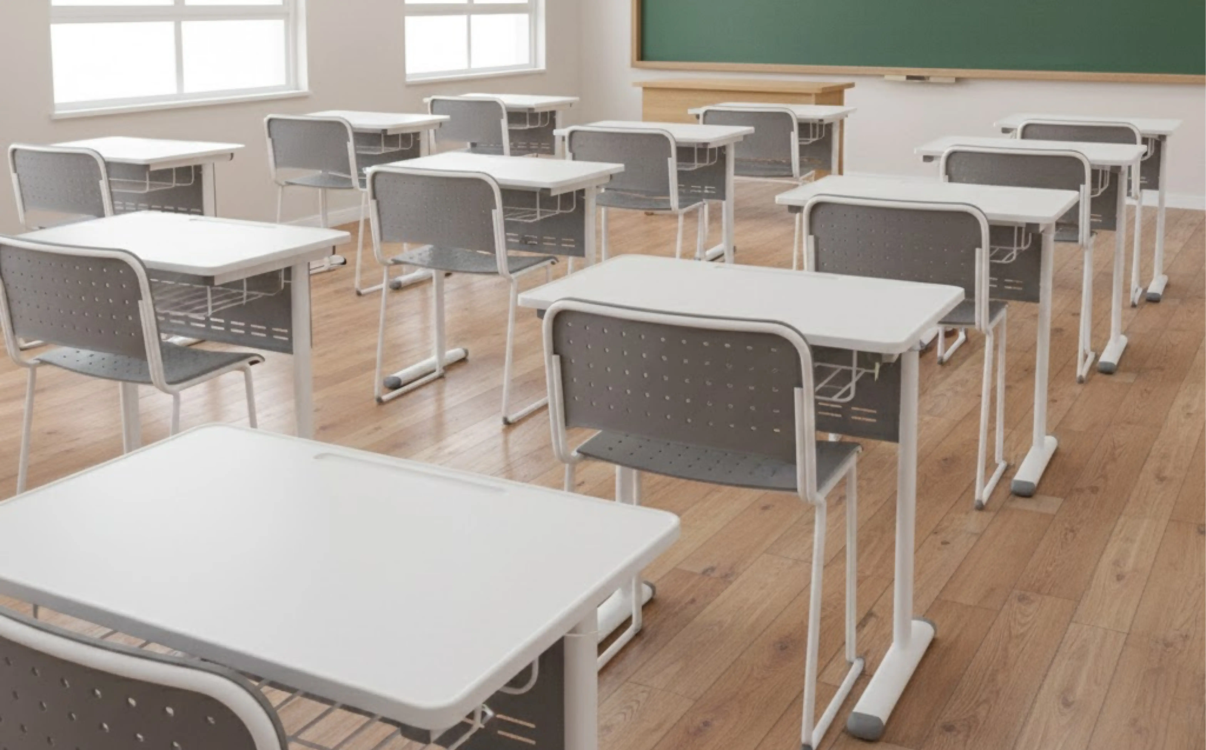
Middle School Desk Models: Standard Design, Durable and Easy to Use
When searching for “middle school desk models,” most readers are not only looking for attractive designs. They want practical answers: Which desks remain comfortable for long study sessions, stay stable without shaking, are easy to clean, and can be efficiently implemented in school projects with long-term durability, consistency, and cost optimization. At the middle school level, academic demands increase significantly. Students use more textbooks, engage in more group activities, and participate in presentations more frequently. Therefore, desks should not be chosen based on appearance or popularity alone.

Middle School Student Desks Meeting Ministry of Education Standards, Safe to Use
At the middle school level, academic intensity increases significantly: more textbooks, longer class periods, and more frequent group activities and presentations. Therefore, middle school student desks must offer more than just seating capacity. They need to support both learning experience and classroom management by being sturdy, durable, easy to clean, and flexible in layout. This article focuses on the key search intent related to middle school desks, including selection criteria, popular desk models, price-influencing factors, and how to choose the most suitable configuration for school projects.

Primary School Student Desk Models: How to Choose the Right Standard for Children Aged 6–10
When users search for “Grade 1 student desk models,” they usually want to see clear, practical options such as single or double desks, wooden or plastic surfaces, desks with or without storage compartments, and models that fit their budget while remaining durable and safe. This article follows that exact search intent by introducing popular Grade 1 desk models and providing quick selection criteria based on ergonomics, safety, durability, and classroom operation helping you choose the right model from the start.
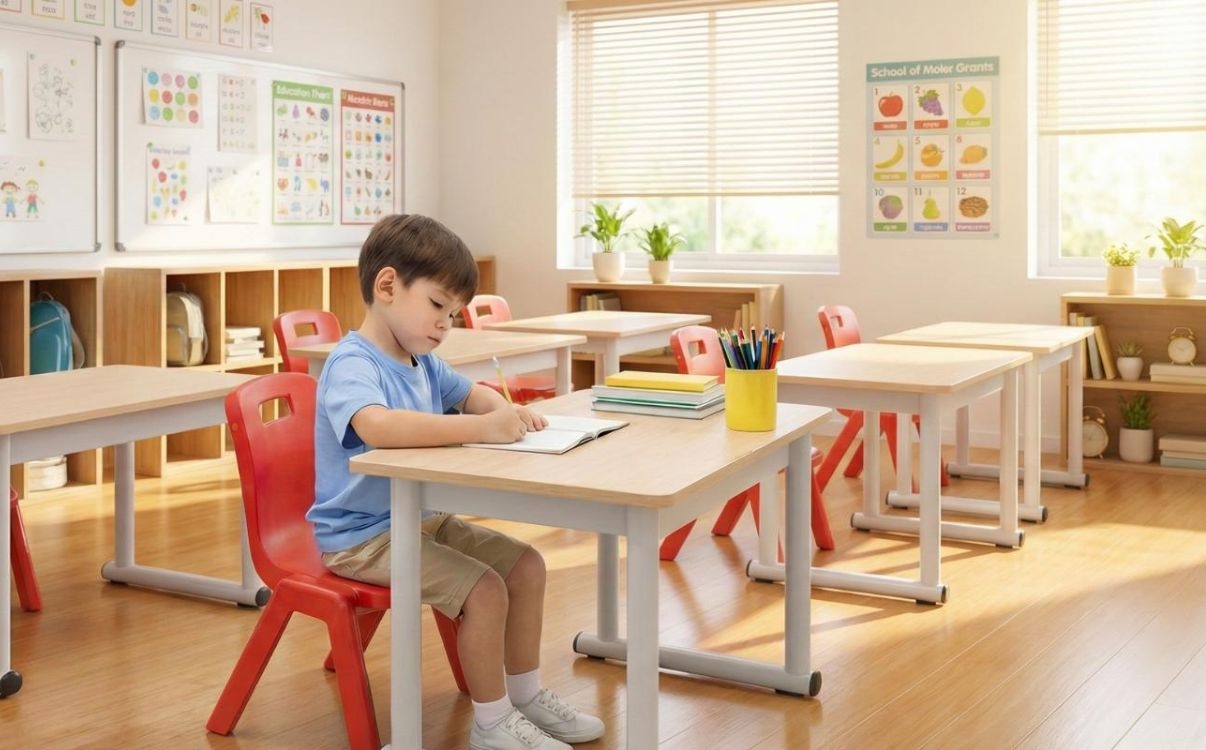
Certified Primary School Desks – The Right Seating Solution for Healthy Posture
Primary school desks are not just classroom furniture – they directly affect students’ sitting posture, concentration, and learning habits during their early years. Choosing the right desks for Grade 1 students helps them sit properly, place their arms comfortably, and reduce fatigue during long lessons. At the same time, it keeps classrooms organized, clean, and professional.
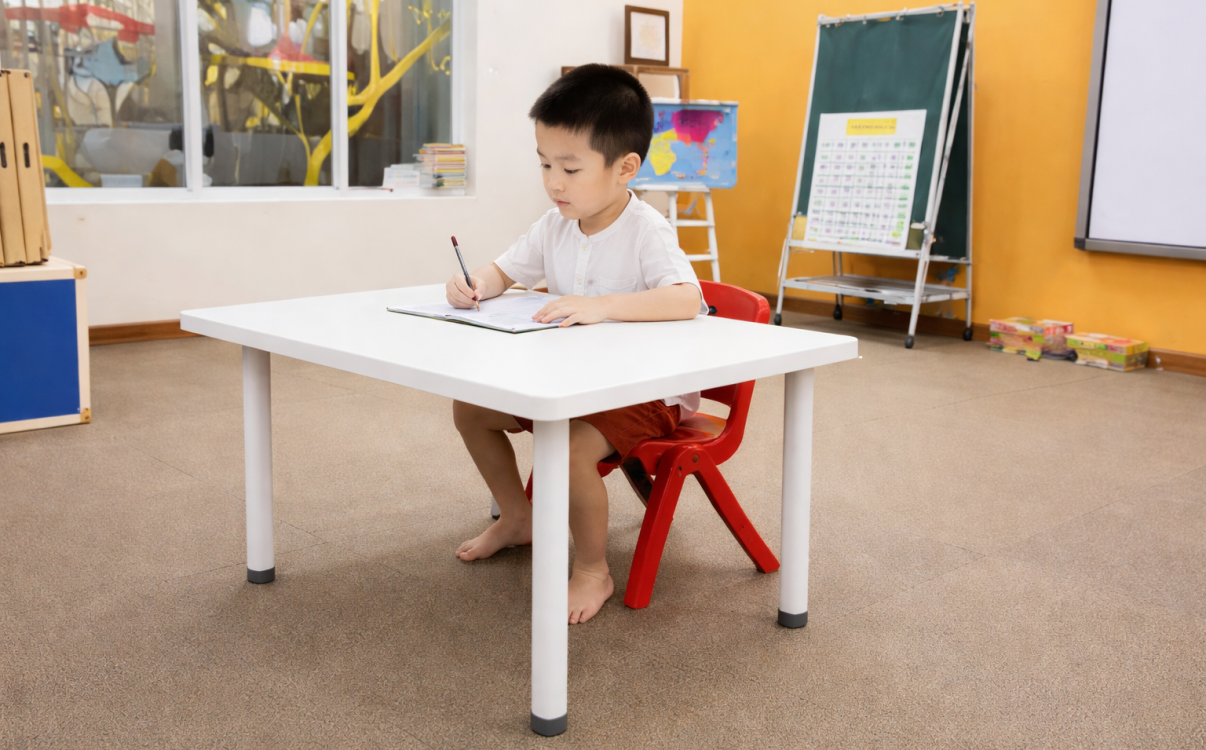
Preschool Student Desks: Choosing the Right Standards for Safety and Durability
Preschool student desks are not only a place for children to color, learn letters, or do crafts, but also a key touchpoint in shaping early study habits and classroom routines from the very first years. At this age, children’s bodies are developing rapidly and motor coordination is not yet fully stable. Therefore, desks for preschool children must meet multiple criteria at once: safety, appropriate proportions, and ease of classroom operation for teachers.
If a desk is too high or the tabletop is too deep, children tend to reach excessively, lean forward, strain their shoulders, and lose concentration quickly. If the desk is unstable or has sharp edges, the risk of bumps and scratches increases, negatively affecting both the classroom experience and daily management. Choosing preschool desks that meet proper standards is therefore a direct investment in peace of mind for both schools and parents.
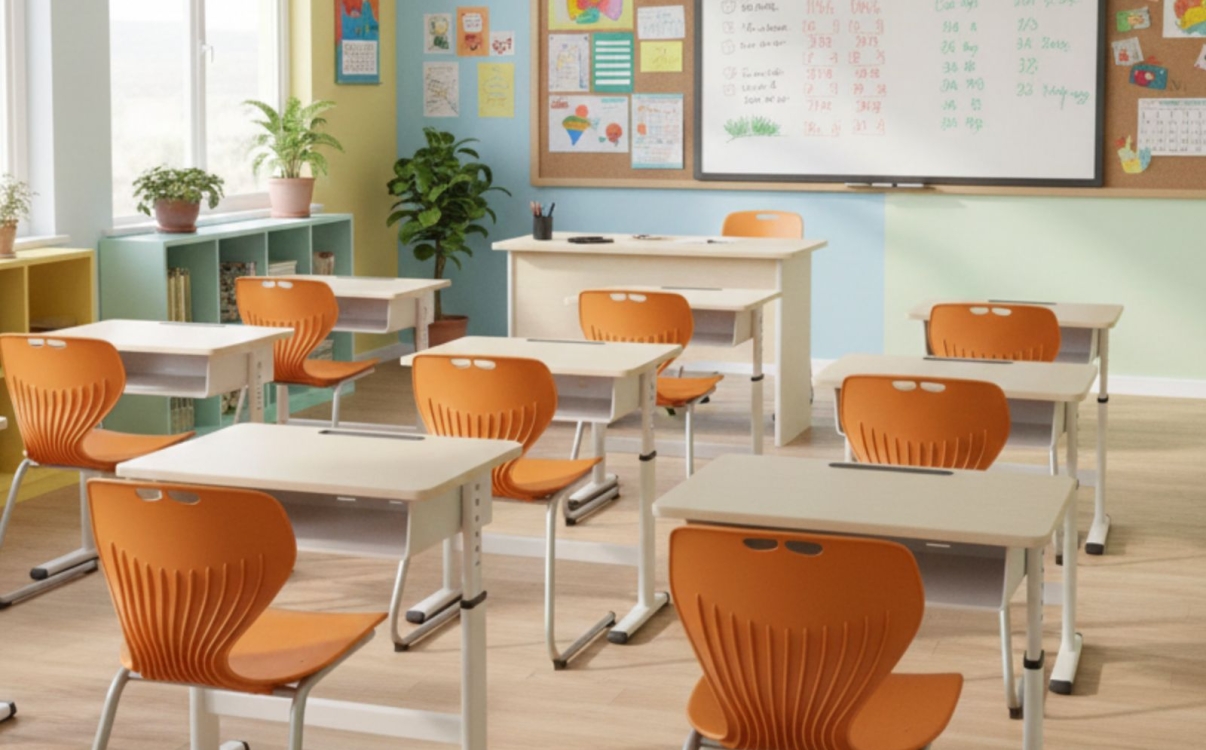
Ergonomic Student Desks: Choose Right, Durable, Cost-Effective
When it comes to student desks, many people simply think of “a tabletop for writing” and “a frame to sit at.” However, in modern classroom operations, student desks directly affect learning experience, sitting posture, student health, and long-term operating costs for schools. A well-chosen desk helps students sit correctly, stay focused longer, keeps classrooms organized, and minimizes maintenance issues.
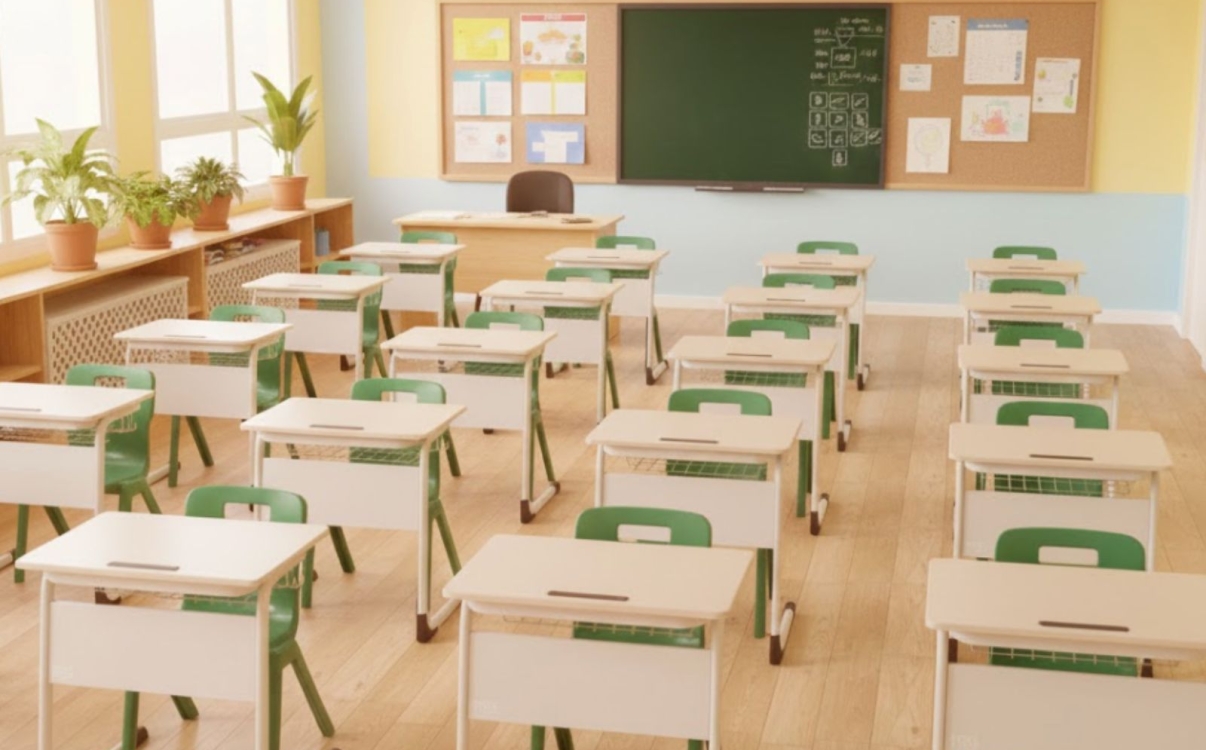
Standard School Desks: Choosing the Right One for Efficient Classroom Operation
School desks are the center of the classroom—the place where students take notes, complete assignments, discuss ideas, and interact with teachers. Choosing the right desks not only enhances the learning experience but also optimizes daily operations: quick setup, clear walkways, easy cleaning, long-term durability, and cohesive aesthetics.

International-standard interior solutions for schools and public spaces from RPB Education & Public
At the end of each year, educational investors and public-space operators inevitably face a familiar question: is it time to upgrade facilities and restructure spaces to enter the new year with higher standards for educational quality, user experience, and brand image? In this context, choosing a partner for school and public-space interior solutions is no longer just about buying furniture, but a strategic decision that impacts operations, long-term costs, and the overall value of the project.

From Classrooms, STEAM Labs, to Computer Rooms: RPB Education & Public's Comprehensive Furniture Solution
Education is undergoing a strong transformation. Schools, inter-level systems, training centers, and universities are no longer just looking for adequate furniture, but require a comprehensive school furniture solution, synchronized from the educational philosophy to the learning experience. From the perspective of management teams and C-level executives, furniture is not just an initial investment cost, but a crucial part of the long-term development strategy: attracting students, enhancing the school's image, supporting modern teaching methodologies, and protecting the health of the learners.

Flexible, Ergonomic Learning Spaces for a Sustainable Future
A modern classroom not only requires sufficient desks, chairs, whiteboards, and screens, but must also be ergonomically designed to support the long-term health, concentration, and inspiration of students. When facilities are invested in correctly, schools not only elevate the quality of teaching and learning but also build a solid foundation for a sustainable future.
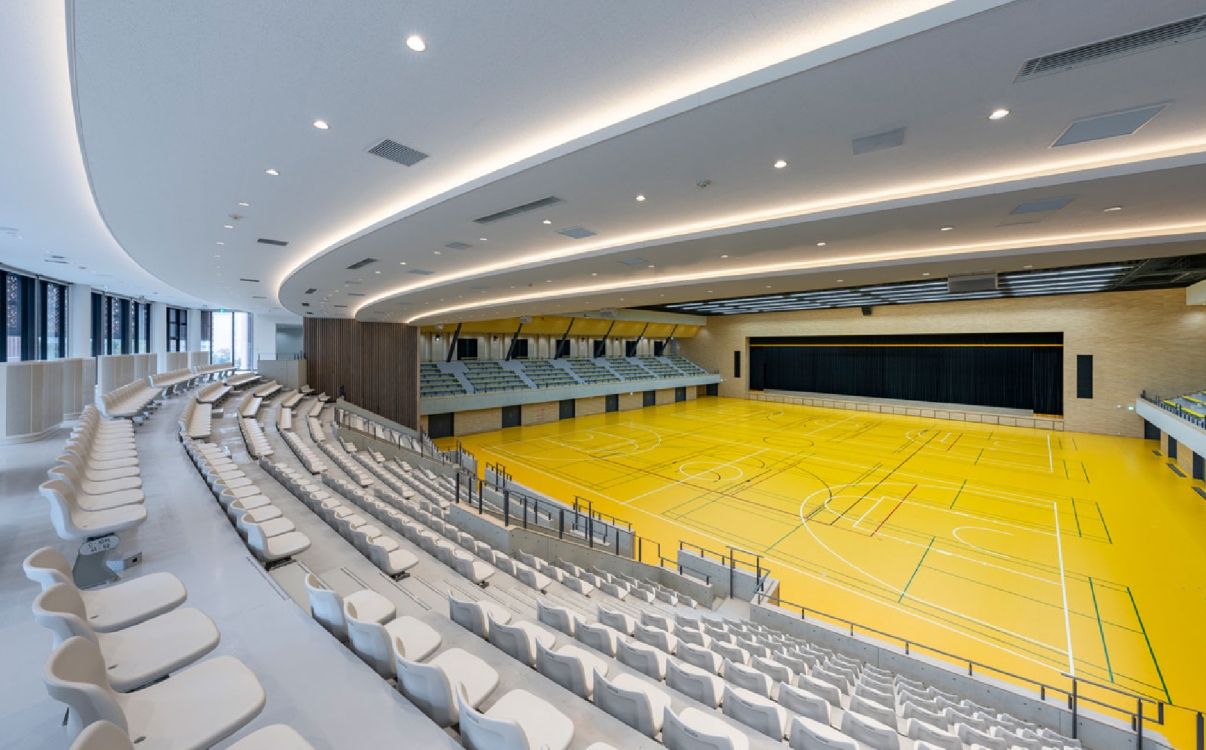
Optimizing Design for Multi-functional Sports, Educational, and Public Spaces
Currently, the challenge of optimal design for all sports, educational, and community spaces goes beyond merely selecting the right furniture products. It is a matter of space strategy, user experience, investment efficiency, and how every square meter is maximized for value. When C-level executives and investors make decisions, furniture is not just an expense, but an integral part of their operational, branding, and long-term growth strategies.

Creating a Modern Conference Setting to Enhance the Academic Experience
As education and research increasingly emphasize interaction, sharing, and creativity, a conference environment is no longer just a room with tables, chairs, and a projector. A modern, properly designed conference space can make a huge difference: it helps specialized classes become more vibrant, scientific conferences more effective, and significantly elevates the academic experience for attendees. When students, lecturers, speakers, or guests enter the conference room, they perceive professionalism not only through the content but immediately through the way the space is constructed, from the seating, lighting, layout, to the supporting technology.

Premium auditorium space, where aesthetics meets functionality
A professional auditorium is not merely a venue for events, but the 'face' of an entity, an organization, or an educational institution. In that space, every detail—from lighting, sound, and stage to the seating system—contributes to creating a complete experience for the attendees. Among these, auditorium seating plays a core role, providing comfort and utility while showcasing the class, aesthetic taste, and style of the facility.

Transforming seating layouts, transforming the way knowledge is accessed
Today, as society changes and 21st-century requirements place greater emphasis on critical thinking, self-learning, and problem-solving skills, the traditional classroom model reveals many limitations. Students have limited opportunities for interaction, find it difficult to engage in group discussions, and their thinking is restricted within a fixed space.
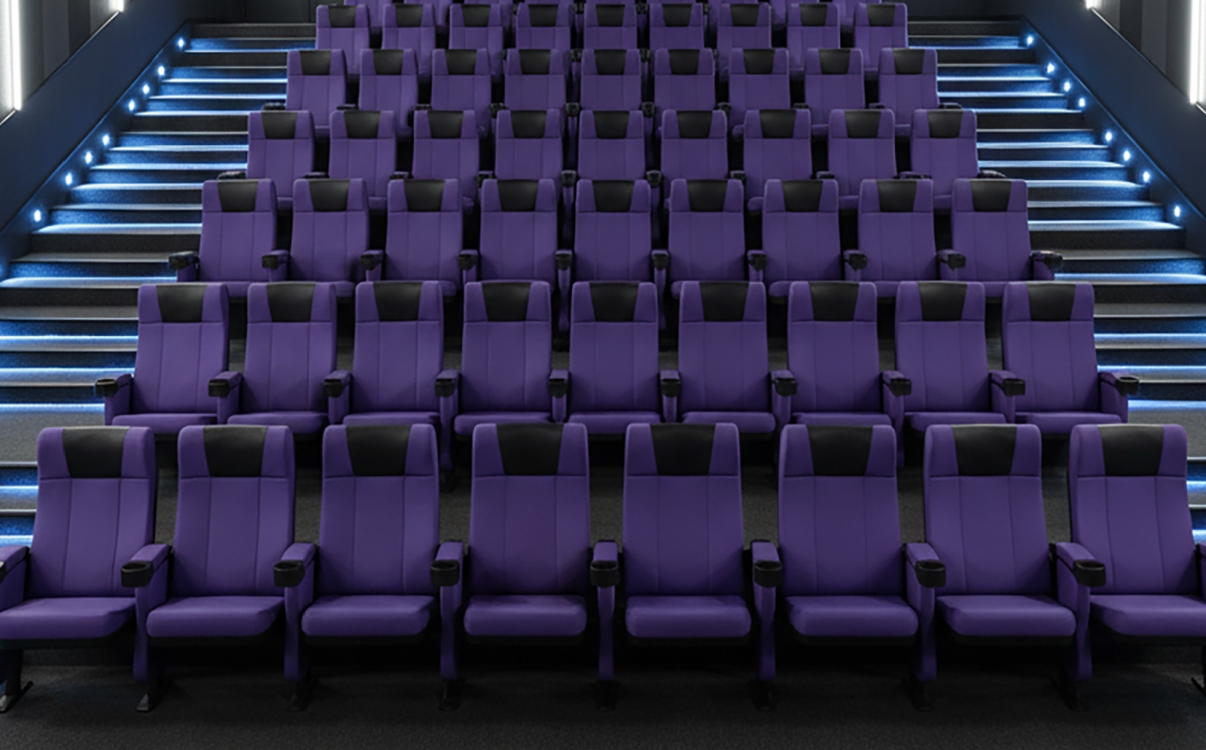
More than just a seat, it is the art of comfort and sophistication
In a movie theater or performance hall, the lights dim, the screen brightens, and layers of sound begin to spread. Viewers are instantly drawn into the story unfolding before them. But few realize that emotions are not only created by images or sound but are shaped by the very cinema seat they are sitting on. A good seat creates a feeling of relaxation, supports the body, and maintains a comfortable posture for many hours. Conversely, a chair that is stiff, shaky, or causes fatigue will interrupt the cinematic experience.
The 2025 Public Seating Collection
The world is changing. Public spaces are no longer judged merely by capacity or scale, but by the experience they provide. From university auditoriums and convention centers to cinemas, home theaters, or sports bleachers, people are demanding more: not just a seat, but exceptional comfort, safety, and aesthetics.
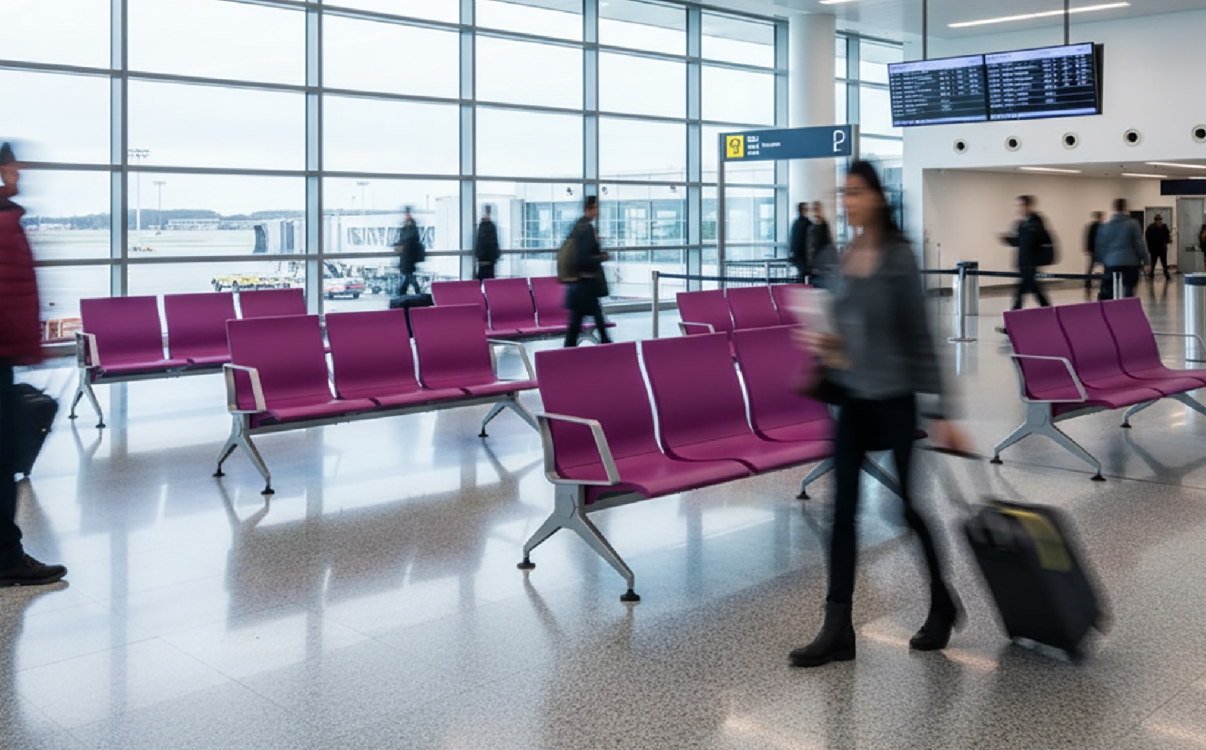
Enduring thousands of uses every day, yet remaining as strong and steady as the very first day
A vibrant public space, where people are constantly on the move and every moment is connected to learning, working, or waiting — within it exist items that may seem ordinary yet play an essential role. These are the waiting benches, auditorium chairs, stadium seats, and student desks — the silent companions that stay with us through many years.

Waiting is no longer tiring — it’s a moment of comfort and relaxation
In modern life, public spaces are not merely functional areas; they are also a reflection of an organization's professionalism and sophistication. From hospital corridors and airport lobbies to shopping malls and transaction offices, all require resting spots that provide comfort and peace of mind. And waiting benches are a crucial element in creating that experience.
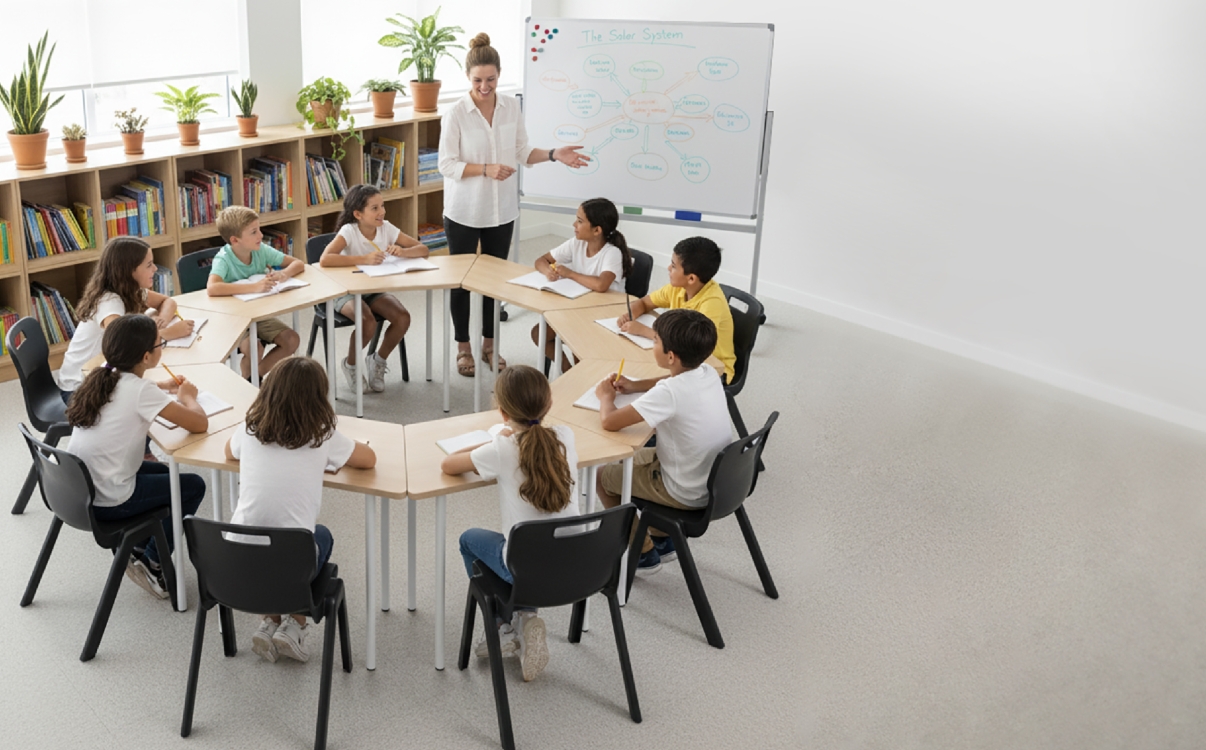
Whiteboards, Bookshelves, and Desks: The Synergistic Furniture Trio Shaping the Future of Education
In the journey of building an advanced educational system, the physical environment serves as a core foundation, directly impacting teaching effectiveness and students' capacity to learn. Among myriad factors, the trio of whiteboards, bookshelves, and student desks and chairs emerges as irreplaceable pillars. They are not merely inanimate objects, but strategic tools that create a dynamic learning space, inspire creativity, and ensure the holistic development of the future generation. This article will provide an in-depth analysis of the role of each element and their synergistic power when harmoniously combined.
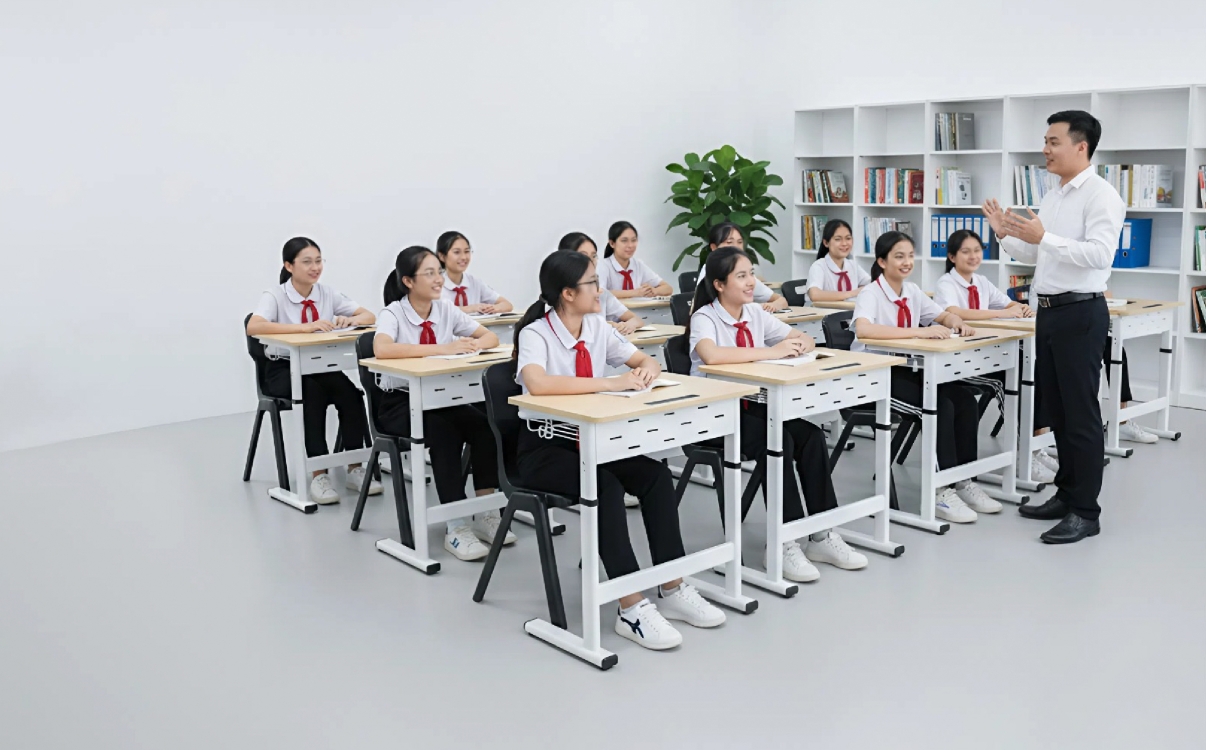
Upgrading School Furniture: The Unexpected Key to Enhancing Teaching Effectiveness
A classroom is not just a place for imparting knowledge, but also a space that inspires creativity and interaction. Recent studies from the World Economic Forum (2024) show that over 70% of teachers believe the physical environment of the classroom directly impacts concentration, emotions, and teaching effectiveness.
School furniture—including desks, chairs, lighting, spatial layout, and support equipment—plays a central role in shaping the learning experience. An ergonomic chair can help a teacher stand for longer periods without back pain, while a proper desk helps students maintain correct posture and stay focused throughout the lesson.
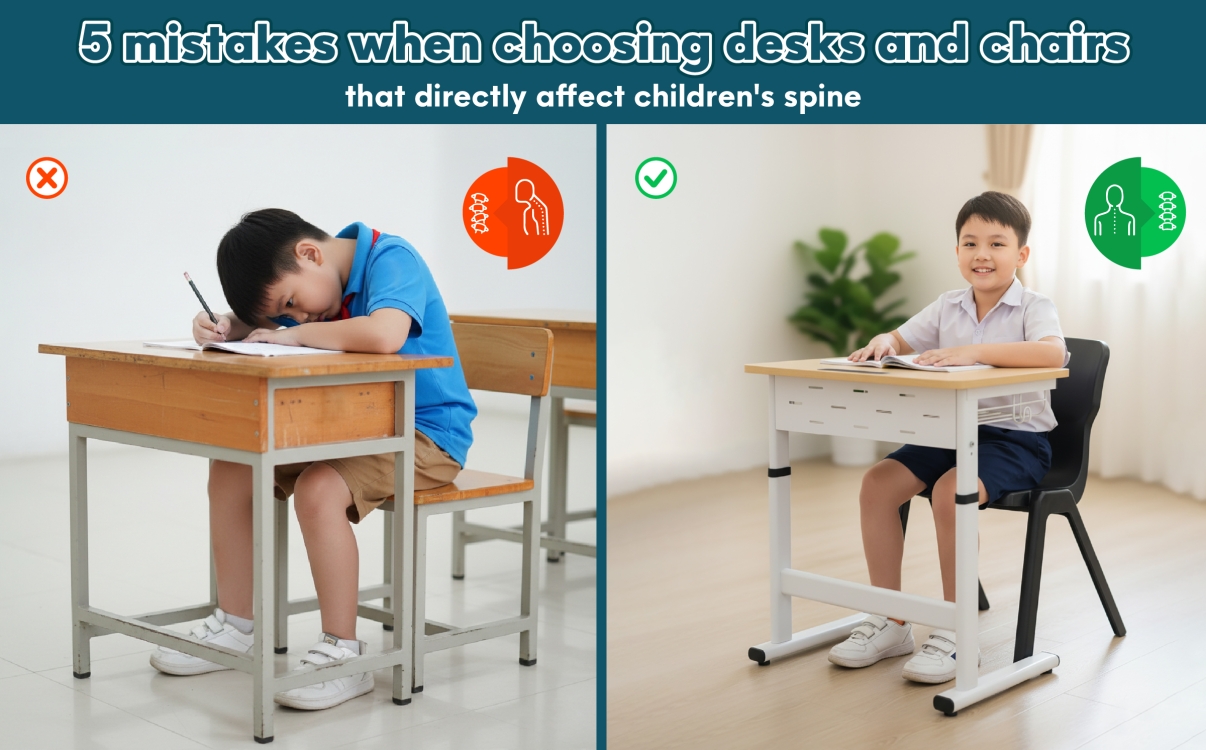
5 Common Mistakes in Choosing Student Desks and Chairs That Directly Impact a Child's Spine and Future
Choosing the right student desk and chair is more than a simple purchase—it's a critical decision that impacts a child's health, posture, and ability to learn. Unfortunately, common mistakes often lead to poor posture, causing serious issues like spinal problems, vision decline, and a loss of focus.
As experts in educational furniture, RPB Education & Public is here to guide you. We'll reveal the 5 biggest mistakes to avoid and share our Ministry of Health-approved ergonomic solutions to help you invest wisely in your child's future.
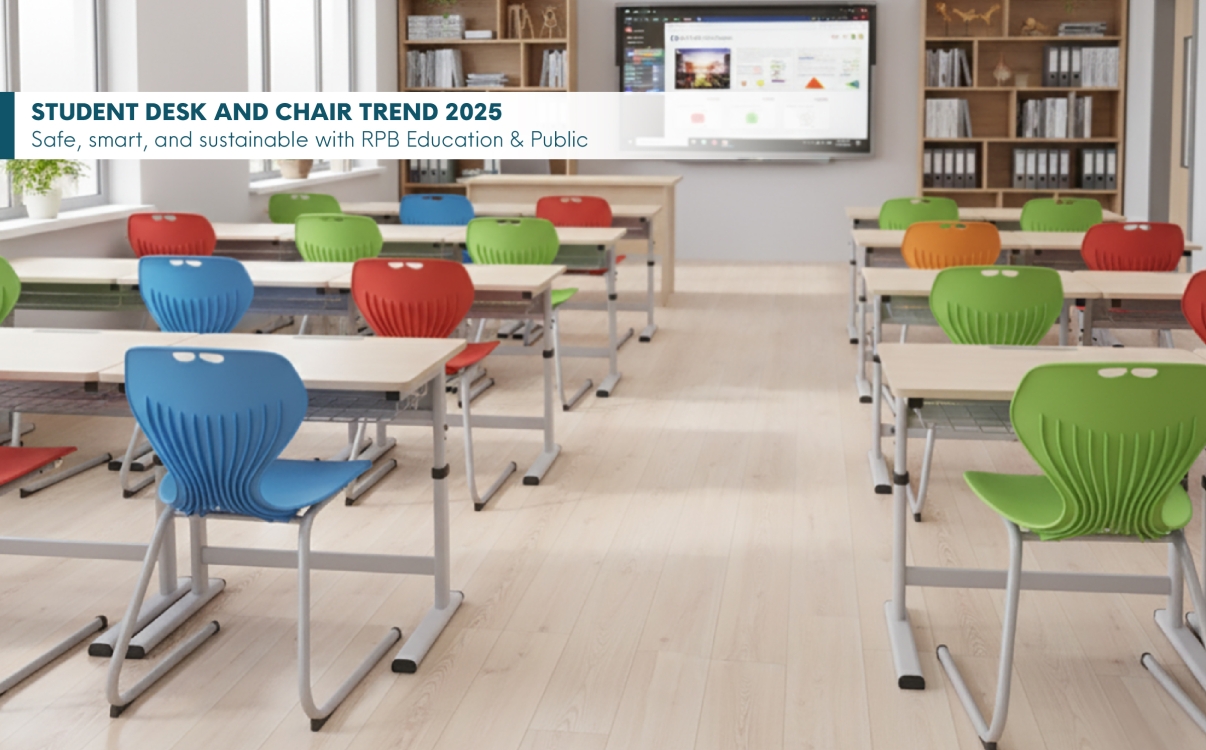
Student Desk and Chair Design Trends for 2025: Safe, Smart, and Sustainable
The year 2025 marks a significant transformation in how schools and parents choose educational furniture, with a growing emphasis on ergonomic design, eco-friendly materials, and smart technology integration.
Together with RPB Education & Public, a pioneering brand in school and public furniture certified by the Ministry of Health, let’s explore the top student desk and chair design trends of 2025 — where safety, intelligence, and sustainability define the future of learning spaces.
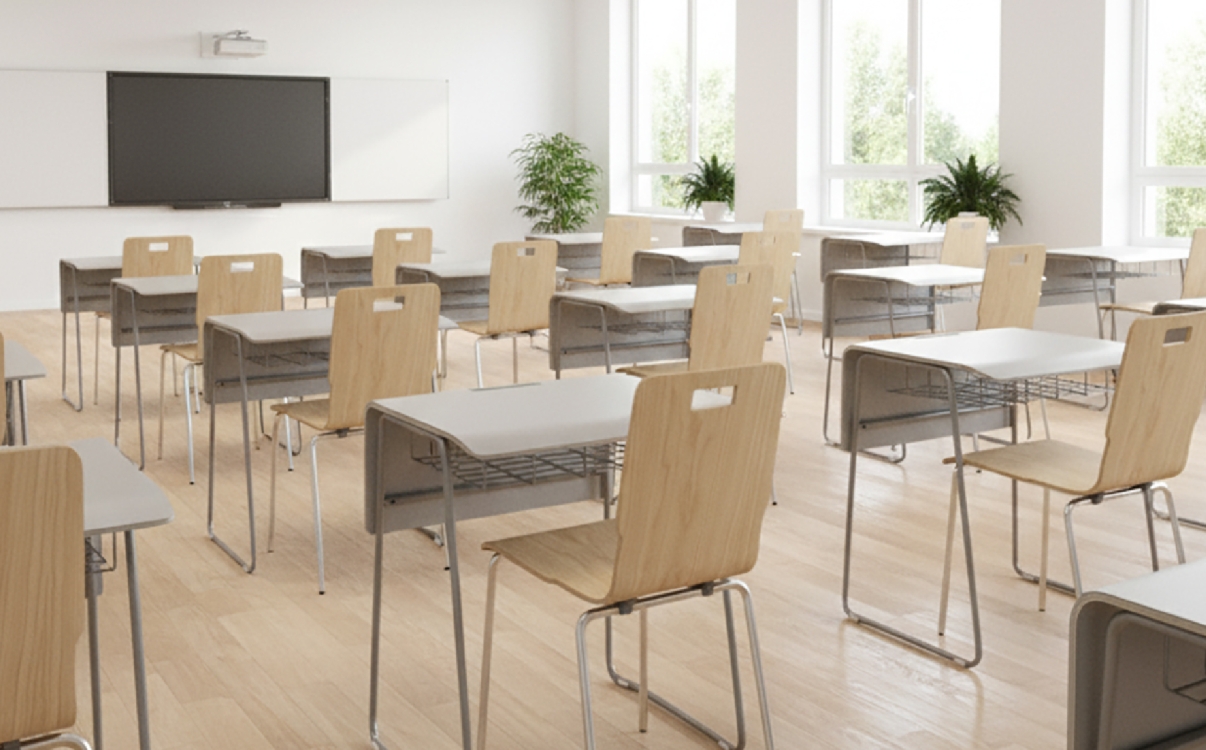
The Role of Wood and Plastic in Modern School Furniture Design: A Comparative View from the Experts at RPB Education & Public.
The choice of appropriate materials between wood and plastic is becoming a key consideration for many schools, parents, and investors. From the expert perspective of RPB Education & Public, a pioneer in the field of school furniture that meets Ministry of Health standards, selecting a material is not just an aesthetic decision but also a commitment to safety, sustainability, and long-term development.
According to the National Technical Regulation QCVN 03:2011/BGDĐT, student desks and chairs must simultaneously meet several criteria: dimensions appropriate for the students' physique, safe materials, high durability, and an ergonomic design to ensure students maintain proper posture while learning. The choice of a suitable material not only affects the product's lifespan but also determines the comfort and health of students throughout their academic journey.
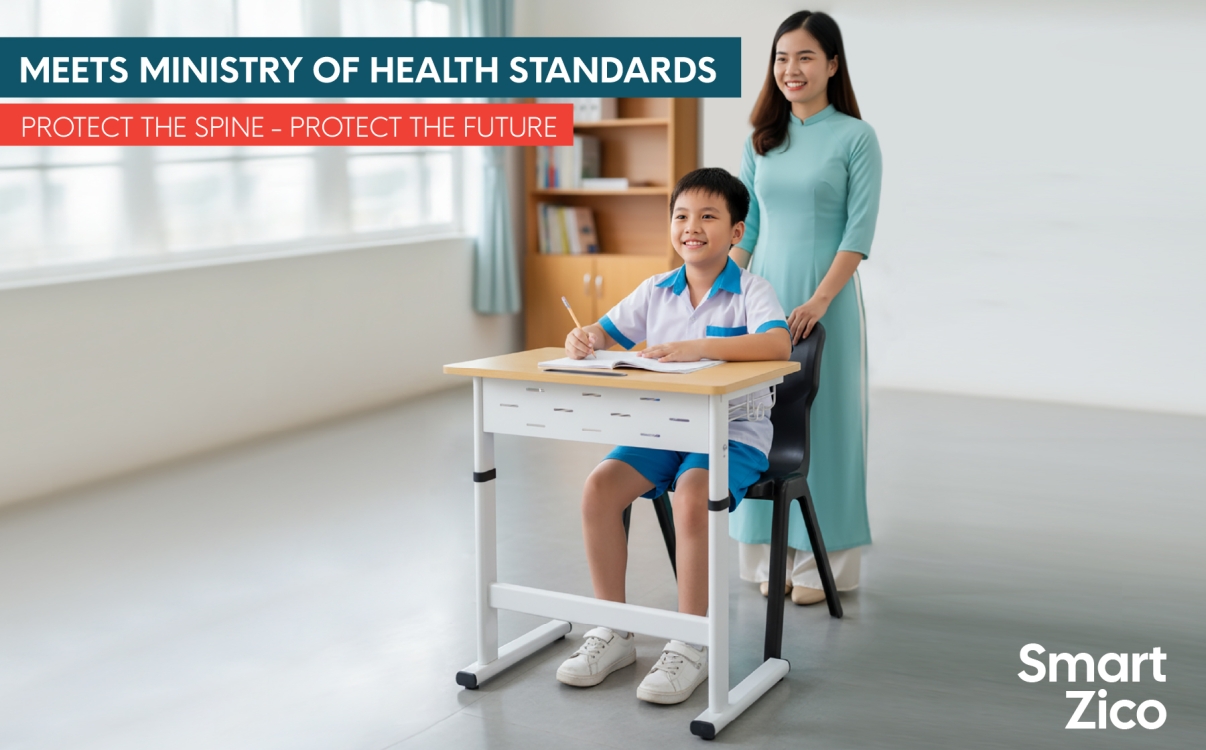
Student desks and chairs meeting Ministry of Health standards: What parents need to know to protect their children's health
Nowadays, the issue of sitting posture and school health is receiving increasing attention. The Ministry of Health of Vietnam has issued technical standards for student desks and chairs to help prevent hunchback, scoliosis, and school-related myopia — problems that are becoming increasingly common among Vietnamese children. However, not all parents or schools fully understand these criteria to choose the right, standard-compliant products.
In this article, from the perspective of RPB Education & Public — an expert in school furniture — we will help you gain a deeper understanding of the Ministry of Health’s standards, how to select compliant desks and chairs, and why the Smart Zico height-adjustable desk is the optimal solution for students from grade 1 to grade 12.
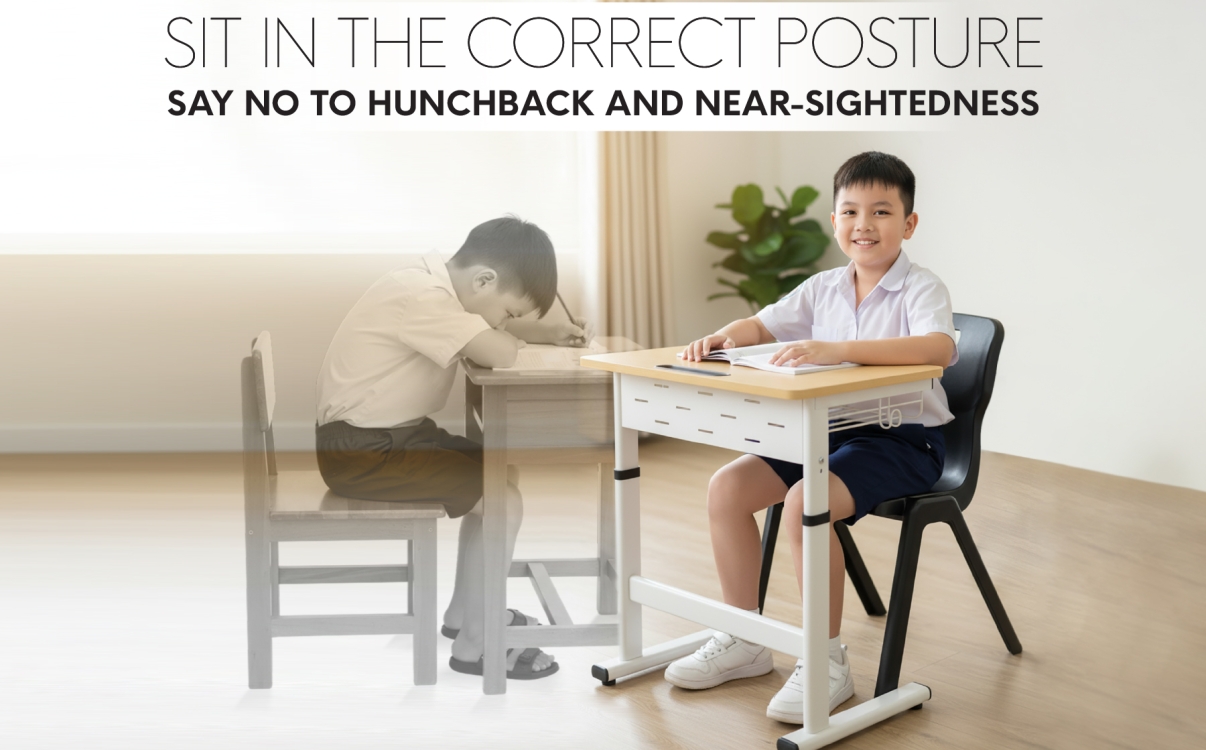
Experience in Choosing Anti-Hunchback Student Desks and Chairs – A Safe and Modern Learning Solution
With children’s physical development, sitting posture plays a crucial role in their health and ability to concentrate. Numerous studies have shown that sitting in the wrong posture for long periods can lead to problems such as scoliosis, hunchback, or school-related myopia. Therefore, choosing the right student desk and chair — especially an adjustable anti-hunchback model — not only helps children maintain a proper sitting posture but also creates a comfortable and effective learning environment. For families with children from grade 1 to 12, or for multi-level schools, the Smart Zico height-adjustable desk from RPB Education & Public is one of the most optimal choices available today.
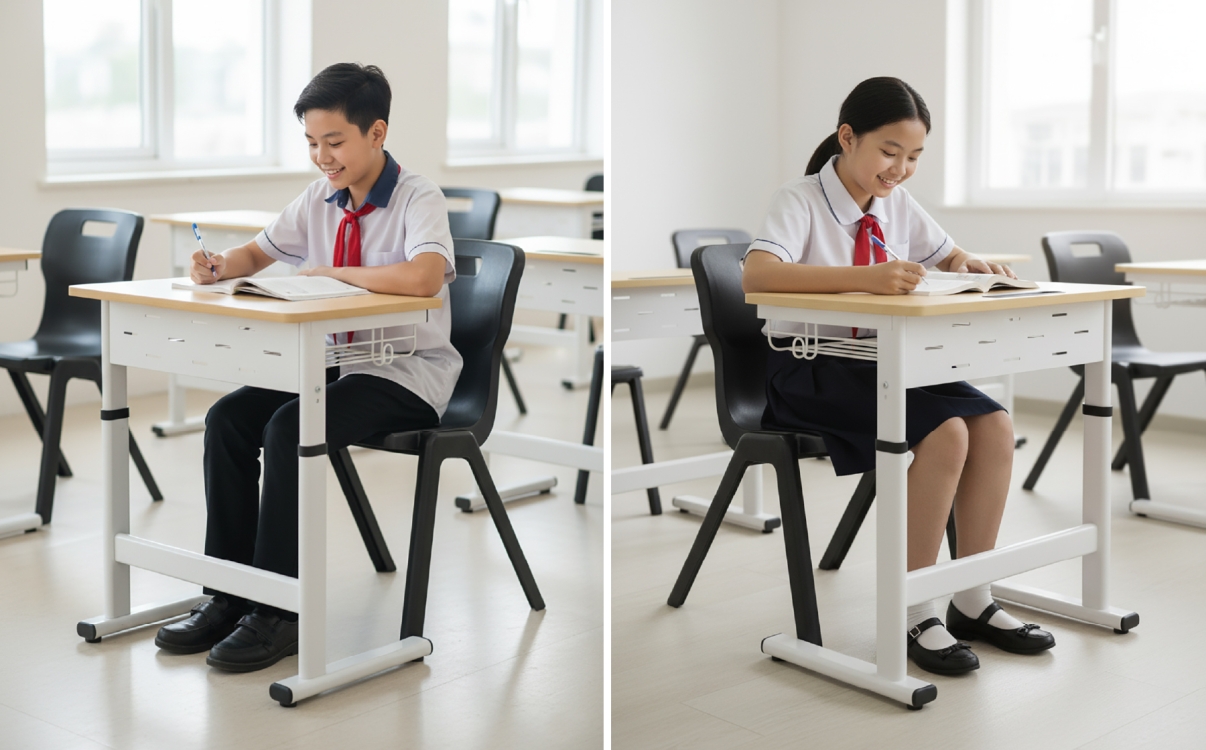
Correct sitting posture with an adjustable desk helps reduce back pain in students
Sitting posture has a direct impact on students’ spinal health and ability to concentrate. In recent years, issues such as back pain, hunchback, scoliosis, and school-related myopia have become increasingly common among students — and one of the main causes stems from maintaining an incorrect sitting posture for long periods. Especially when children spend many hours studying each day, choosing a study desk that matches their height and body type is a key factor in protecting their long-term health.
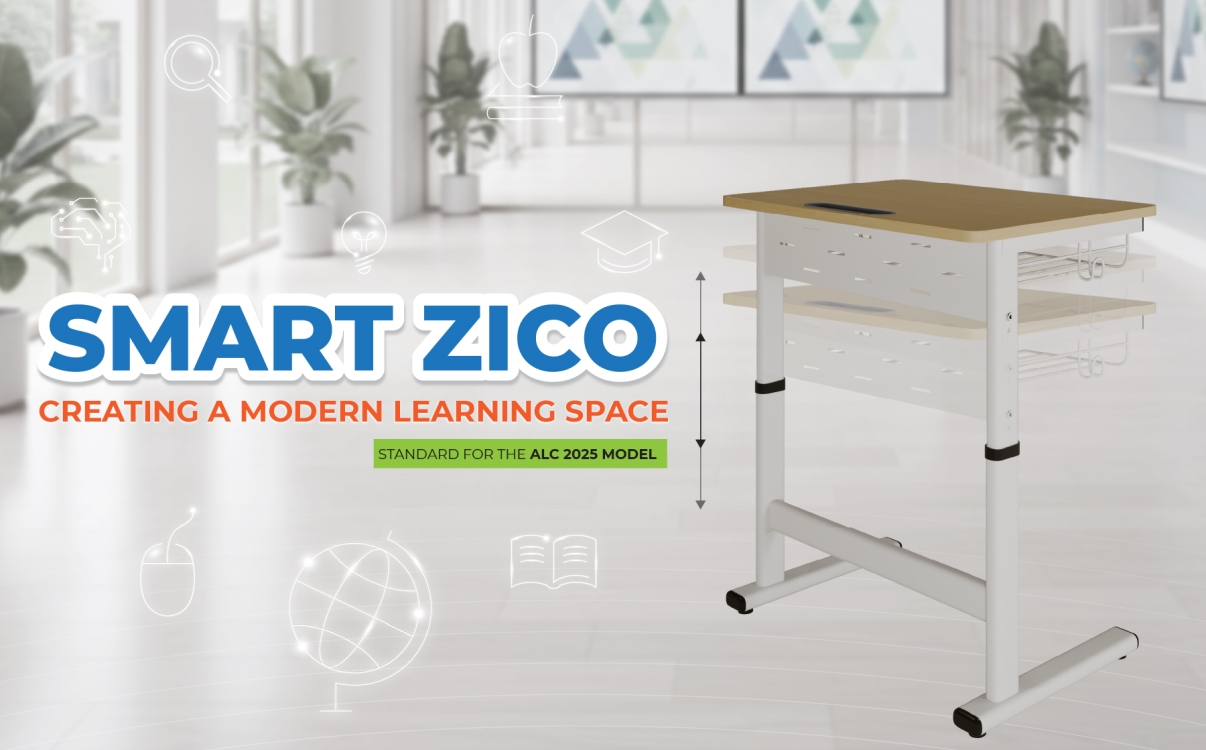
What Is a Height-Adjustable Desk? The Benefits of Height-Adjustable Desks for Students in Modern Education
The concept of a smart classroom is not only defined by the application of technology or advanced teaching methods, but also by the smallest and most practical details. One of these is the school desk — where students spend many hours each day. Instead of traditional fixed desks, height-adjustable desks are becoming a growing trend thanks to their flexibility, safety, and student-friendly design. So, what exactly is a height-adjustable desk for students, what are its benefits, and why should modern schools invest in this innovative solution?
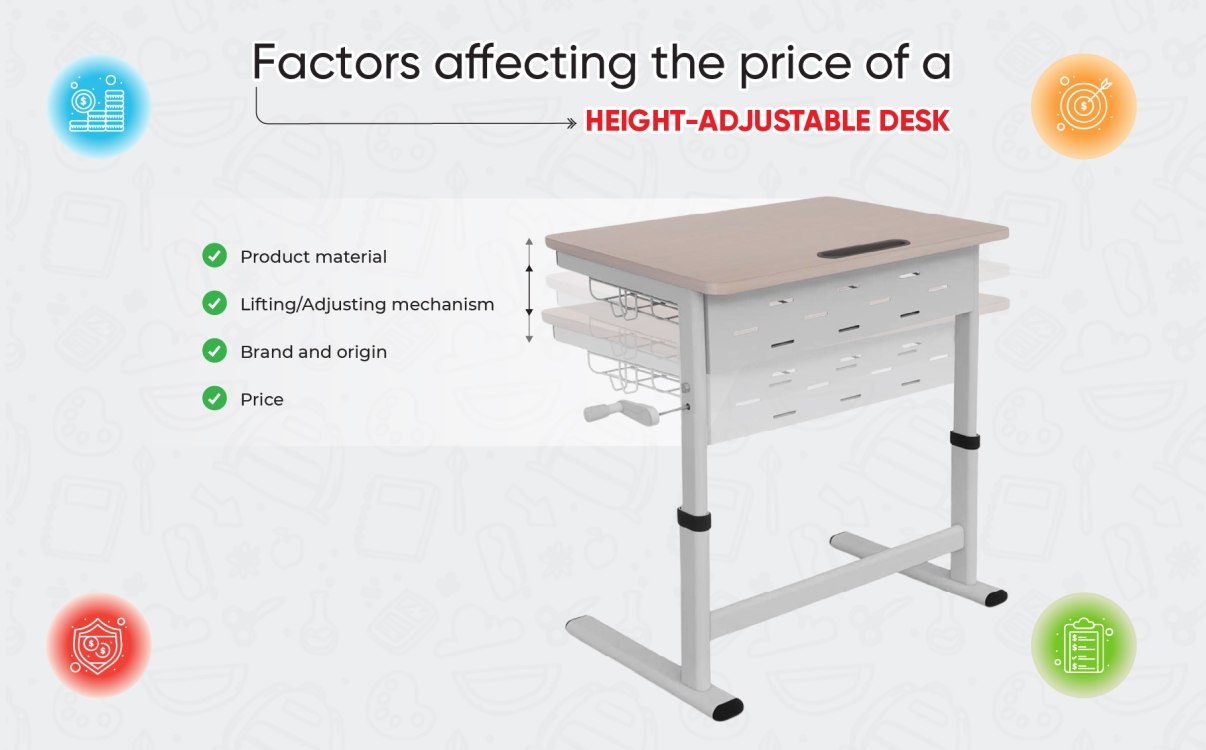
Student Adjustable Desk Prices 2025: Where to Buy from a Trusted Source?
Adjustable student desks are increasingly becoming the preferred choice for both parents and schools. These smart desks feature flexible height adjustment, allowing students to maintain correct posture, reduce the risk of back pain and myopia, and enjoy a more comfortable learning experience. As we move into 2025, the demand for information about student adjustable desk prices and reliable purchasing sources continues to rise. This article will give you a clearer understanding of price ranges, influencing factors, and trustworthy suppliers—highlighting the Smart Zico adjustable desk by RPB Education & Public as a leading solution.
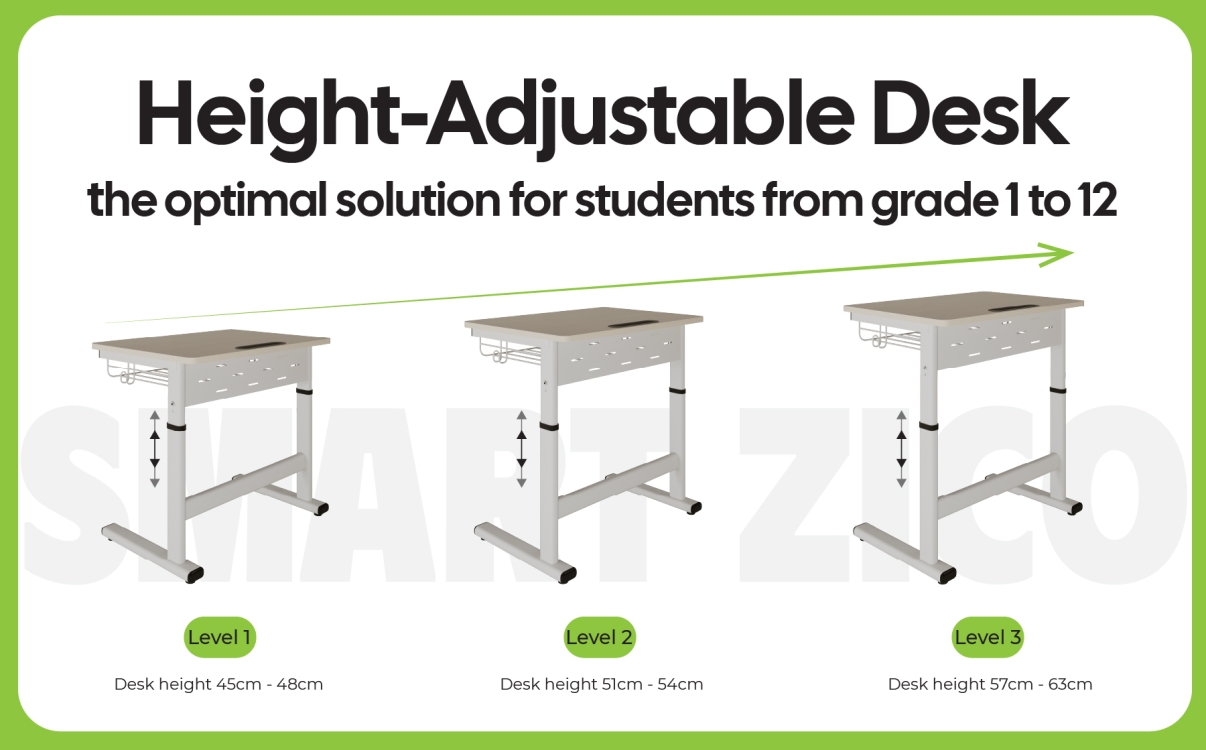
Is an Adjustable Desk Suitable for Children?
Adjustable desks are becoming the top choice for many K–12 schools. Many principals and investors often wonder: Are adjustable desks truly suitable for students, especially children from primary to high school? The answer is yes — not only are they suitable, but they also bring significant benefits in terms of health, comfort, and long-term cost efficiency for schools. In this article, RPB Education & Public will highlight the surprising advantages of adjustable desks.
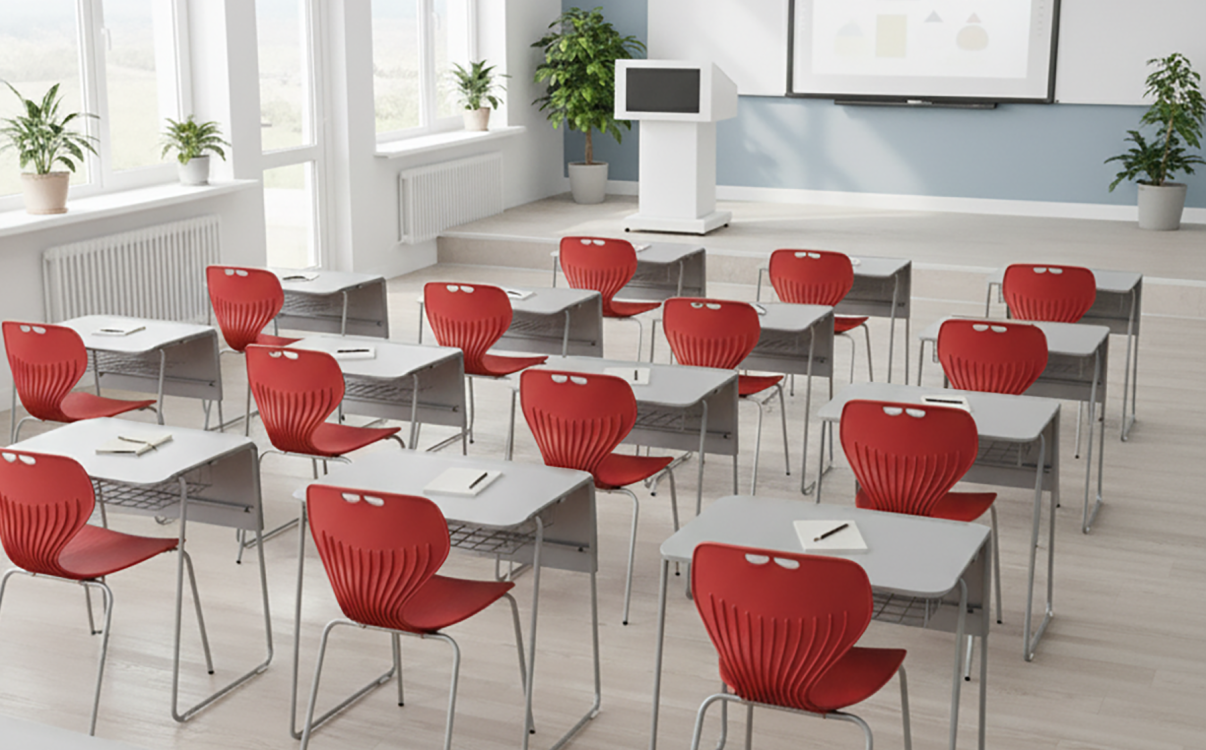
Stacy 02 Study Desk – A Modern Furniture Solution for Educational Spaces
A modern classroom is not only defined by smart boards, teaching technology, or advanced lesson plans, but also begins with the smallest details: the study desk that students use every day. A desk is not just a place to write or hold books, but it also directly impacts concentration, motivation, and learning efficiency.
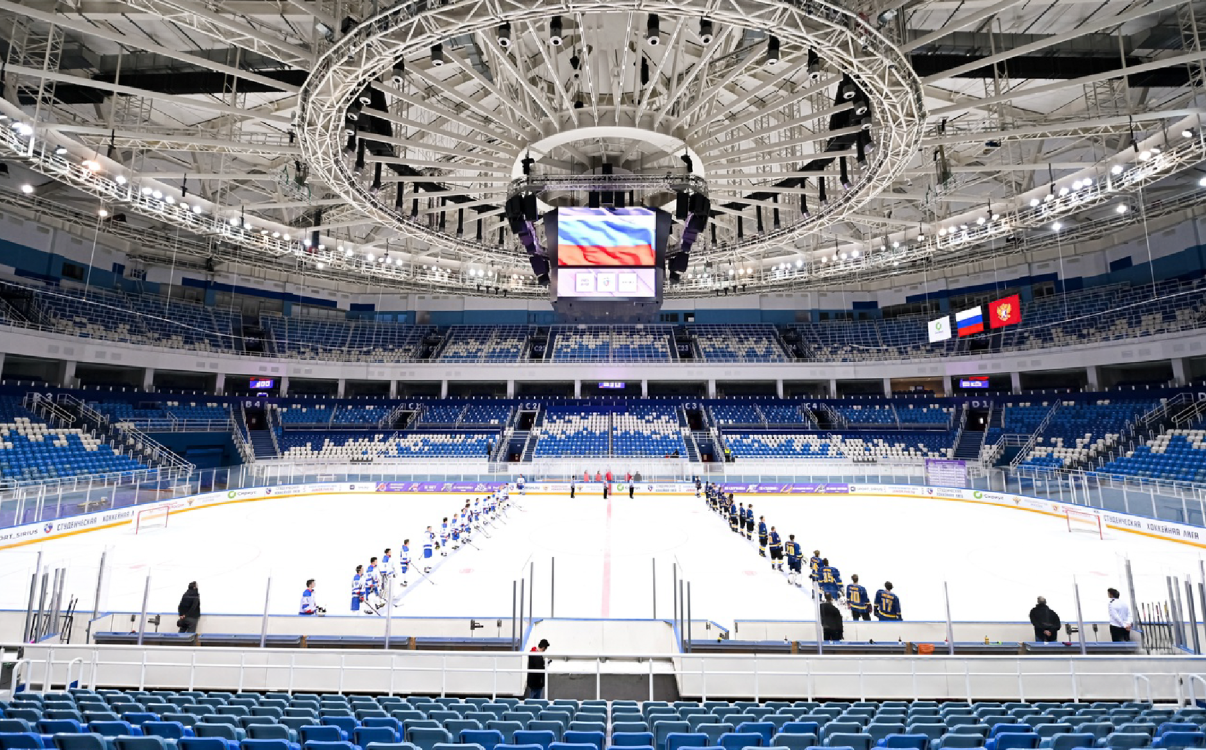
Stadium Seating Investment Costs, Cost-Optimization Solutions, and 10+ Years of Durability
In modern sports projects, stadium seating is not only designed to serve spectators but also plays a crucial role in shaping the overall event experience, the image of the facility, and the investment budget. A seating system that is scientifically designed, manufactured from durable materials, and resistant to weather conditions will help investors optimize long-term costs and extend the lifespan of use to more than 10 years. This article will provide a detailed analysis of the factors affecting the investment costs of stadium seating, as well as offer solutions for effective budget management and ensuring construction quality.
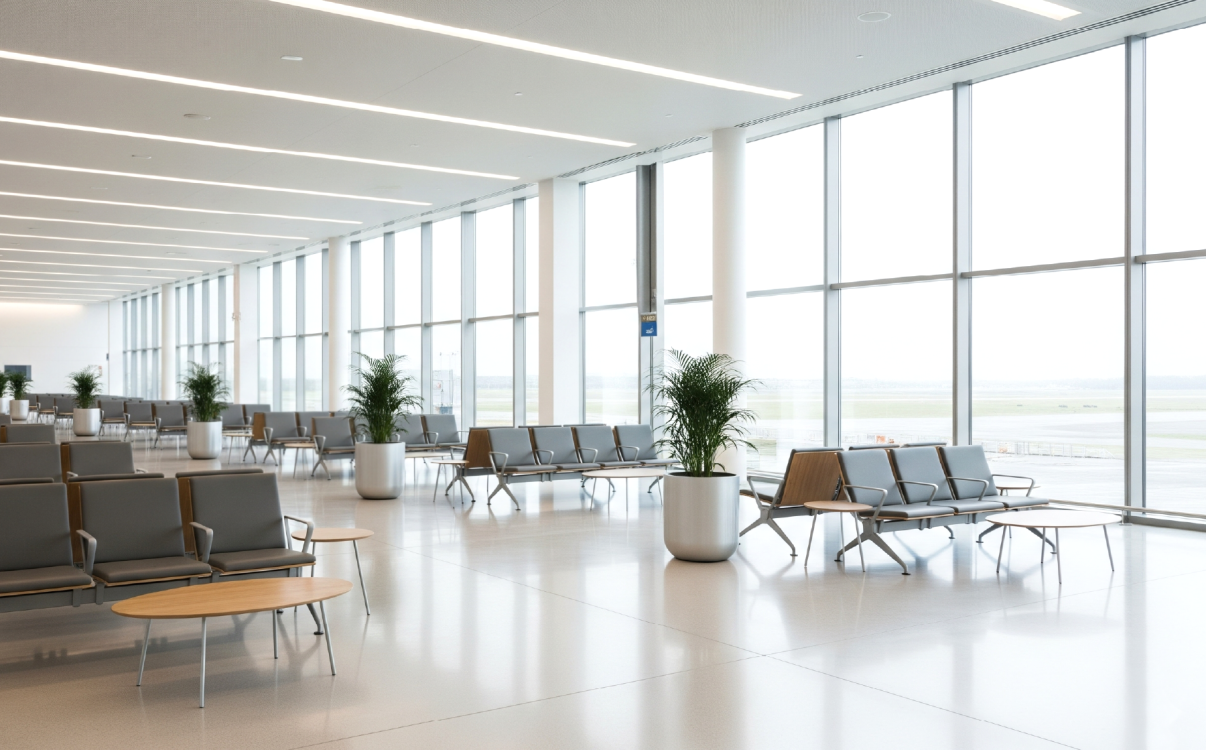
Top 5 Durable and Space-Saving Airport Chairs for 2025
In modern airport infrastructure design, airport seating plays an equally important role as lighting systems, information displays, or service layouts. A durable and well-designed airport chair not only optimizes waiting space but also enhances passenger experience, reduces maintenance costs, and reflects the professionalism of the airport. In 2025, RPB Education & Public introduces five outstanding seating lines—Kubin, Stone, Sitz, Sitto, and Moto—designed to meet all requirements of durability, functionality, and aesthetics.
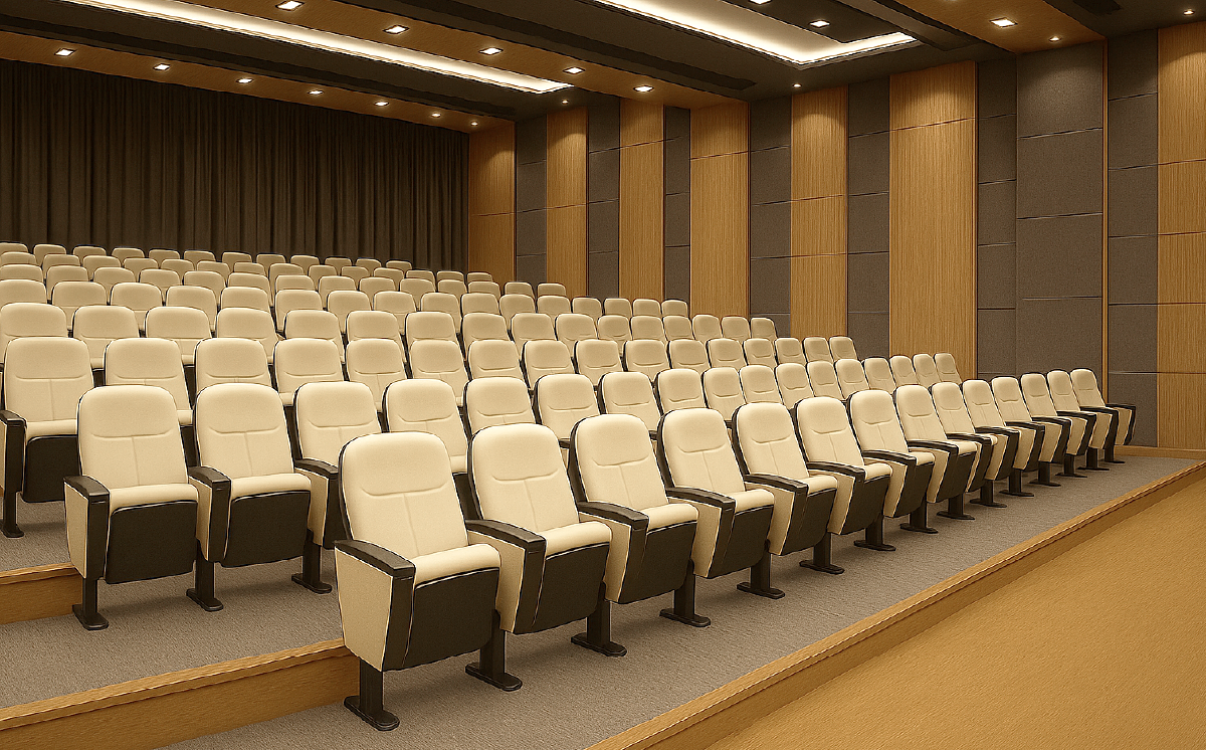
Three ways to save costs when transforming outdated school spaces
For many years, schools have often prioritized investing in construction, classrooms, or teaching equipment, while paying little attention to auditorium chairs. In reality, this is a factor that directly influences the learning experience, collective activities, and the school’s overall image. Outdated, low-quality auditorium chairs not only cause inconvenience for students and teachers but also lead to rising repair and replacement costs. Choosing the right type of auditorium chair that is both durable and functional can help schools save significant expenses in the long term.
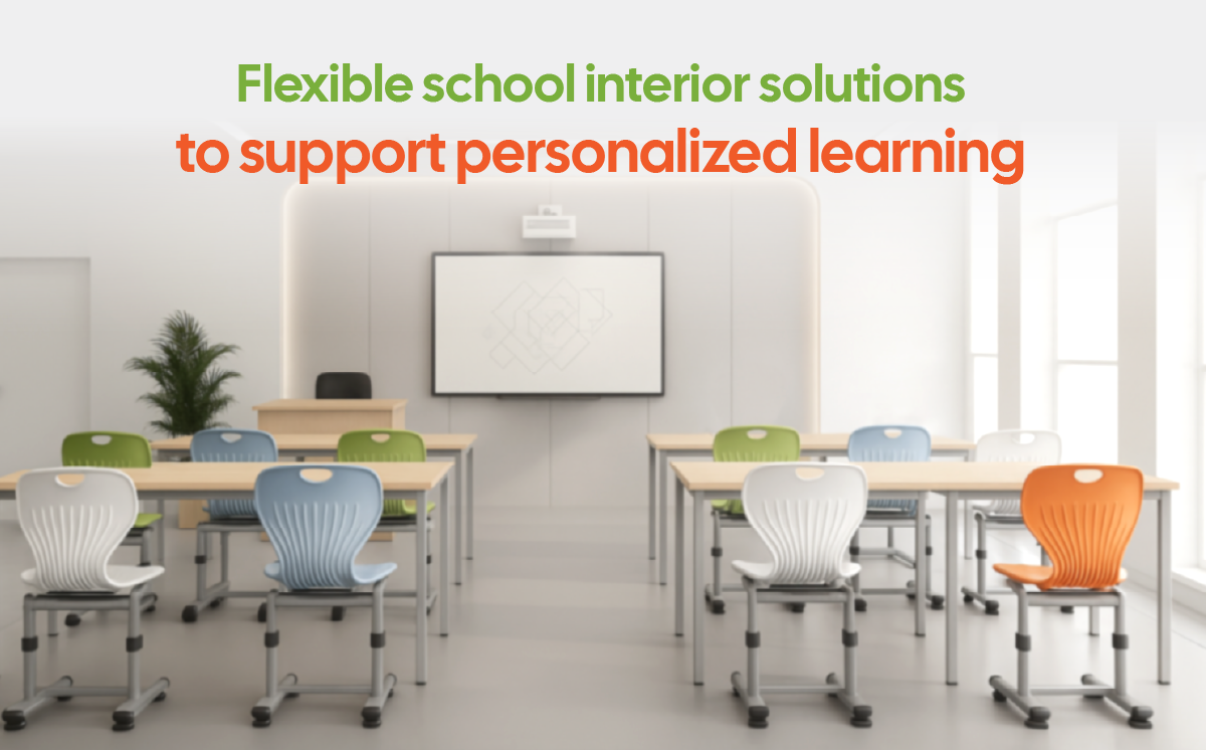
Welcome the New School Year: Flexible School Furniture Solutions Supporting Personalized Learning
As the new school year begins, both teachers and students carry with them excitement, anticipation, and many special emotions. In this context, school furniture plays a quiet yet vital role, as the classroom is not just a place for students to sit but an ecosystem where they can feel, interact, and grow holistically. A flexible, intelligent classroom design can spark curiosity, nurture a spirit of collaboration, and create a sense of connection for every individual within the community.
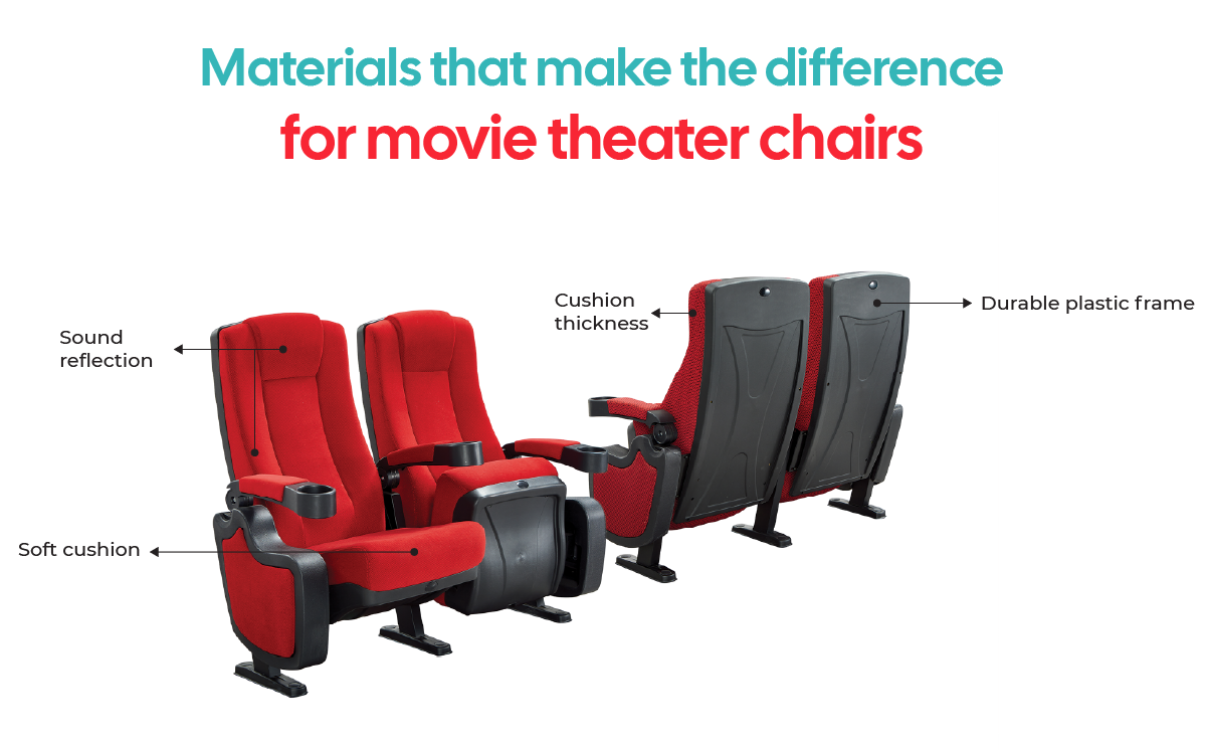
Technical Analysis of Cinema Seating: Materials, Fire-Resistance Standards, and Maintenance Practices
For many people, the movie-watching experience is not only defined by picture quality, sound, or storyline, but also by the comfort of sitting for hours at a time. That is why cinema seating has become one of the most important factors in shaping service quality. A well-designed seat not only provides softness and relaxation for the audience but must also meet strict safety requirements—particularly fire resistance—as well as maintain long-term quality through proper maintenance.

Cinema chairs that are safe and fire-retardant, the secret to elevating the modern movie experience
When it comes to the cinema experience, many people often think of picture quality, sound, and the movie’s content. However, one of the silent yet decisive factors that determine the audience’s comfort and their willingness to return is the cinema chair. Spending hours in a dark space, viewers need a comfortable seat that provides proper body support while ensuring absolute safety, especially with fire-retardant capability to minimize risks.
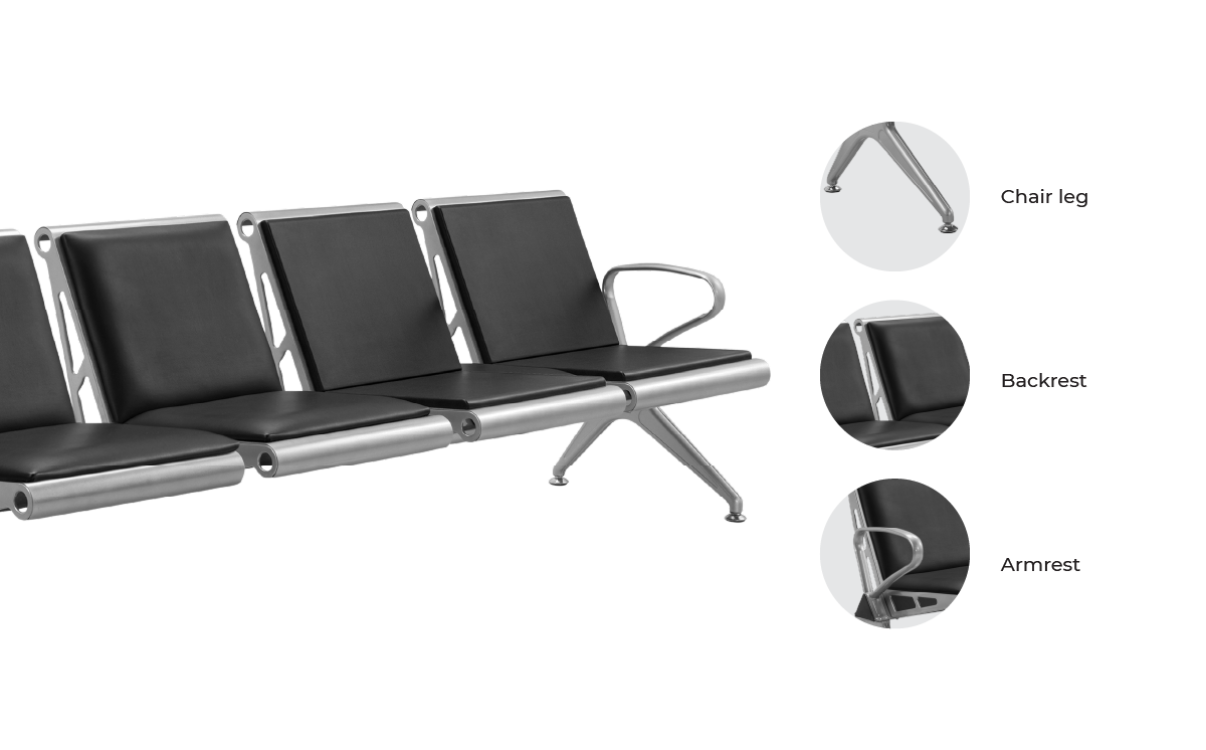
Certified Medical-Grade Materials in the Production of Hospital Waiting Benches
In hospitals, where professionalism and safety are top priorities, the waiting area plays a crucial role in building patient trust. Waiting benches are not merely pieces of furniture for sitting, but also a reflection of the hospital’s care for patients’ health and overall experience. Therefore, manufacturing waiting benches from certified medical-grade materials has become a mandatory standard to ensure absolute safety in an environment filled with bacteria, viruses, and constant operational demands.
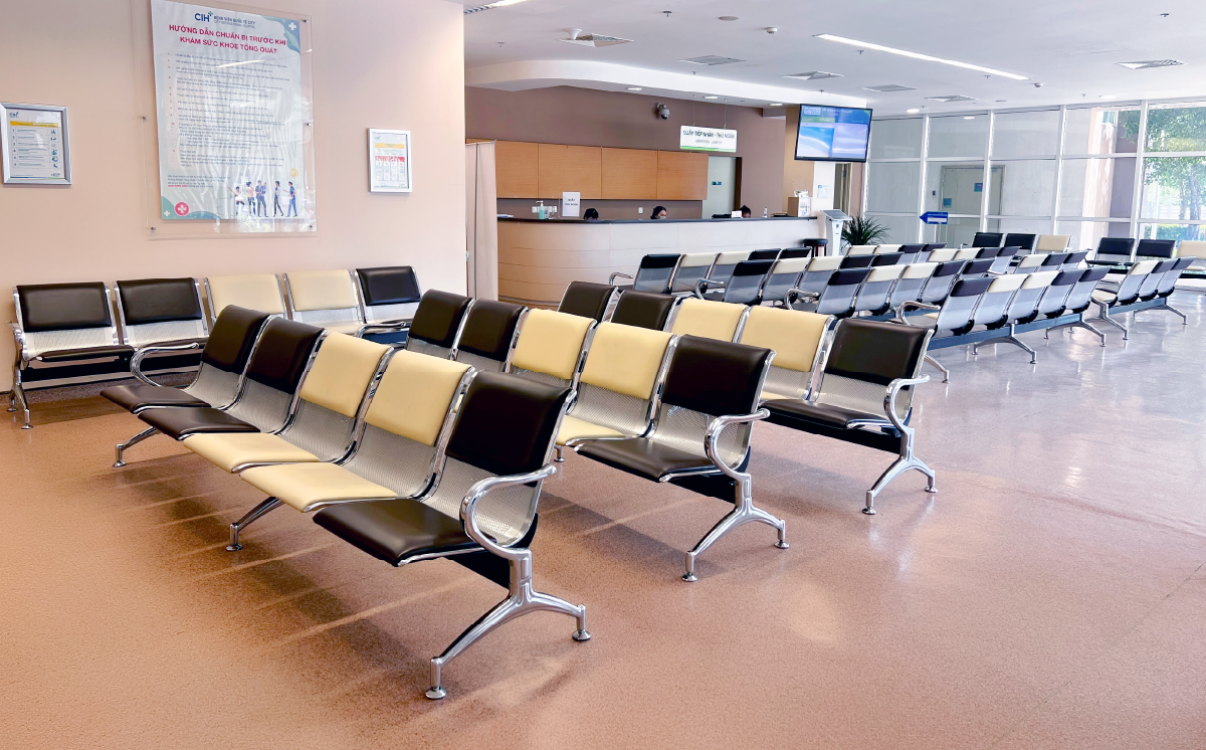
Hospital Waiting Bench Standards – Ensuring Safety and Comfort in Healthcare Spaces
When entering any healthcare facility, the waiting area is often the first image that leaves an impression on patients. It is not only a place where patients and their families pause before receiving medical care, but also a reflection of the hospital’s professionalism and its attention to their overall experience. A standard hospital waiting bench is more than just a seat—it helps create a sense of safety and comfort, easing the psychological stress during what is often a tiring waiting period.
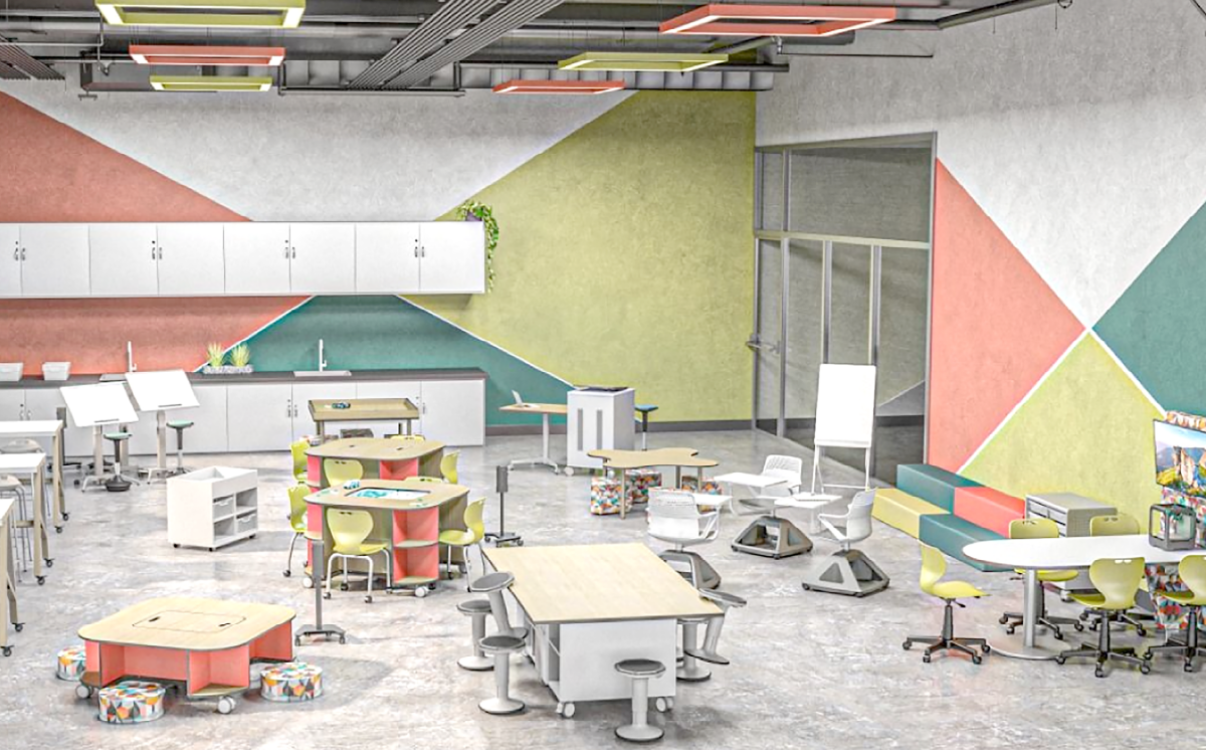
Student Desks and Chairs – A Key Factor in Enhancing the Modern Learning Experience
Ergonomic student desks and chairs not only provide comfortable seating but also improve posture, protect health, enhance concentration, and boost learning efficiency in modern classrooms.
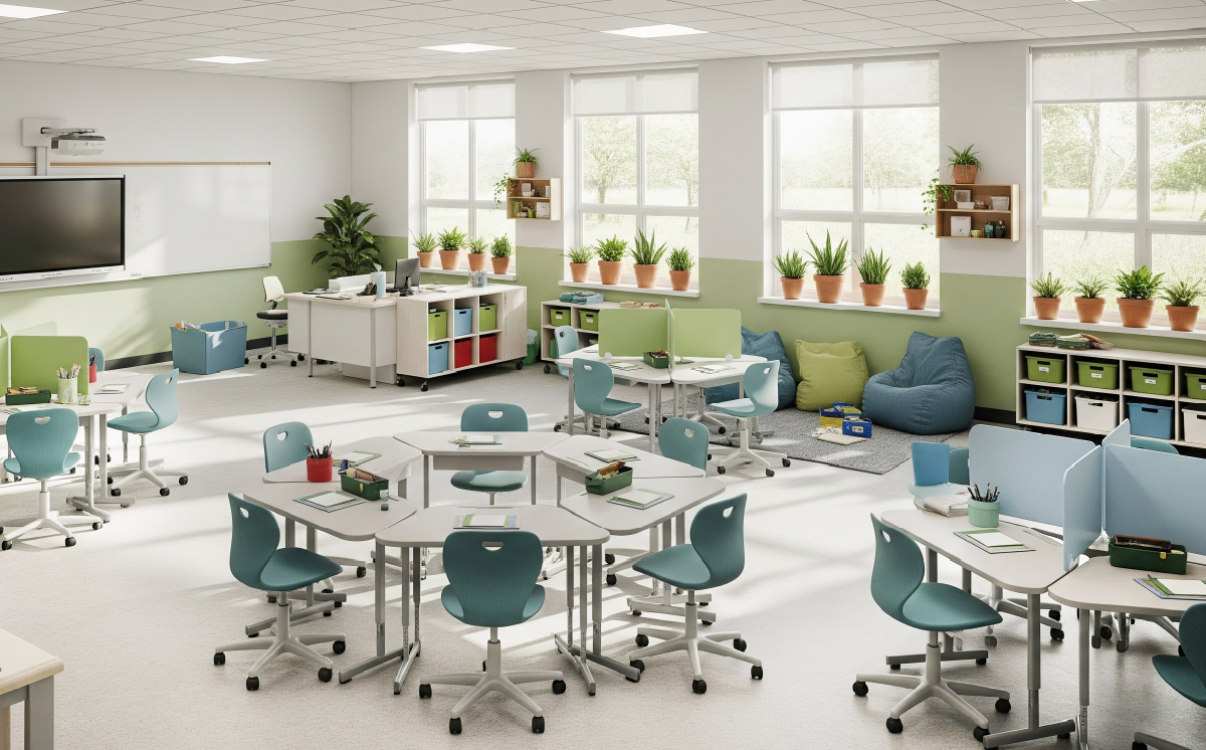
Student Group Desks: Are They Really Safe and Flexible?
Group desks not only allow flexible classroom arrangements and adapt to different learning spaces, but also ensure proper sitting posture, protect the spine, and enhance children’s concentration. With a smart, sturdy design that is easy to assemble and suitable for various age groups, students can even set them up themselves under guidance, creating an active and creative learning experience

Optimizing interior design costs while maintaining aesthetics and functionality
Optimizing school interior design costs while ensuring both aesthetics and functionality is a strategic challenge for contractors, architects, and design firms. It is not merely about equipment, but a sustainable solution that enhances ROI through learning experiences, brand image, and long-term efficiency.
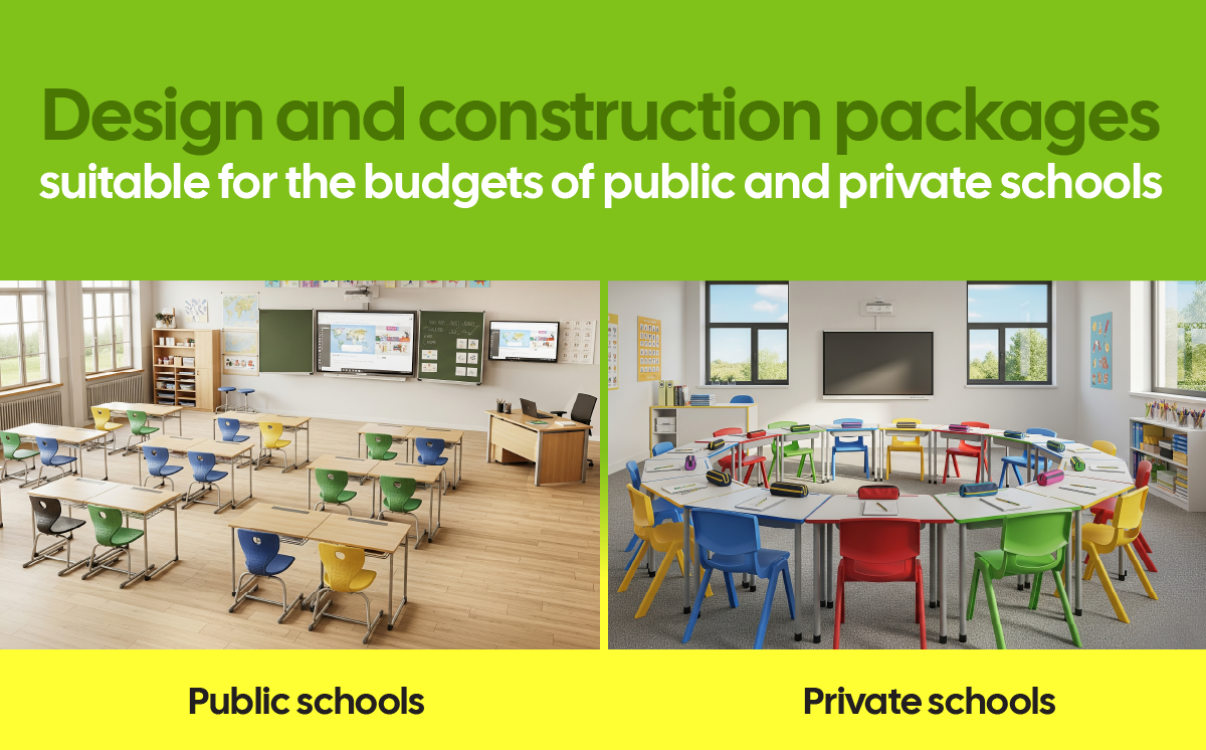
Budget-Friendly Design and Construction Packages for Public and Private Schools
Comprehensive and flexible interior solutions for both public and private schools, optimizing costs while ensuring safety, sustainability, and aesthetics in every detail.
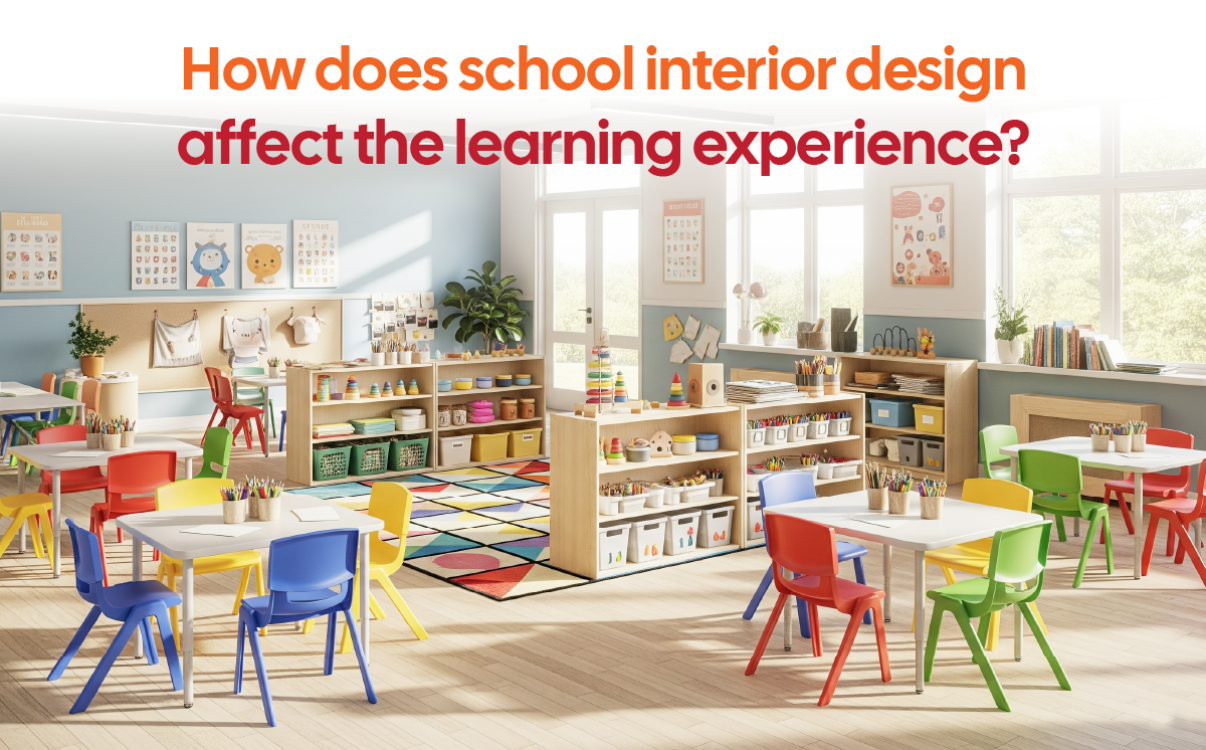
The ROI Equation: How Does School Furniture Impact the Learning Experience?
Investing in facilities is not merely about purchasing desks, chairs, or decorating classrooms. It is an ROI (Return on Investment) equation that contractors, architects, and school design units must face. When student desks and furniture systems are chosen according to proper standards, they not only provide comfort and safety but also directly impact learning quality and the overall student experience. Therefore, balancing cost, quality, and investment efficiency becomes a central factor in every decision regarding the design and implementation of educational interiors.
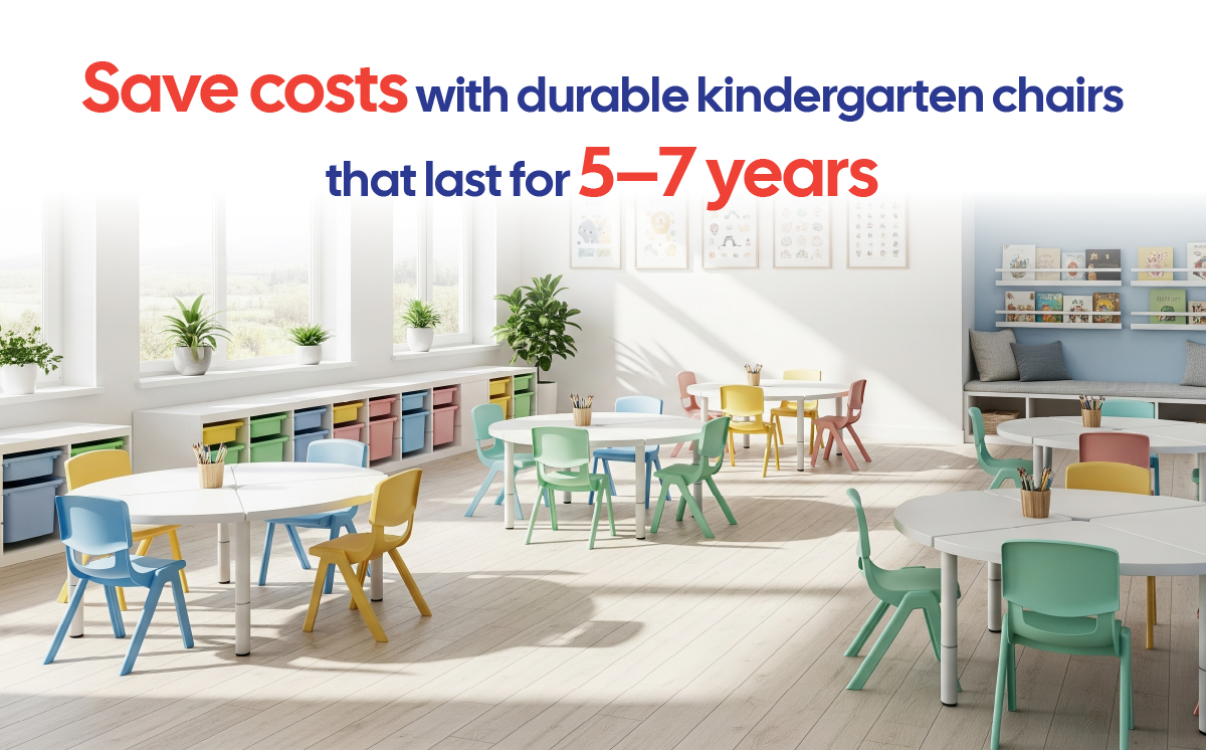
The Cost-Saving Solution: Investing in Kindergarten Chairs That Last 5–7 Years
A high-quality preschool chair can accompany the classroom for many years, helping schools save on replacement costs while ensuring comfort and safety for children.
Investing in Kindergarten Furniture: The Cost–Benefit Equation in the Long Run
Classroom furniture is not merely a tool for learning and play but also the foundation of a safe, friendly, and professional environment. Unlike in primary or secondary school, preschool children have limited control over their movements, making them more prone to bumps and accidents if furniture is poorly designed. Therefore, investing in kindergarten furniture should not be viewed as a short-term expense but rather as a long-term strategy to ensure both safety and the school’s reputation.
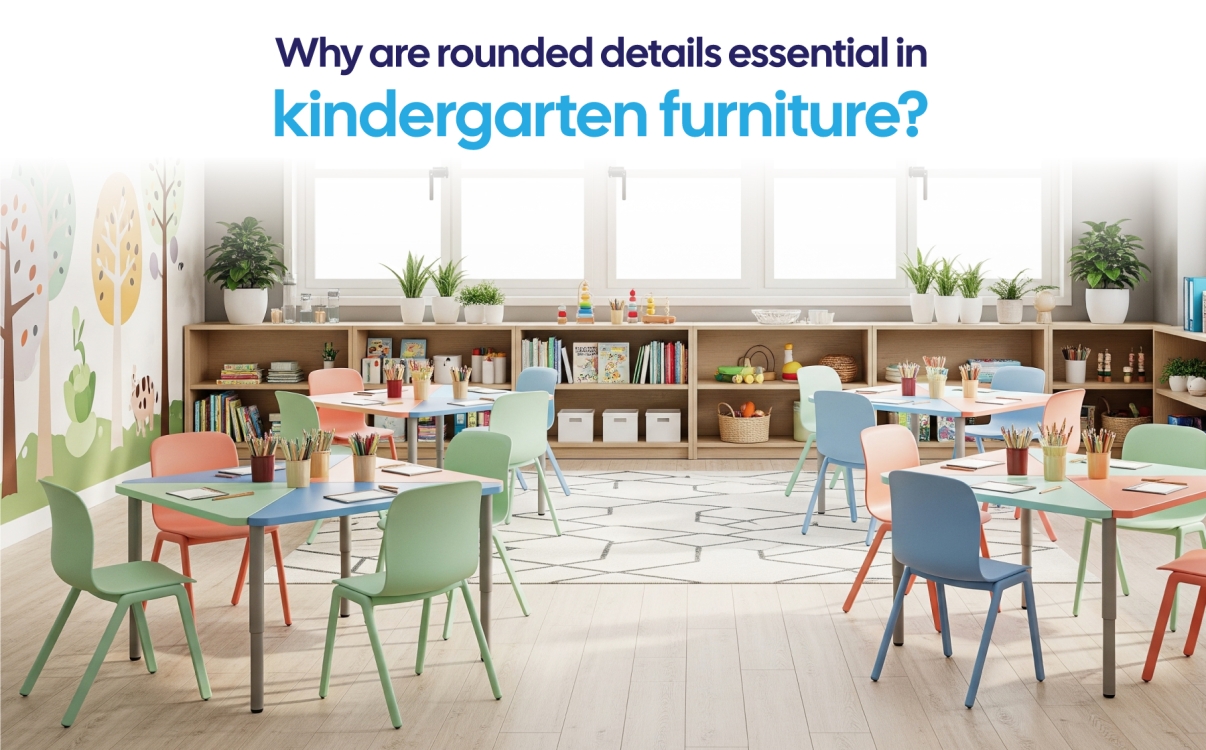
Why are rounded details mandatory in kindergarten classroom furniture?
Rounded-edge design helps eliminate the risk of injury, creating a safe and friendly environment that fosters children’s confidence in learning and holistic development.
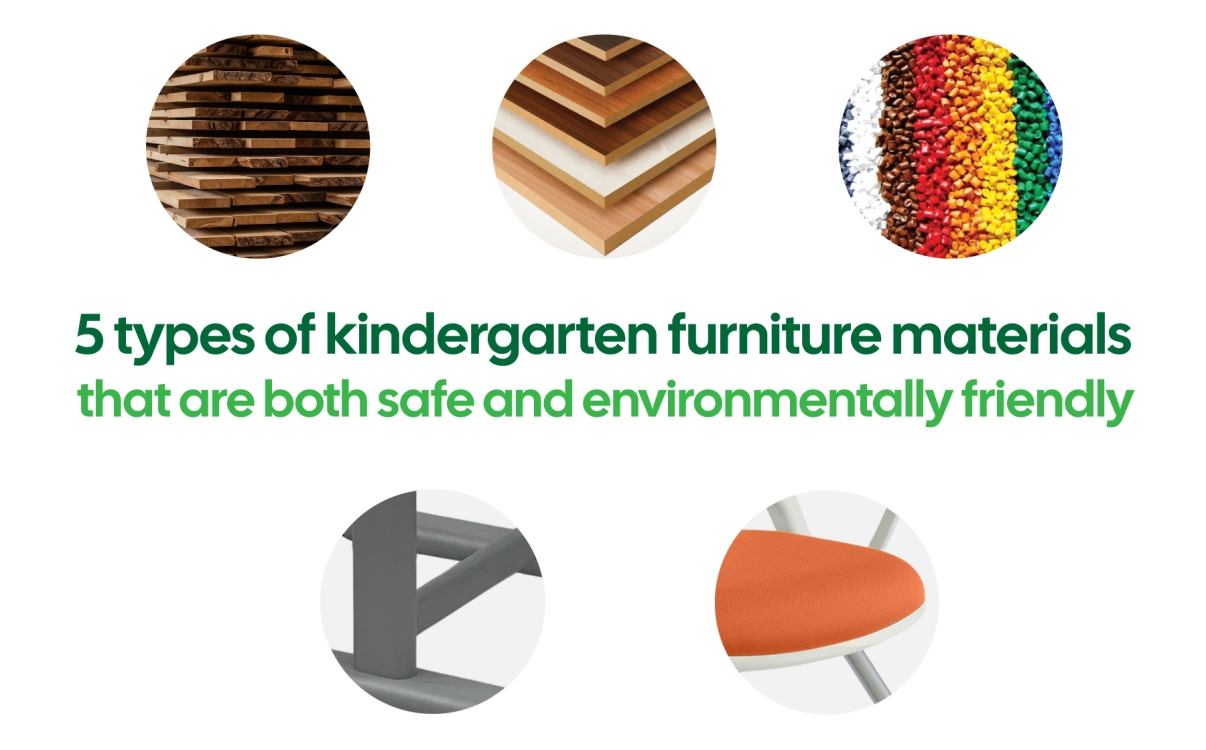
5 Types of Kindergarten Furniture Materials That Are Both Safe and Environmentally Friendly
From certified engineered wood to premium virgin plastic, every material is carefully selected by RPB Education & Public to ensure absolute safety for children and to promote green, sustainable education.
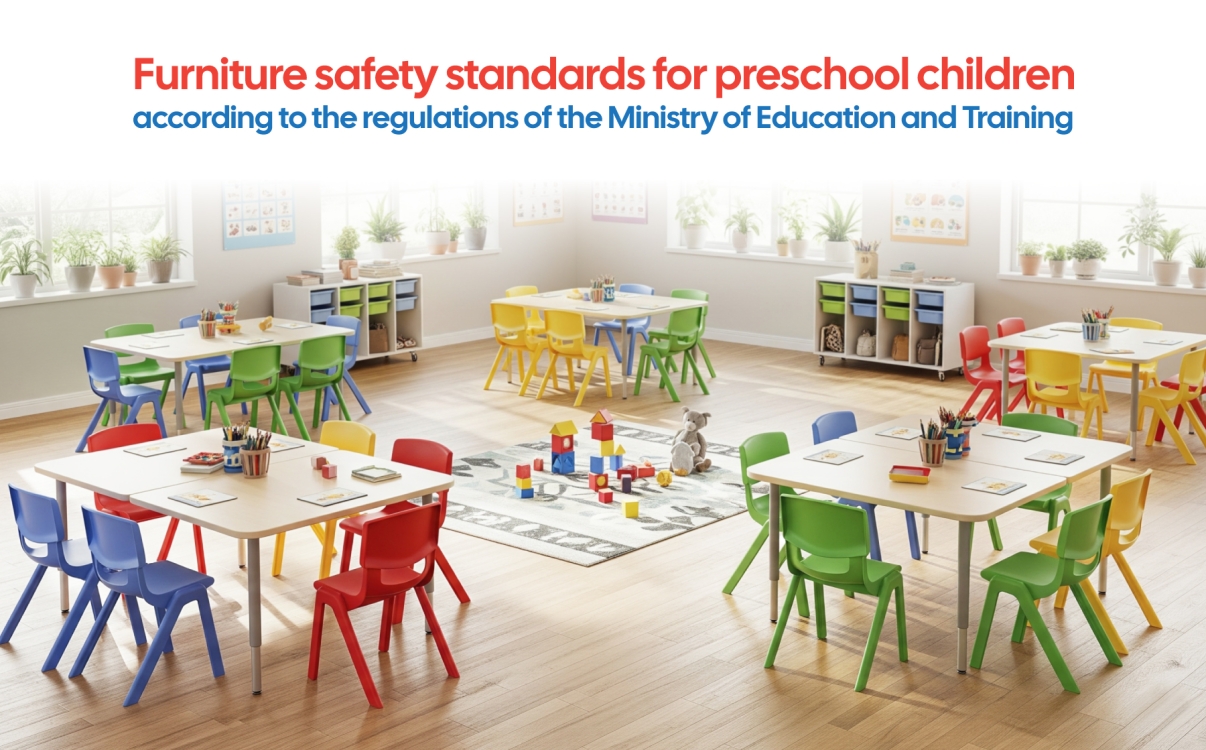
Safety Standards for Preschool Furniture in Accordance with the Regulations of the Ministry of Education and Training
Discover the mandatory preschool furniture safety standards set by the Ministry of Education and Training – from tables and chairs to cabinets and materials – all designed to protect children’s health and holistic development.
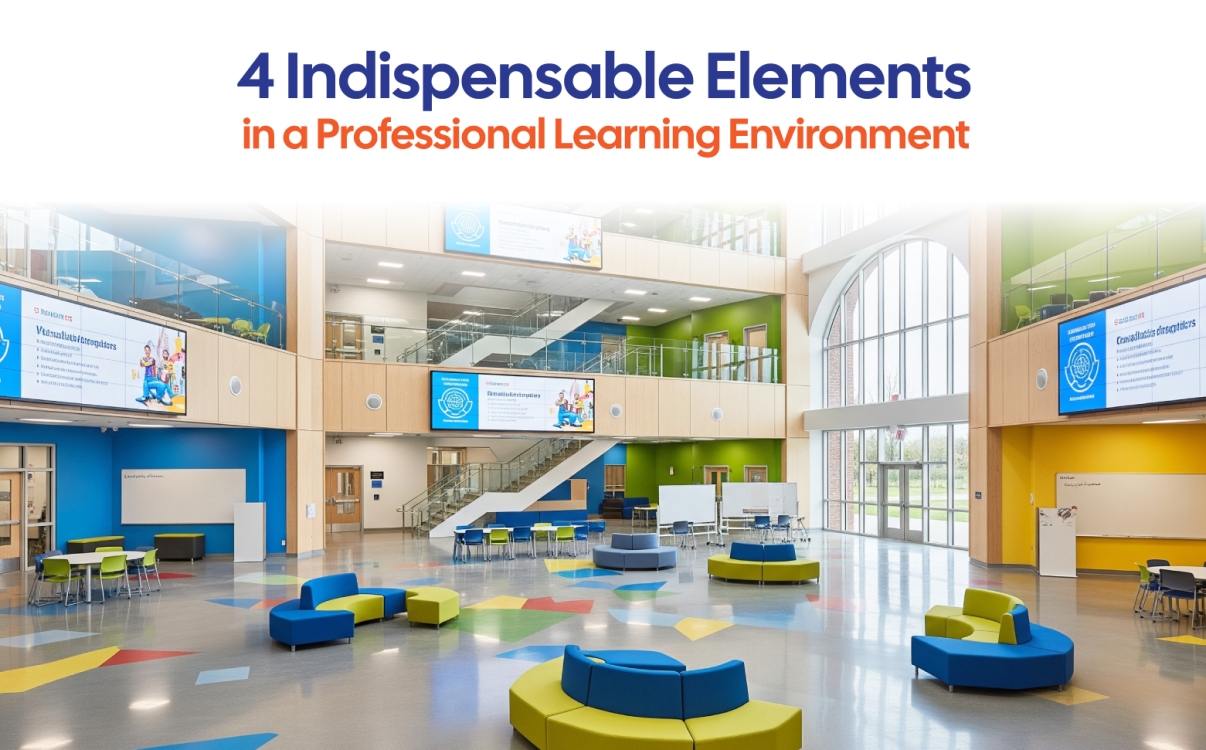
4 Essential Elements of a Professional Learning Space
A professional learning environment requires not only standard-compliant desks and chairs but also proper lighting, acoustics, colors, and flexibility in design.
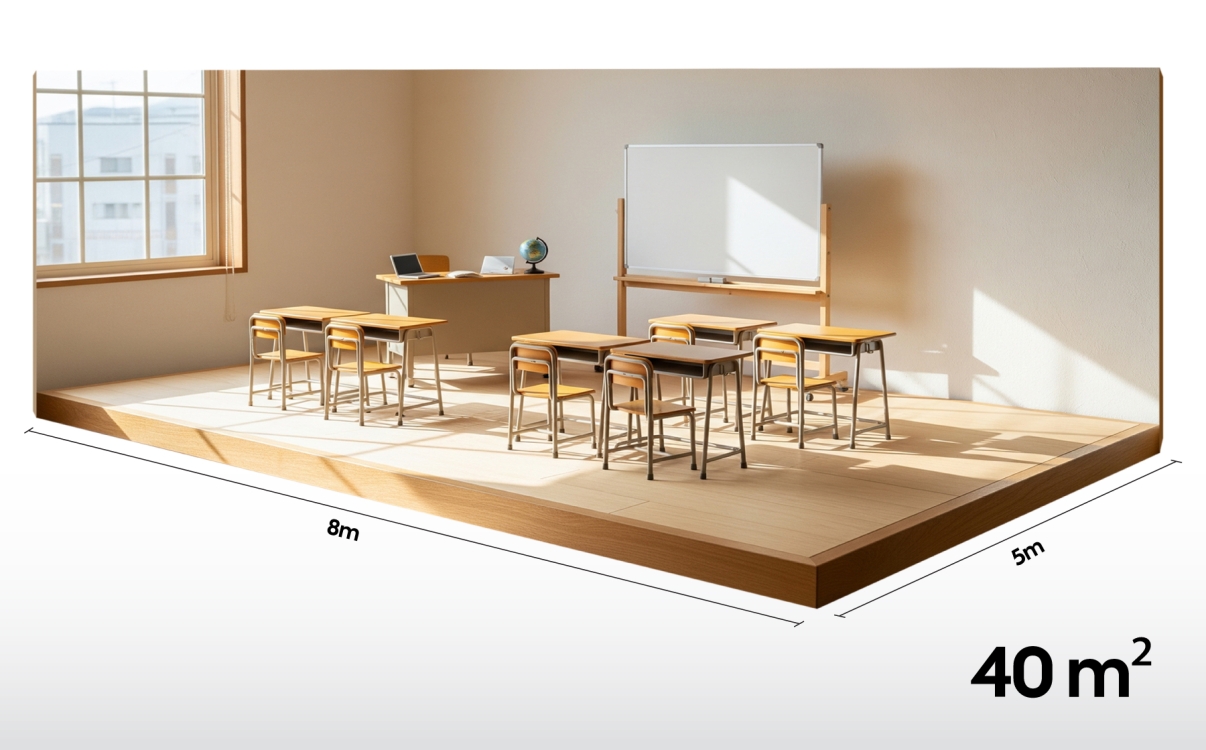
A classroom layout model of only 40m², yet still professional
In many K–12 schools in Vietnam, especially in urban areas, classroom space is often limited due to land constraints. For grades 1 through 12, arranging classrooms that both meet teaching standards and provide comfort for students is a real challenge. Many principals have shared that the greatest difficulty lies not only in space limitations but also in choosing furniture suitable for different age groups. In this context, space-optimizing student desks and chairs have become the leading solution, ensuring that even small classrooms remain professional, well-organized, and modern.
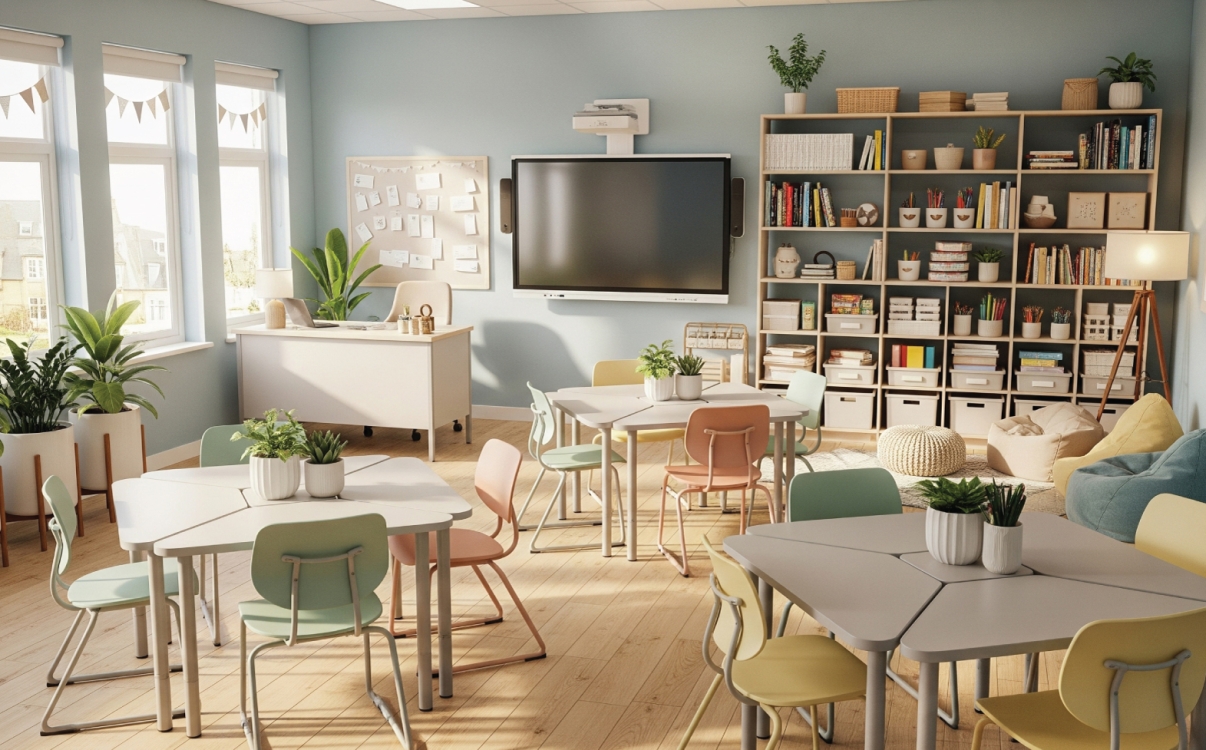
Learning Space of 8m²: Desk and Chair Arrangement Strategies to Make Small Classrooms More Effective
Discover smart desk and chair arrangement solutions for an 8m² classroom, optimizing space while still ensuring comfort and convenience.

Can a smart study desk help children protect their spine, prevent hunchback and nearsightedness, and study more comfortably?
Where study sessions are longer and academic intensity is increasing, the physical health of students has gradually become a top concern for teachers, vice principals, and parents. Many cases among primary and secondary school students—such as scoliosis, rapidly progressing myopia, shoulder and neck pain, and headaches—can all be traced back to poor sitting posture and the use of desks and chairs that are not suited to their body condition.
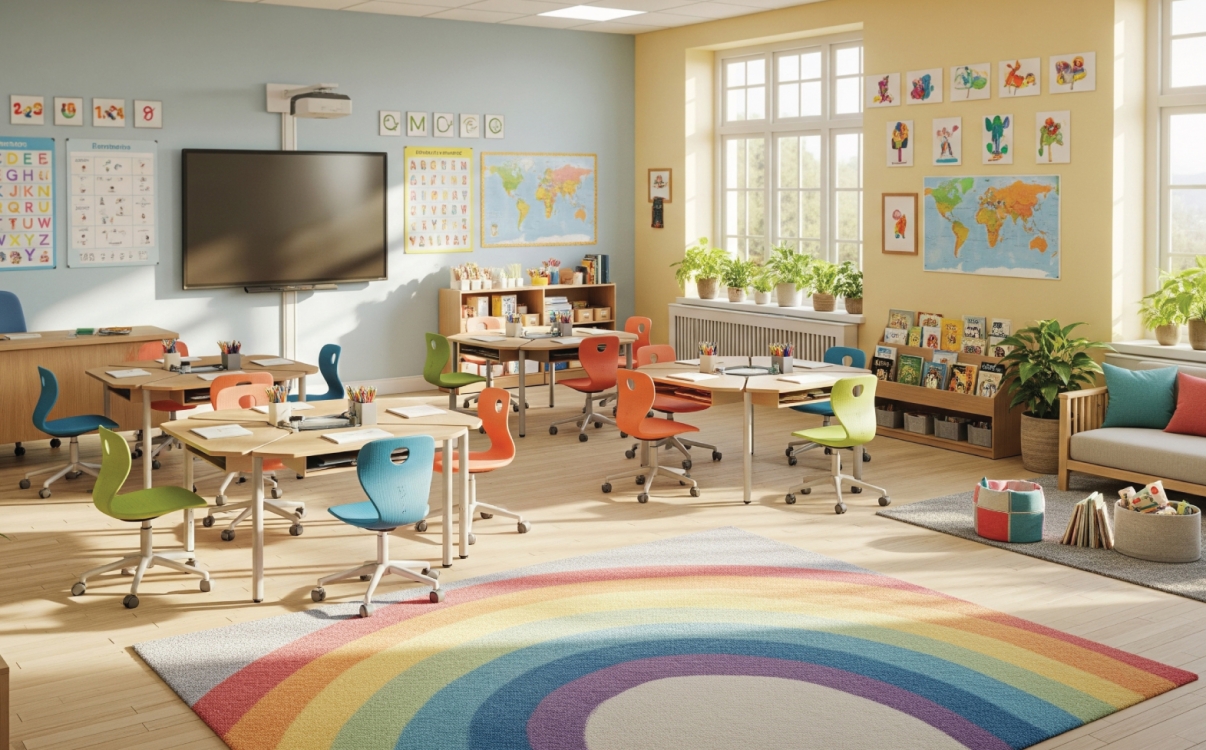
56% of parents agree that a tidy classroom with harmoniously arranged furniture makes them feel more at ease.
The concept of a safe school environment is no longer limited to avoiding risks or preventing accidents. A tidy, clean, and intelligently organized learning space has become a key factor influencing students’ mental well-being, concentration, and parents’ peace of mind.
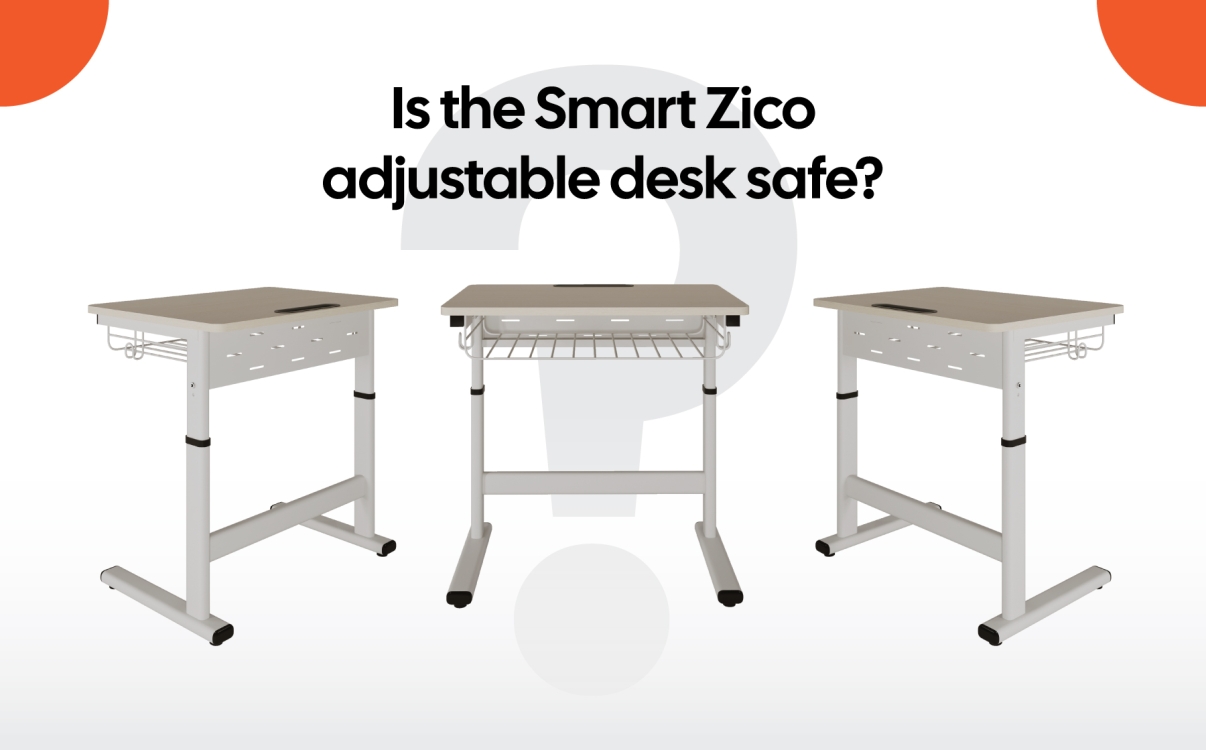
What Parents, Teachers, and School Administrators Need to Know About Smart Adjustable Desks in Schools
In the journey of creating a modern and flexible learning environment for students, schools are increasingly focusing on investing in smart classroom furniture. However, no matter how convenient it may be, safety must remain the top priority, especially for younger students.
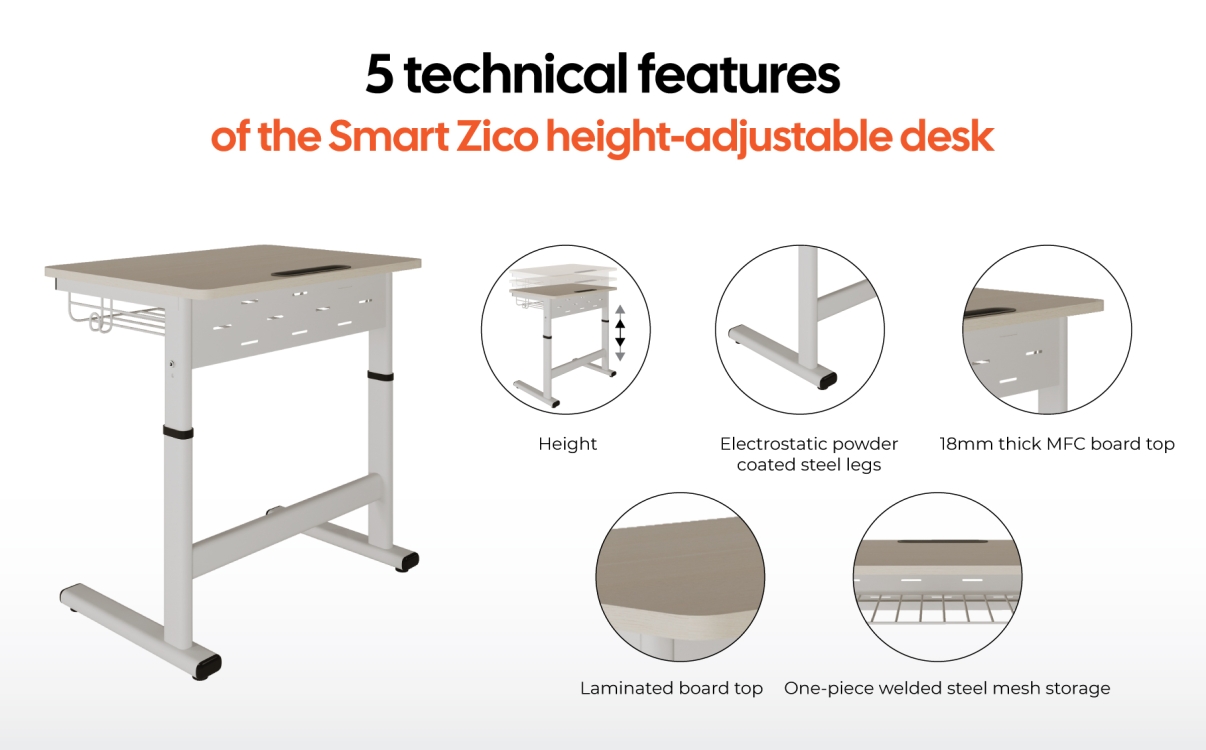
5 Technical Specifications to Know When Choosing School Furniture
In the design and construction of schools—especially projects involving flexible classrooms or multi-grade learning models—choosing furniture goes beyond aesthetics or cost. In reality, technical specifications are the decisive factor that ensures a learning space is safe, suitable, and sustainable over time. Seemingly minor details such as desk height, surface materials, or installation time can significantly impact usability, construction efficiency, and satisfaction among teachers, students, and parents.
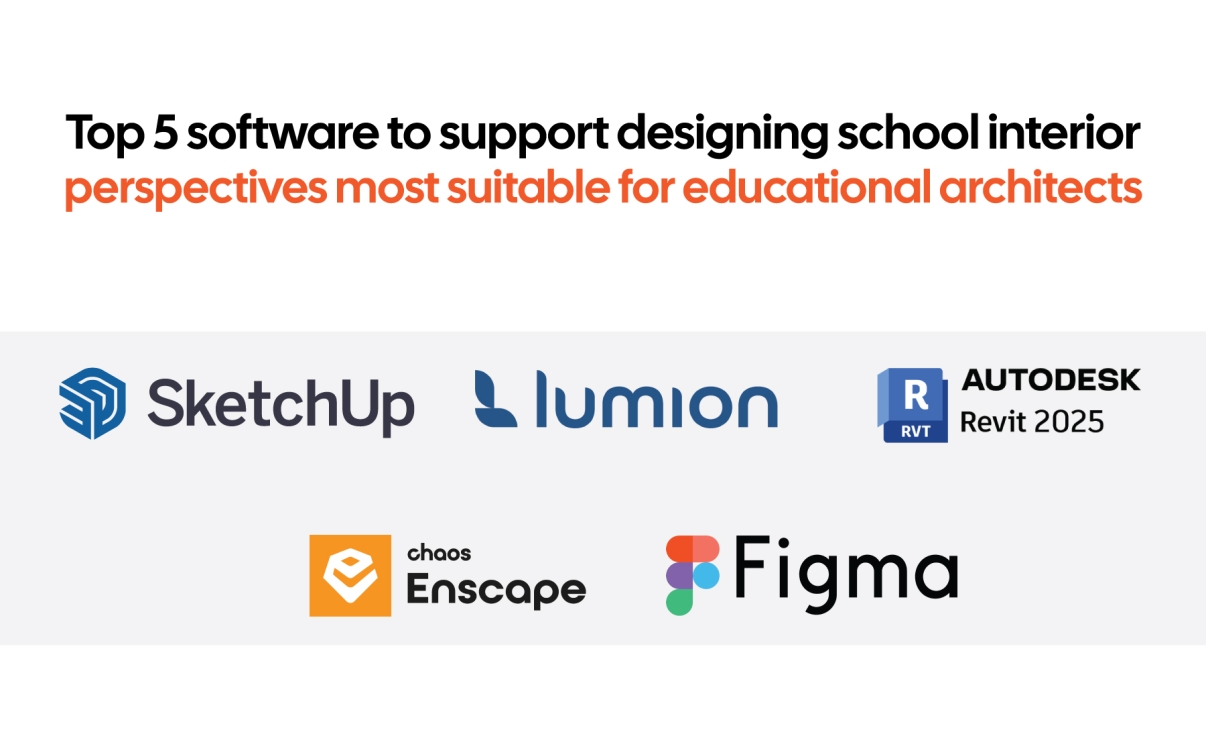
In school interior design, winning over investors or school boards doesn't rely solely on great ideas—it also depends on your ability to present those
In school interior design, convincing investors or the board of principals does not only depend on having good ideas, but also on the ability to present those ideas in a visual, aesthetic, and professional manner. As educational furniture becomes increasingly multifunctional—such as the Smart Zico adjustable desk with its flexible height adjustment—a dry technical drawing alone is not enough. Investors need clear visuals that allow them to see the product within a real classroom setting. Therefore, choosing the right software to support 3D visualization and rendering has become a strategic tool in the skillset of every educational architect.
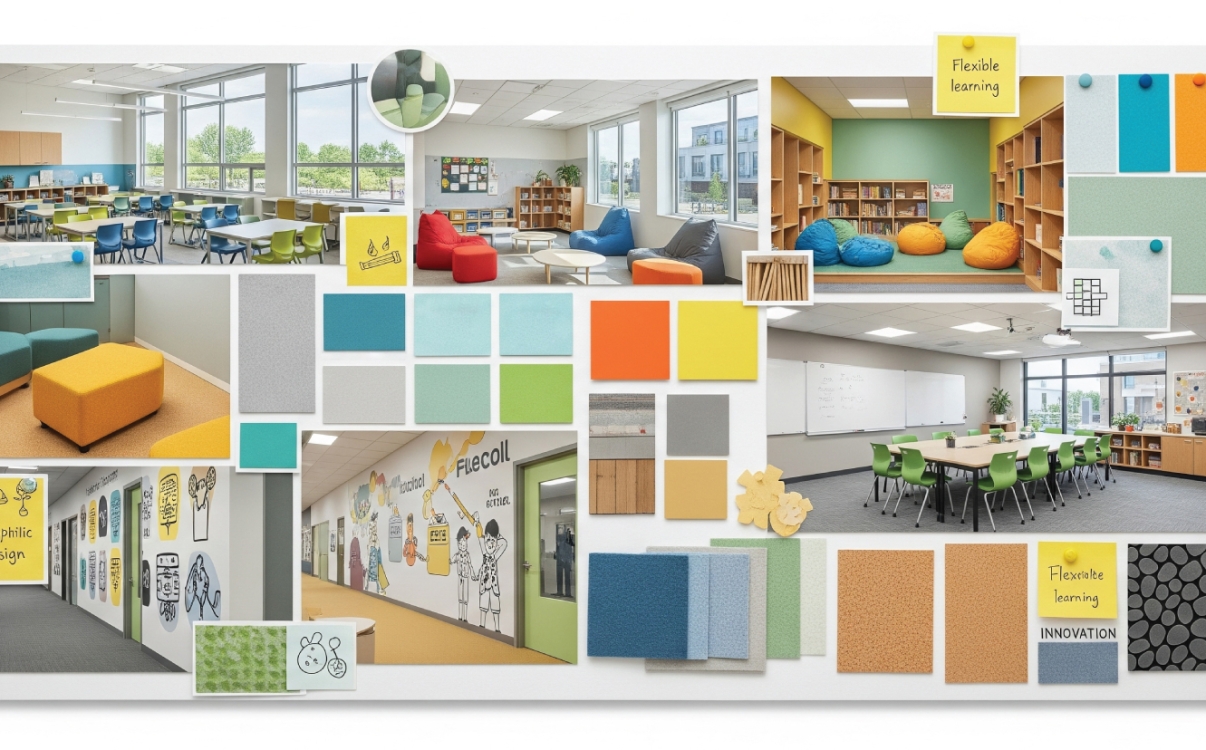
Guide to Creating a School Interior Moodboard: Color Logic & Design Style
Building a moodboard — a visual concept board — is no longer optional; it’s a crucial first step in bringing ideas to life. Especially in multi-level school projects, where alignment between functionality, aesthetics, and safety standards is increasingly demanding, design and visualization toolkits have become indispensable resources for contractors and architects.
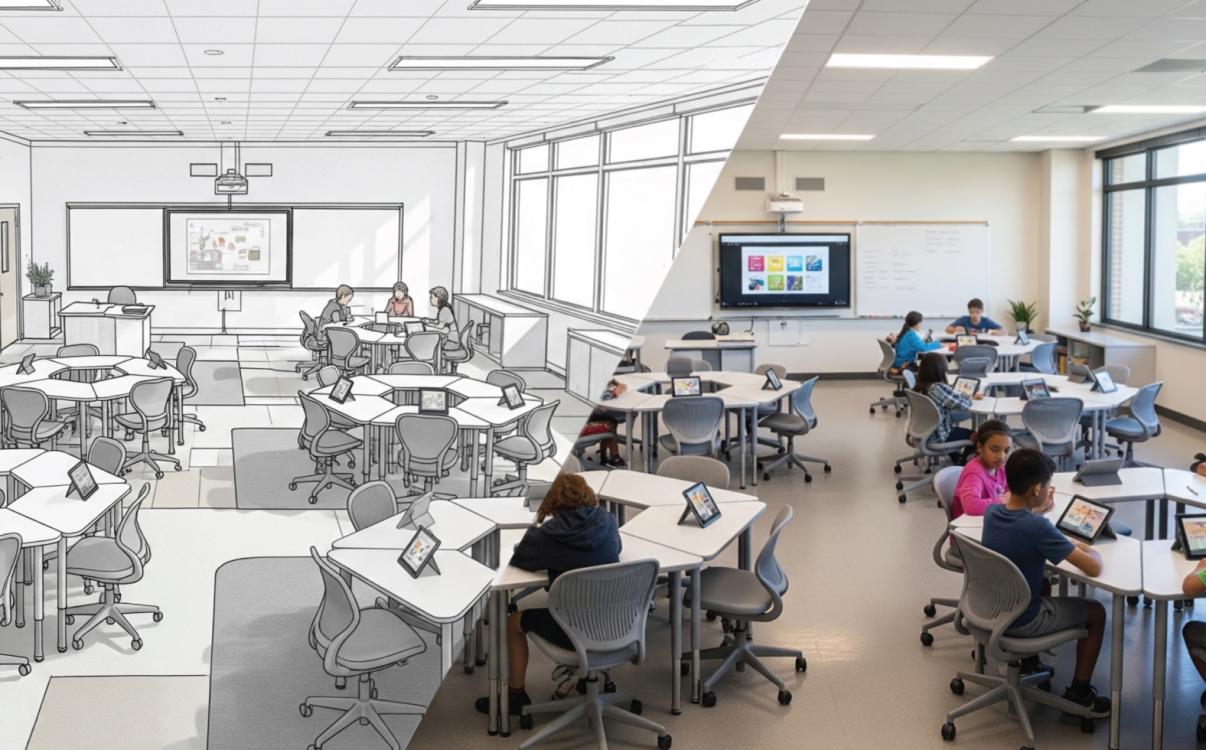
Realistic 3D Renderings & Lookbooks: The Most Effective Tools to Convince School Investors
The biggest challenge often isn’t technical—it’s convincing the investor. No matter how innovative a concept may be, if it isn’t communicated clearly to decision-makers, the project risks delays, revisions, or even rejection. That’s why a comprehensive rendering and design support toolkit becomes the bridge between creative ideas and clear visualization, enabling quicker decisions and stronger investor buy-in.
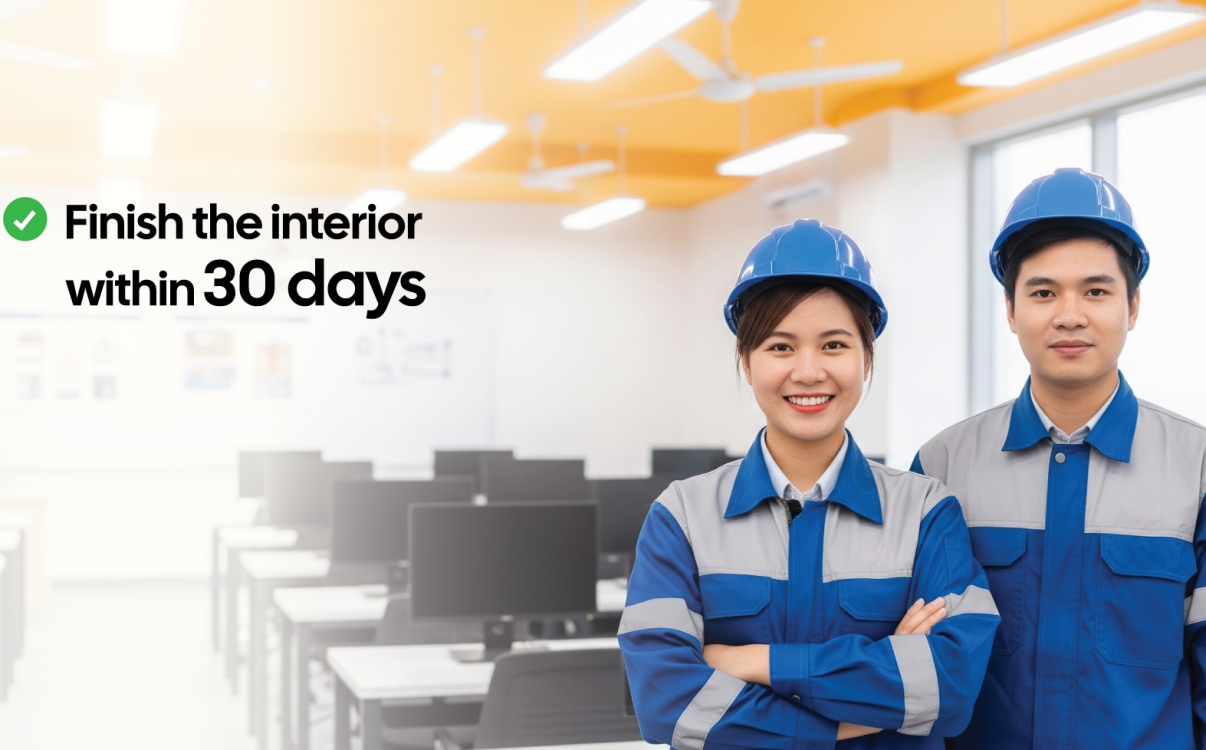
The lightning-fast school interior construction strategy in 30 days from VinUni
As the new school year approaches, the progress of facility completion becomes a strategic challenge for the Board of Principals. Even a slight delay in school interior construction can affect the academic schedule, the school’s reputation, and parents’ trust.
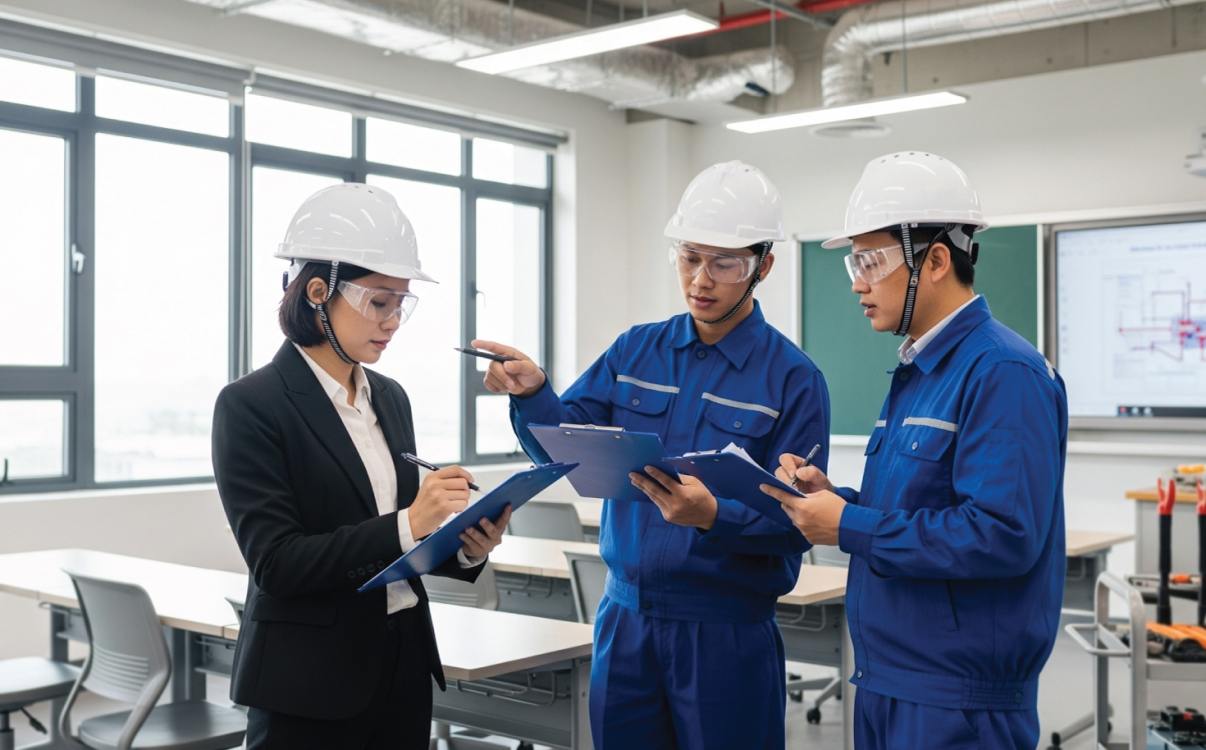
Common Mistakes in School Interior Installation – And How to Avoid Them
School furniture is not just about aesthetics—it’s an essential part of enhancing the learning experience. Particularly with functional products like adjustable desks, ensuring proper installation processes and strict construction timelines is critical to achieving quality results and protecting student safety.
Unfortunately, many schools still encounter common installation errors that seriously affect teaching operations and academic schedules.
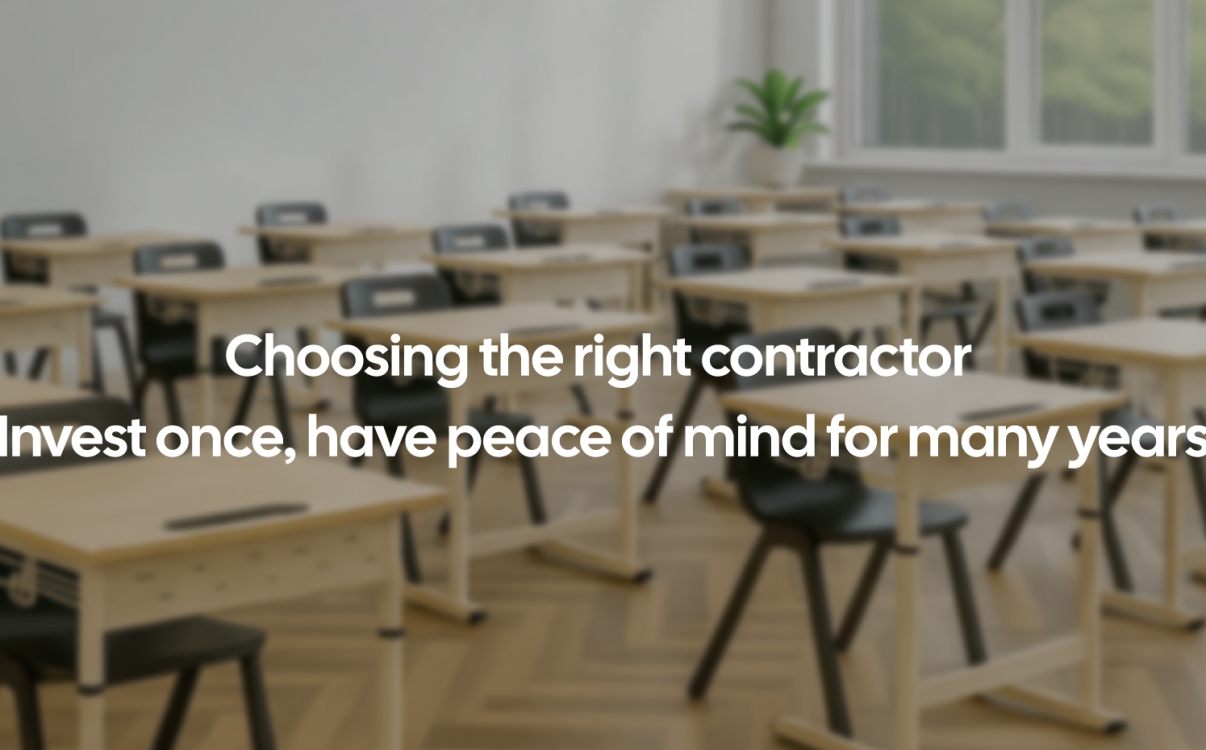
How to Choose a Contractor with Reliable Construction Timelines
Selecting a contractor that delivers interior construction and installation on schedule with guaranteed quality becomes a key factor for the smooth operation of the new school year. In particular, for items that directly impact students’ health and learning efficiency, such as adjustable desks, having a clear understanding of the installation process and construction timeline enables schools to proactively maintain control and avoid delays or substandard quality.

Comparing the Durability of Popular Student Desk Types: What’s the Optimal Choice for School Interiors?
Investing in school furniture is a strategy to enhance education. Durable, flexible, and safe student desks help create a holistic learning environment.

MOET-Standard Furniture: Essential Criteria for Safety and Durability
A safe and effective learning environment has become a top priority for integrated schools. One of the key factors in building such an environment is school furniture. More than just desks, chairs, or cabinets, today’s furniture must meet standards of safety, durability, and suitability for each student age group. In particular, products such as height-adjustable desks are increasingly chosen by principals and procurement departments to provide students with an optimal learning experience.
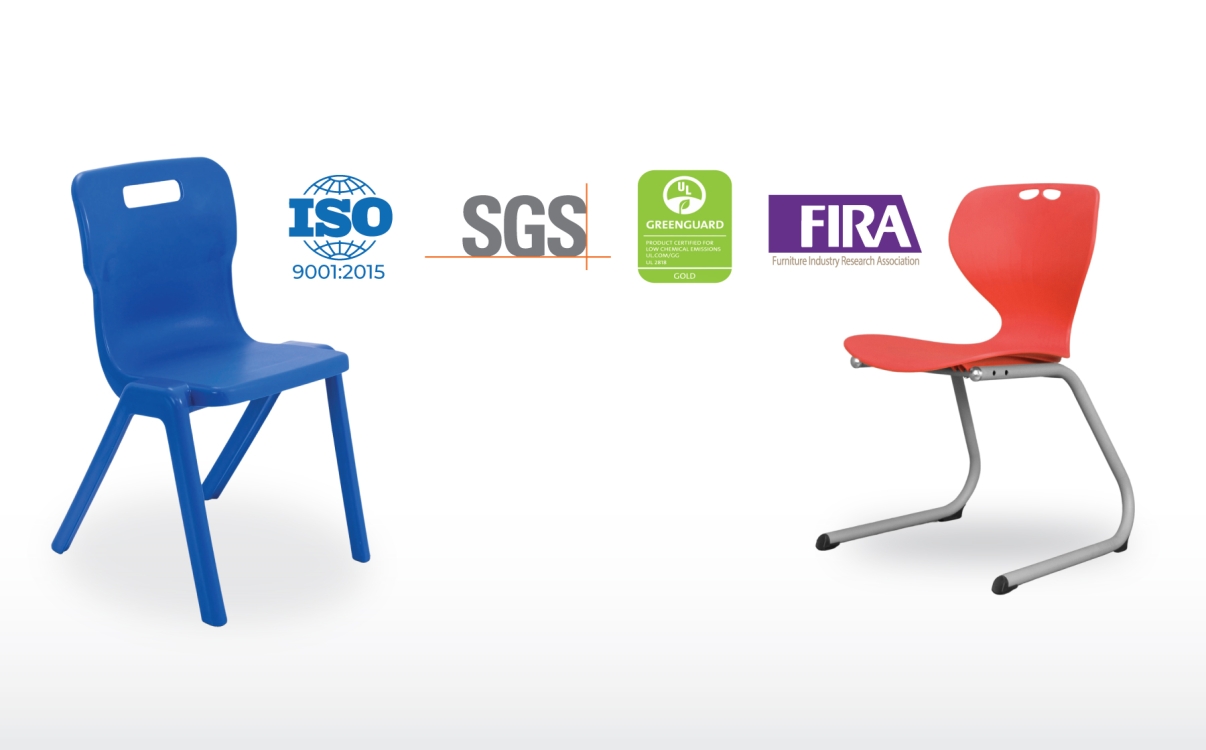
Top 4 Certified Safe Materials for Modern School Furniture
Selecting safe and durable interior materials is not just a matter of aesthetics—it’s a commitment to protecting the health and holistic development of students. From height-adjustable desks to durable student chairs, all school furniture should be made from safe materials with clear international safety and quality certifications.
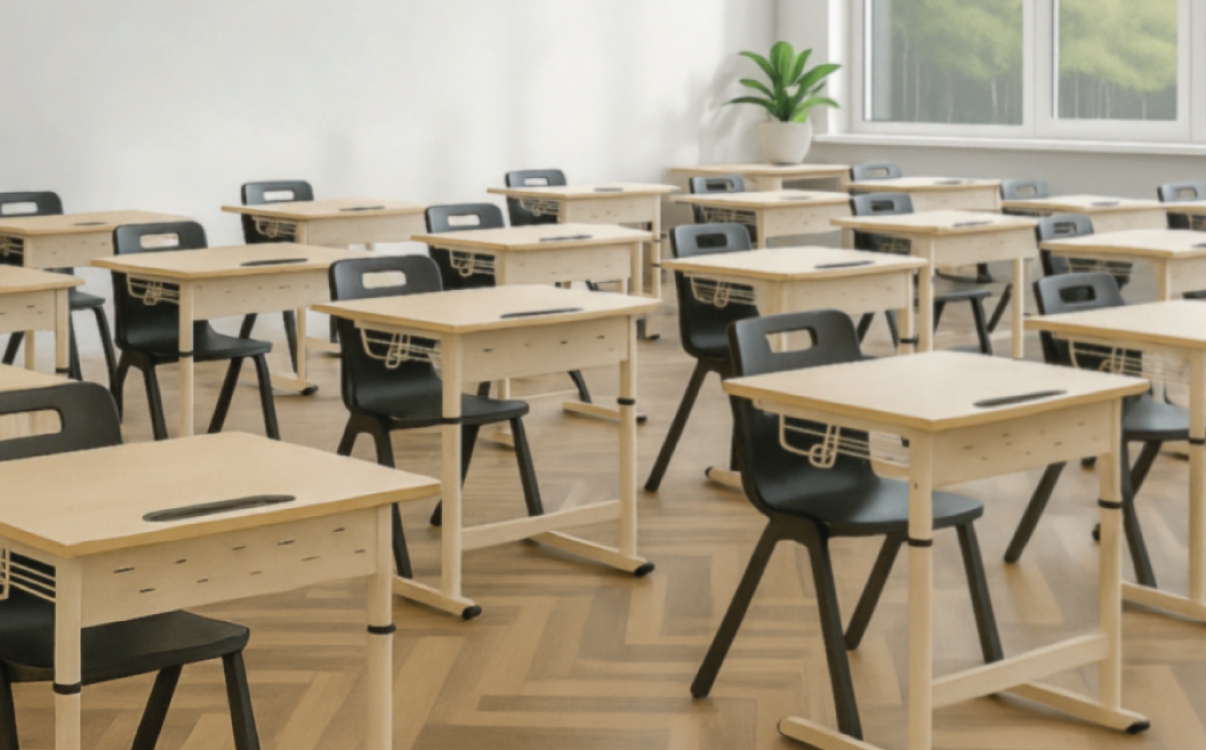
Adjustable Desks for Inter-Level Schools: A Cost-Effective and Durable Interior Solution
Building a flexible and effective learning environment is a top priority today. The challenge lies in how to equip modern desks suitable for all ages while sustainably optimizing school furniture costs.
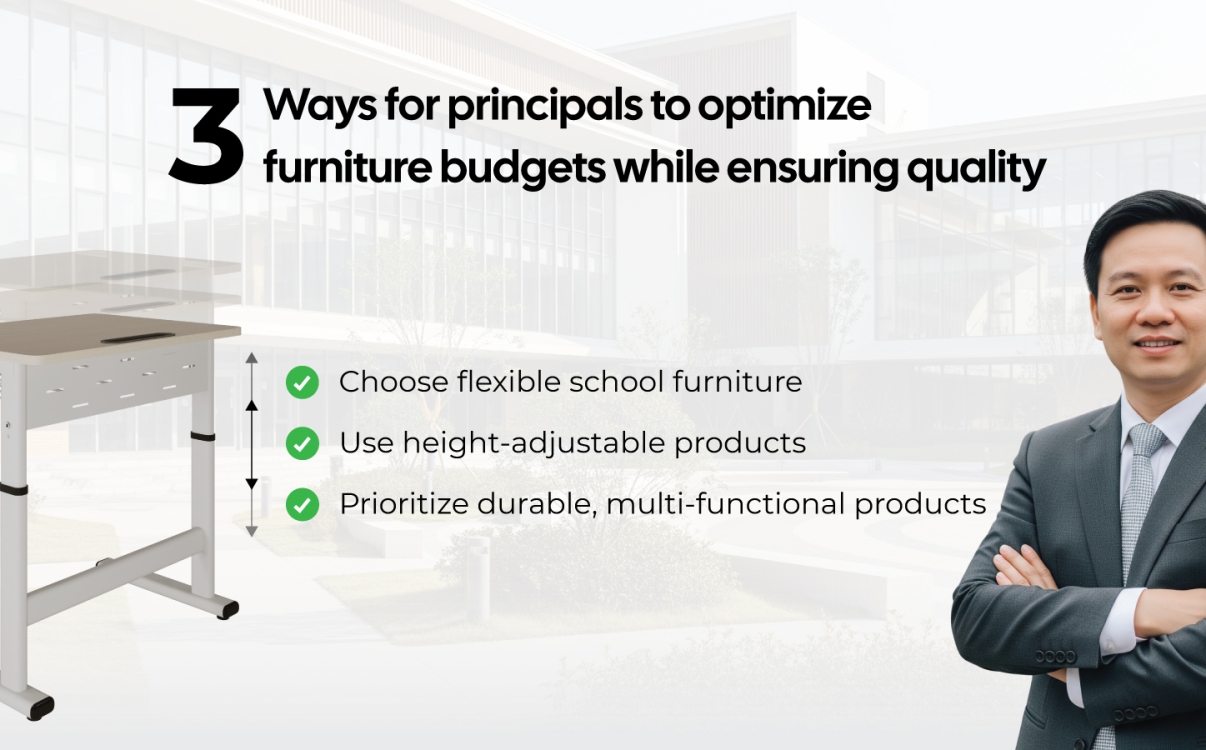
3 Smart Strategies for School Principals to Optimize Furniture Budgets Without Compromising Quality
Limited education budgets pose major challenges in investing in school furniture. This article shares 3 solutions to help integrated schools ensure high-quality learning spaces while saving costs through smart choices such as the Smart Zico height-adjustable desk.
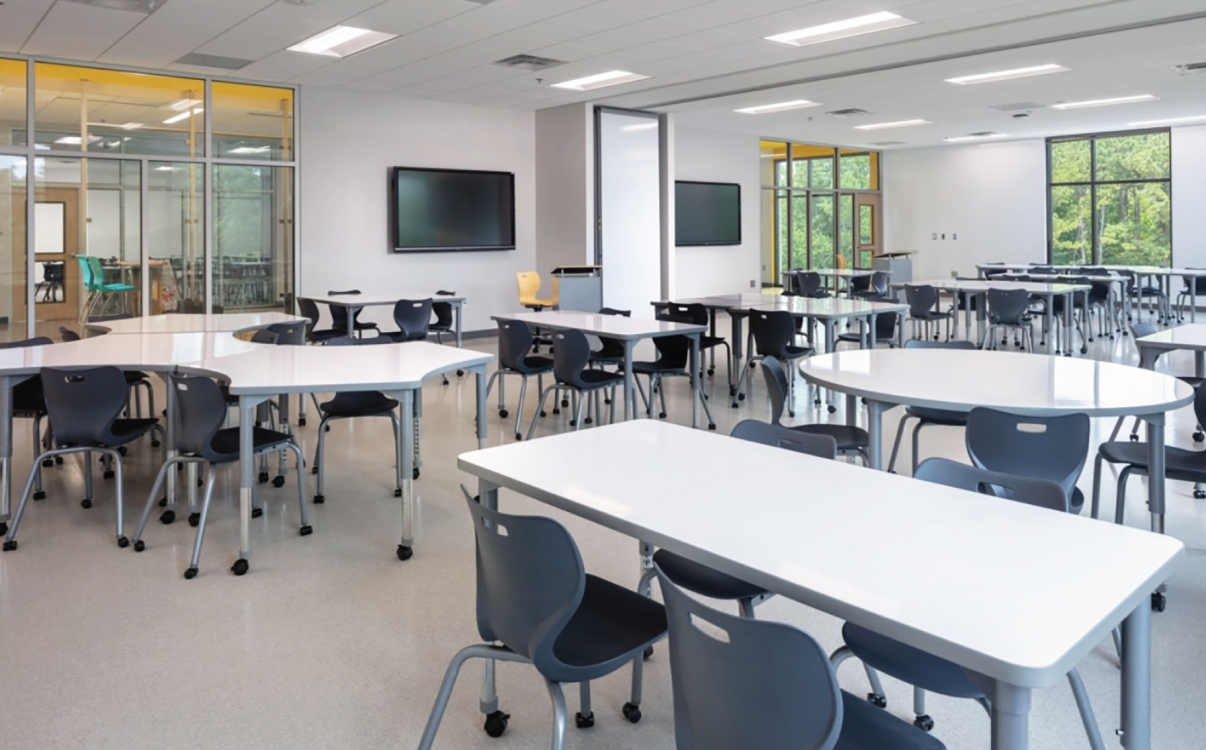
School Interior Design – Elevating Brand Identity and Learning Experience
School interior design has gone beyond simply providing facilities. Today, furniture is considered a key factor in fostering learning inspiration, shaping experiences, and serving as part of a school’s branding strategy.
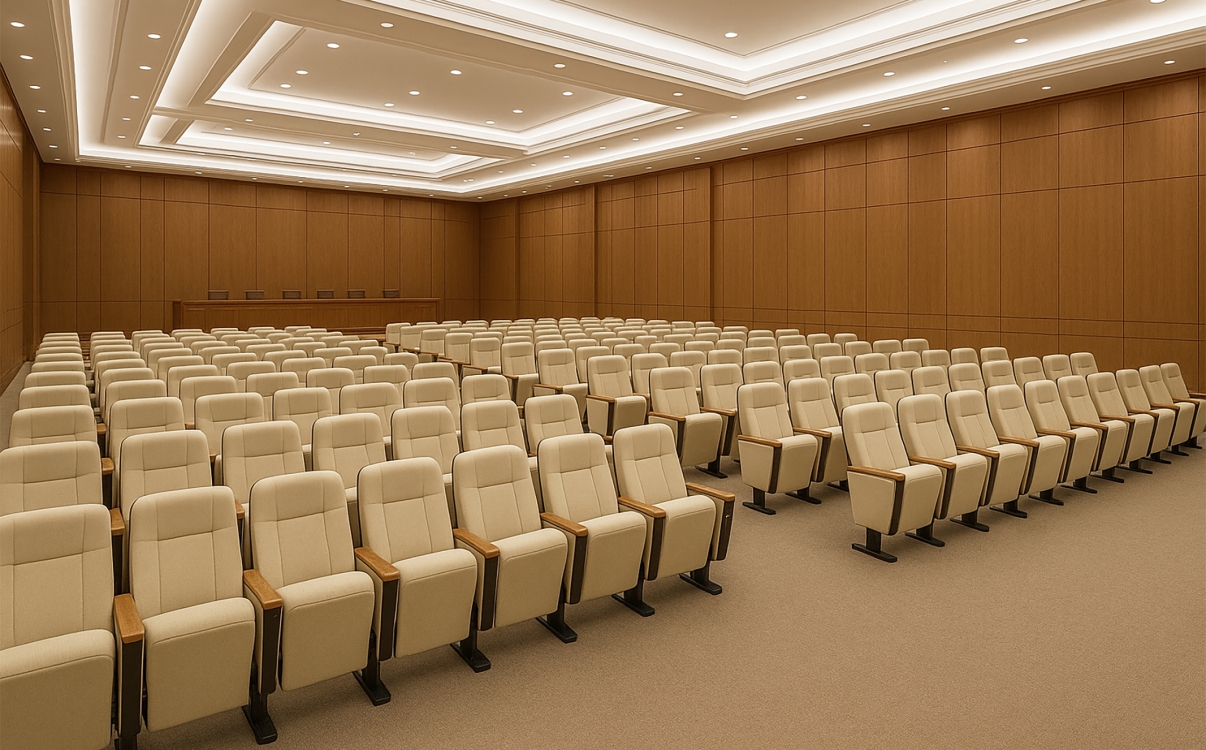
Auditorium Space: How to Design to Reflect Prestige?
The auditorium is not only a place to host events but also a reflection of strategic vision and brand identity. Auditorium furniture plays a vital role in enhancing experiences while reinforcing the school’s professional and modern image.
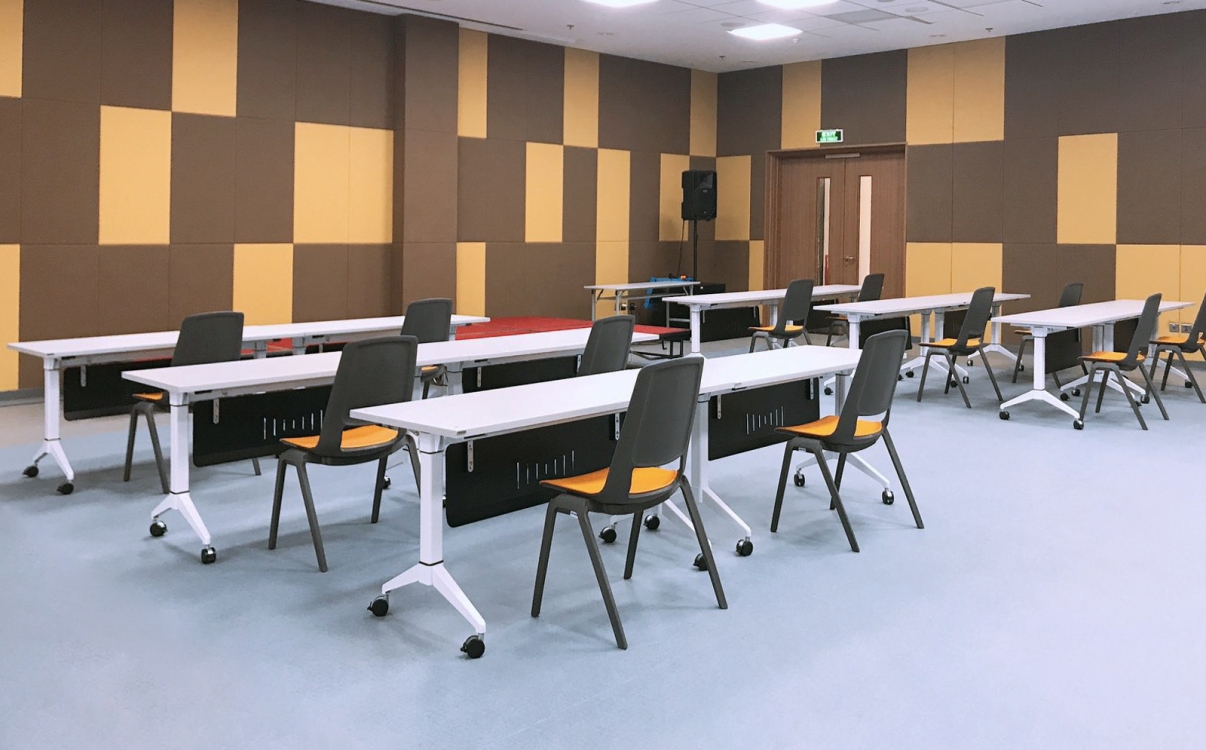
How School Furniture Becomes a Branding Tool for Educational Institutions
School furniture not only serves teaching purposes but also acts as an effective branding tool. From classrooms and auditoriums to event spaces, every detail of the interior helps create a cohesive, modern, and distinctive environment, allowing parents, students, and partners to clearly perceive the school’s brand value.
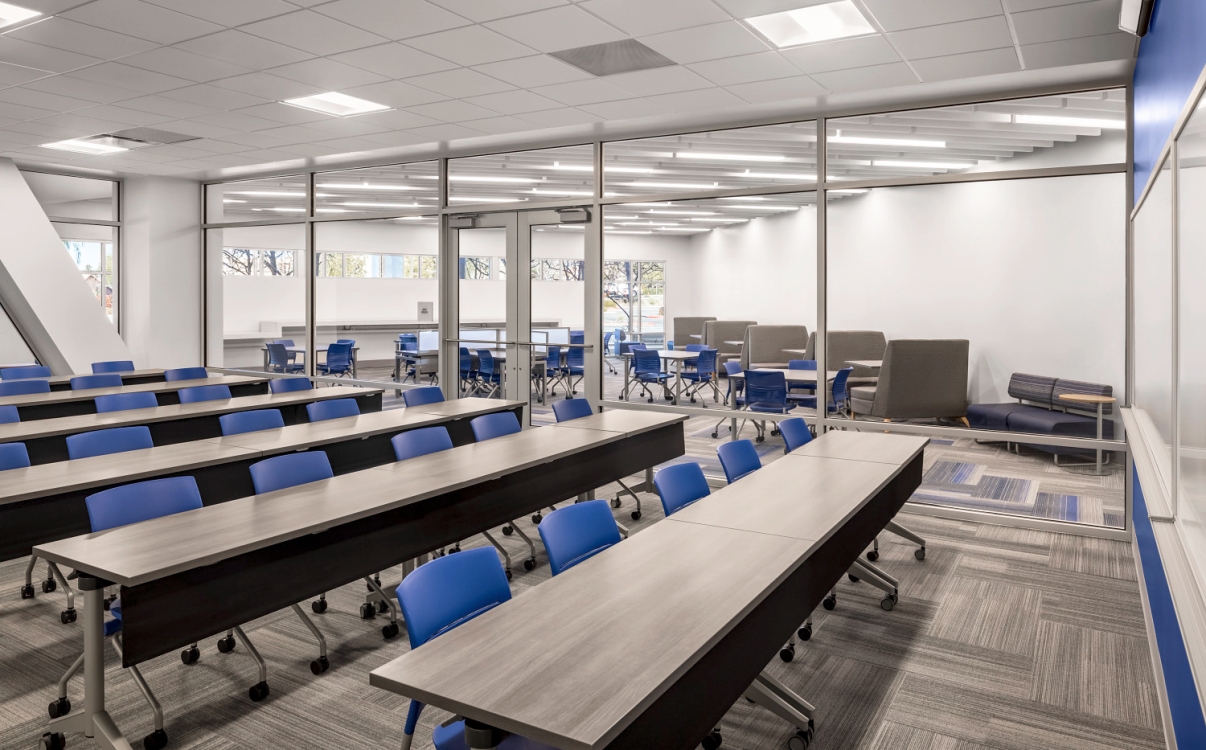
School Interior Design: Not Just Aesthetic, But a Long-Term Branding Strategy
School interior design is not only about aesthetics but also a long-term branding strategy. In the context of higher education moving toward international standards, every interior detail helps shape a professional, modern image and inspires learning.
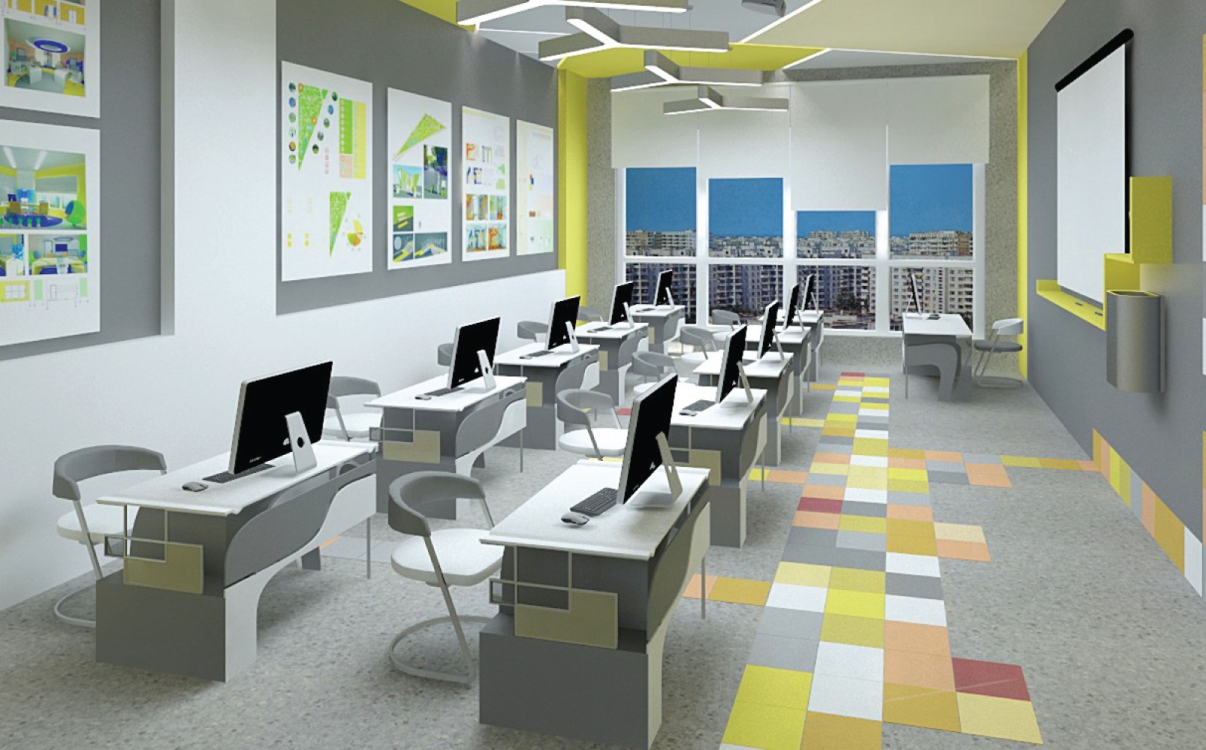
Pros and Cons of Certified vs. Non-Certified School Furniture
In the race to attract students, many private universities focus on investing in internationally standardized furniture. So, what are the differences between standard and non-standard furniture? How do the advantages and disadvantages of each affect the quality of education and the school’s brand image?
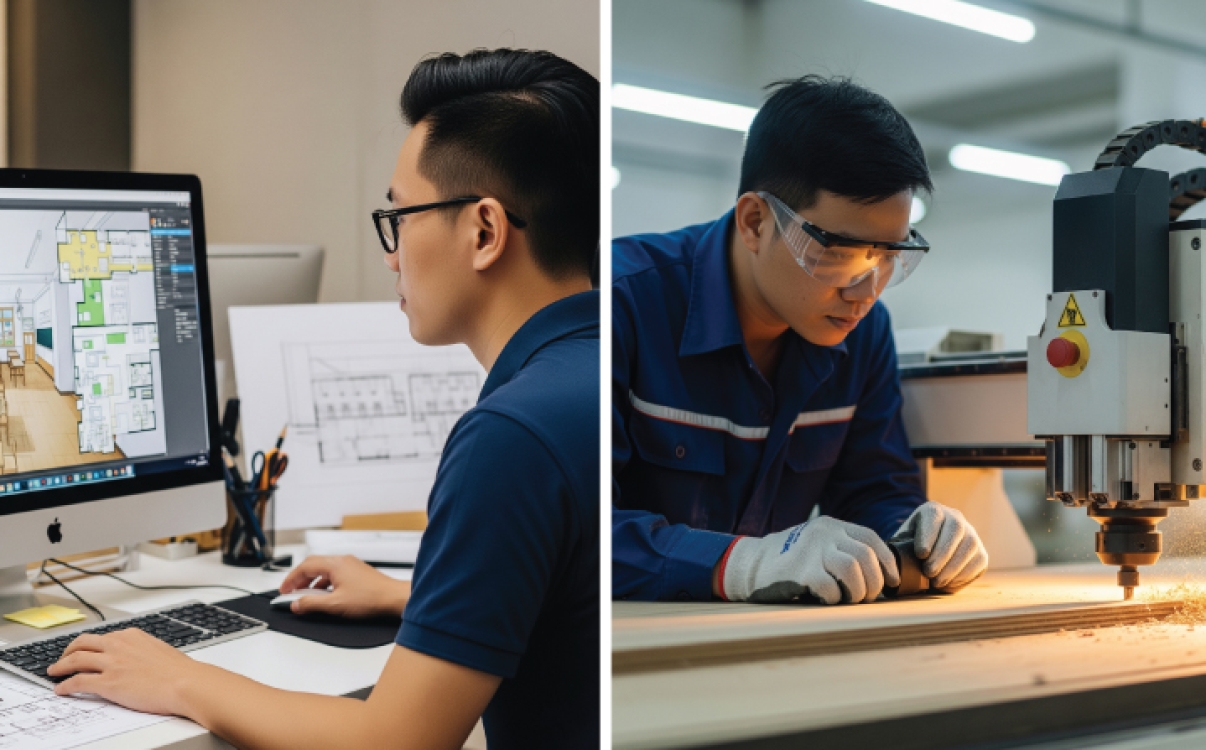
Transparent and Technically Standardized Process for Manufacturing and Installing School Furniture
A transparent production and construction process for school furniture that meets technical standards not only ensures modern facilities but also reflects a long-term educational vision. A learning space designed with proper aesthetics, functionality, and technical standards enhances concentration, inspires learning, and protects students’ health.

Transparent quotation process in school furniture implementation
A transparent quotation process in school furniture implementation not only helps schools choose the right solutions but also ensures transparency, accuracy, and financial efficiency. This serves as a vital foundation for sustainable investments in student desks, libraries, self-study rooms, and event spaces.
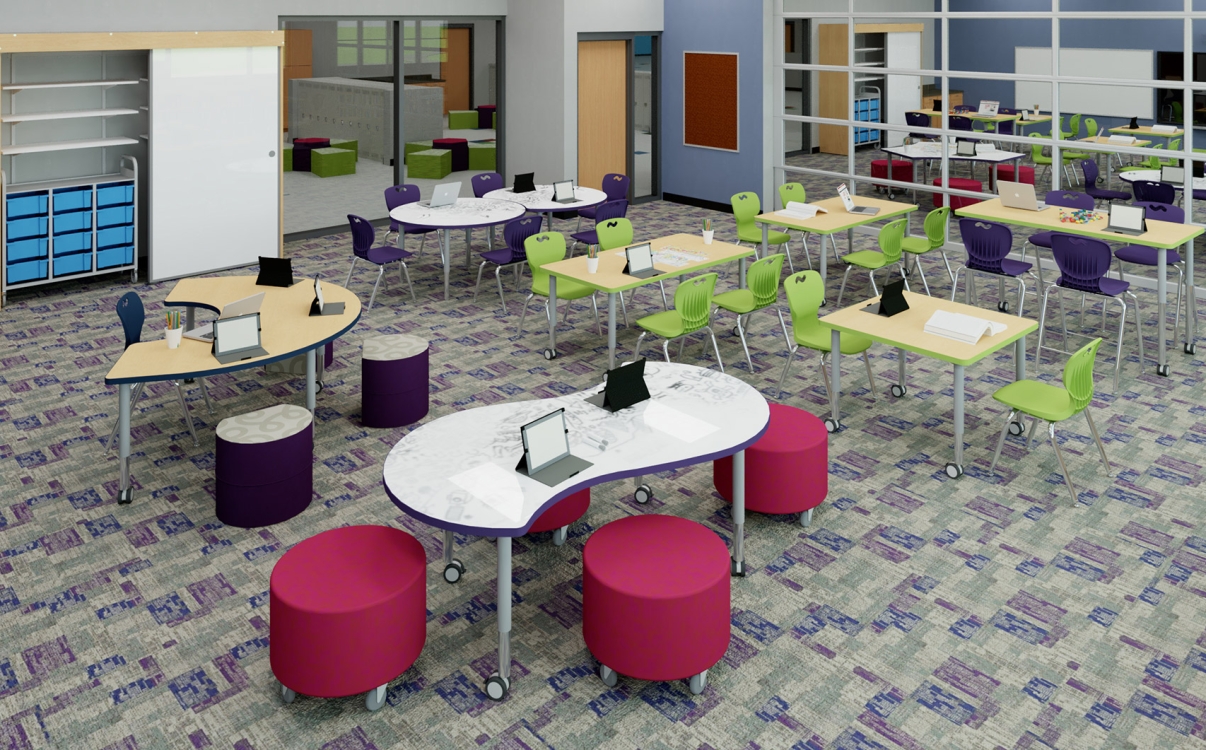
How to Control Cost Risks When Investing in University Interior Design?
Controlling cost risks is a major challenge for universities when investing in modern furniture. How can they upgrade facilities, meet learning needs, and at the same time optimize budgets while ensuring long-term financial security?
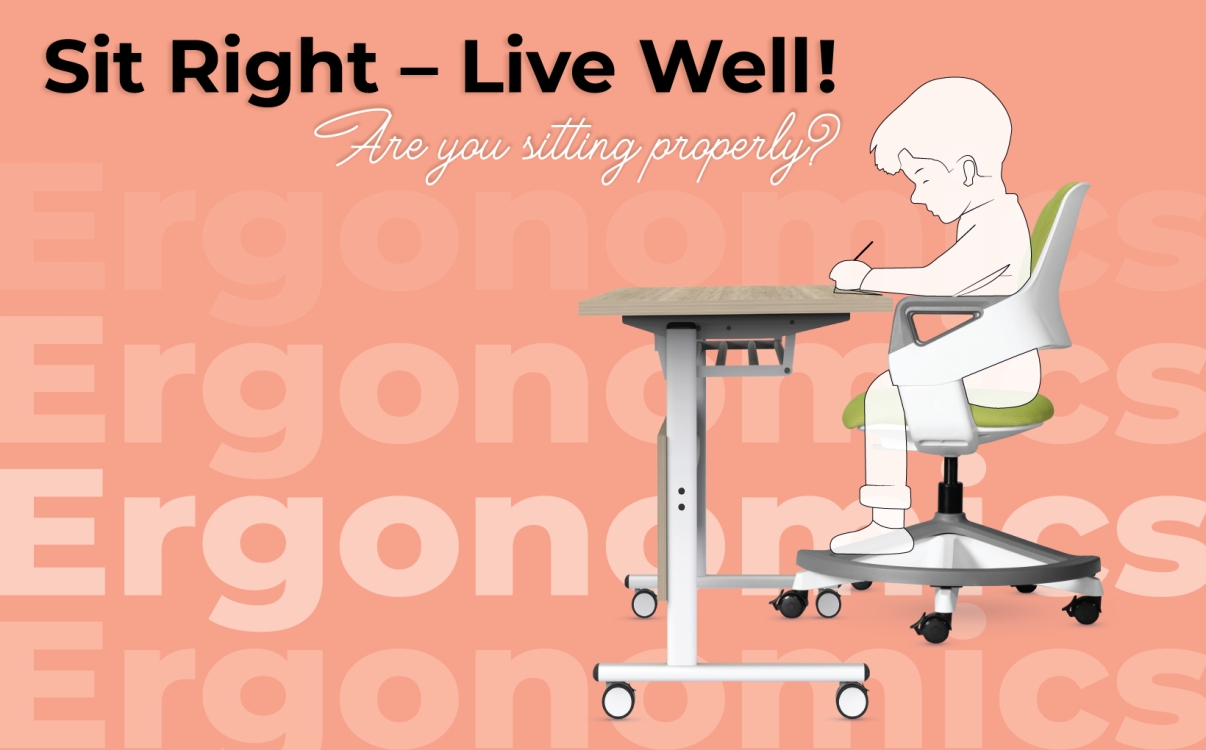
The Secret to Proper Sitting Posture for Students: Correct Posture, Ergonomic Furniture, Optimal Learning
Discover the correct sitting posture for students and how to choose ergonomic furniture to protect the spine, enhance focus, and promote overall development.

What interior materials should be used to ensure the health and safety of students?
In the school environment, desks and chairs must not only be durable and functional but also absolutely safe for students' health. Choosing the right interior materials plays a crucial role in creating a healthy, environmentally friendly learning space.

BIFMA – School Furniture Standards That Protect Student Health
BIFMA certification is an international standard that evaluates the quality, safety, and performance of furniture products, particularly in educational environments. Choosing BIFMA-certified furniture not only ensures safety and comfort for users but also reflects a school’s professional and sustainable investment.
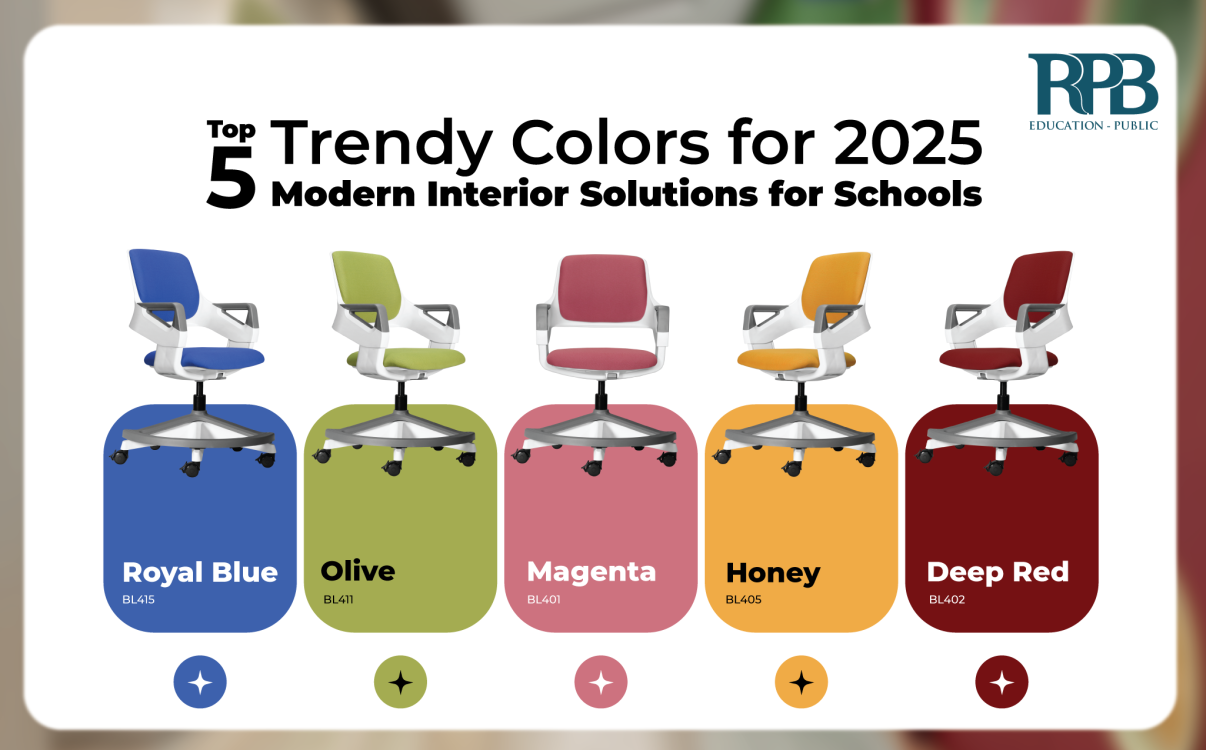
5 Trendy Colors for Classrooms in 2025 – Creating an Inspiring Learning Environment
The year 2025 marks the rise of color trends that enhance creativity and emotional connection within educational spaces. Choosing the right colors not only impacts aesthetics but also significantly affects students’ psychology and learning performance.
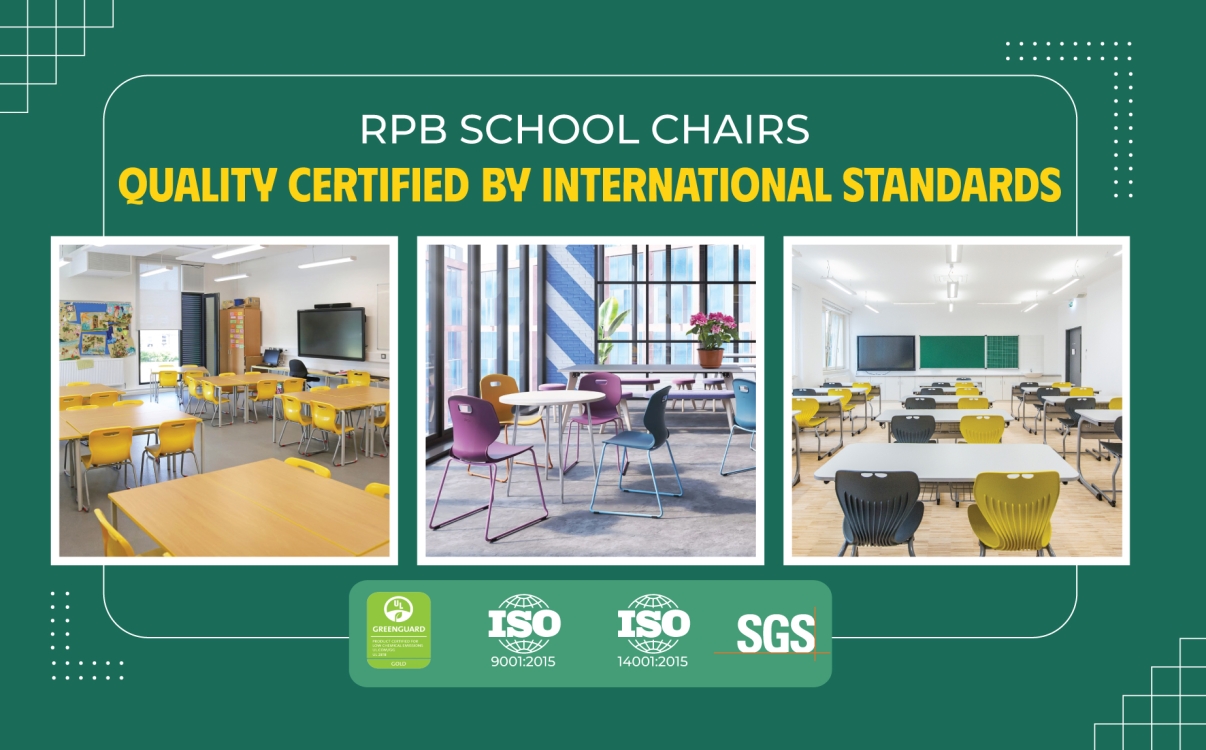
RPB Education & Public desks and chairs meet international quality standards, ensuring safety for students
At RPB Education & Public, we are committed to providing high-quality school furniture that is safe, durable, and environmentally friendly.
5 Learning Space Design Trends for 2025
Today's learning spaces are not just places for acquiring knowledge but also environments that foster creativity, connection, and holistic development for learners.